

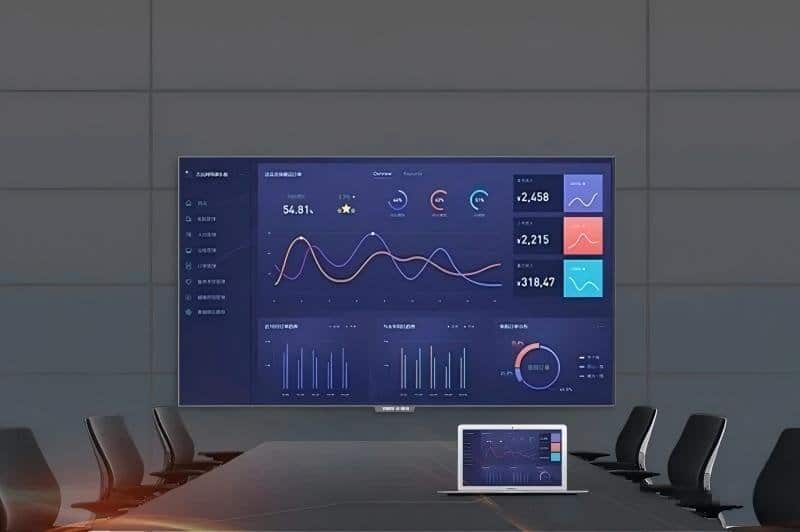

Deploying a professional Government Conference Touch Display provides modern collaborative spaces with an advanced digital presentation hub. With the continuous advancement of digital transformation in public administration, government agencies have established increasingly stringent requirements for meeting equipment integration, collaborative efficiency, information governance, and data security. Conference rooms in administrative offices not only host executive policy deliberations, inter-agency working sessions, departmental training, and official public briefings, but also embody the institution’s professionalism and modern administrative image.
Traditional public-sector meeting spaces typically combine projectors, projection screens, standalone audio systems, and discrete desktop PCs, leading to complex wiring and cumbersome system management. In terms of meeting collaboration, paper document distribution, manual on-site annotations, cumbersome remote teleconferencing, and fragmented meeting minutes place a heavy administrative burden on daily workflows.
An intelligent conference all-in-one machine consolidates large-format visual display, touch interactivity, and specialized meeting applications into a unified platform. Depending on configuration, it supports wireless screen casting, remote video conferencing, and automated document management—providing a clean, flexible display and collaboration solution for government meeting rooms, reception suites, briefing halls, and training rooms.
01 Minimalist Integrated Design Enhances Administrative Image with a Government Conference Touch Display
Government conferences and official receptions place a high priority on orderly, dignified spatial environments. Traditional meeting setups—featuring separate projectors, motorized screens, external speakers, standalone webcams, and desktop PCs—require individual wiring and patching, significantly inflating cable clutter and facility maintenance overhead.
The intelligent conference all-in-one machine employs an integrated industrial design that houses large-format visual display and responsive touch control within a single chassis. Select configurations integrate built-in optical cameras, microphone arrays, front-facing speakers, and modular computing modules (OPS), eliminating external peripheral clutter and delivering a clean, orderly conference environment.
Across routine operational meetings, policy analysis sessions, specialized seminars, and official public briefings, an orderly equipment footprint elevates spatial aesthetics while concentrating attendee attention on the central visual presentation.
For government facilities of varied scales, selecting appropriate display sizes and hardware configurations based on room area, viewing distance, seating capacity, mounting conditions, and AV requirements ensures visual technology harmonizes seamlessly with the administrative interior.
02 End-to-End Collaboration Spanning Pre-Meeting, In-Meeting, and Post-Meeting Workflows
Public-sector conferences encompass extensive procedural workflows: agenda preparation, policy deliberations, task allocation, and archival record-keeping. Anchored by specialized hardware, tailored software, and administrative platforms, the smart conference display supports every stage of the meeting lifecycle.
Pre-Meeting Preparation: Centralized Presentation of Meeting Materials
Prior to an official session, administrative staff must compile agendas, review briefing files, and verify presentation equipment. Through compatible computer connections, local storage access, or dedicated meeting management systems, relevant assets can be loaded centrally, allowing attendees to review agendas and briefing materials smoothly.
Where supported by facility software, room reservation, automated agenda distribution, and digital document dispatch further streamline preparation workflows. Concrete capabilities depend on the management software in place and should align with existing administrative procedures.
In-Meeting Collaboration: High-Definition Clarity and Interactive Touch Writing
Visual display clarity directly dictates the readability of policy documents, legislative texts, statistical spreadsheets, GIS maps, and briefing presentations. High-resolution commercial displays enable attendees to discern small fonts, fine spreadsheet rows, and graphic details with ease, significantly improving visual comprehension.
Touch-enabled displays facilitate live on-screen markup, critical point highlighting, dynamic handwriting, and real-time proposal adjustments. Select models support multi-touch interaction, allowing several officials to annotate documents collaboratively on the same screen. Concrete touch point counts, writing latency, and annotation toolkits depend on product specifications.
Wireless screen casting allows authorized laptops, tablets, and mobile devices to mirror screens effortlessly, cutting out repetitive cable plugging and unplugging. Establishing a secure, well-managed wireless projection network greatly elevates presentation agility.
Remote Communication: Supporting Inter-Agency and Cross-Regional Coordination
For inter-departmental and cross-regional public administrative meetings, the smart conference display connects with cameras, microphone arrays, acoustic speakers, and certified video conferencing platforms to deliver seamless audiovisual communication and synchronized screen sharing.
Select configurations support intelligent auto-framing, active speaker tracking, and AI noise suppression, though these capabilities depend on optical hardware, DSP algorithms, UC platforms, and room acoustics. Video resolution, voice clarity, and streaming stability are also governed by network bandwidth and peripheral integration.
In policy research, regional inter-agency coordination, and remote public-sector training, properly configured audiovisual systems eliminate geographical barriers and ensure seamless communication between local and remote participants.
Post-Meeting Follow-Up: Convenient Preservation and Archival of Official Records
Promptly archiving discussion summaries and approved directives after a meeting concludes is critical for administrative follow-through. Conference machines with compatible software can record screen annotations, slide presentations, and whiteboard canvases, with select platforms offering audio transcription, meeting recaps, categorized storage, and controlled file sharing.
For official records requiring long-term archival, establish strict file storage paths, role-based access permissions, backup policies, and retention schedules in line with institutional records management protocols. Highly confidential documents must be processed strictly through designated institutional channels rather than unvetted public transfer methods.
03 Prioritizing Information Security in Public-Sector Deployments
Government administration enforces rigorous standards for information security, data confidentiality, and system compliance. Especially in meeting spaces handling internal administrative assets or sensitive policy data, equipment procurement must never focus solely on display resolution and interactive features.
When planning smart conference display installations, rigorously assess the operating system, underlying hardware architecture, software provenance, network connectivity modes, local data storage paths, and role-based access controls. For projects subject to domestic localization (secure and controllable) mandates, confirm that processors, operating systems, firmware, and office applications comply fully with mandated compatibility standards.
Certain commercial conference systems offer local-only file storage, role-based authentication, audit logging, and automated memory wiping upon session close; however, capabilities vary across hardware models and software ecosystems. Any deployment handling sensitive information must undergo a comprehensive institutional security audit to ensure equipment and software meet mandatory safety criteria.
Importantly, standard commercial conference displays must never be assumed suitable for classified government meetings simply because they offer local storage, password protections, or data clearing features. Classified environments require officially certified, specialized equipment subject to formal evaluations, accompanied by mandated physical security protocols.
Where administrative duties require running varied office platforms, verify OS compatibility, processor architectures, peripheral drivers, and enterprise software beforehand. For systems featuring dual-OS switching (Android and Windows OPS), validate system stability and switching workflows under real-world operational testing.
04 Multi-Scenario Versatility Optimizes Facility Resource Allocation
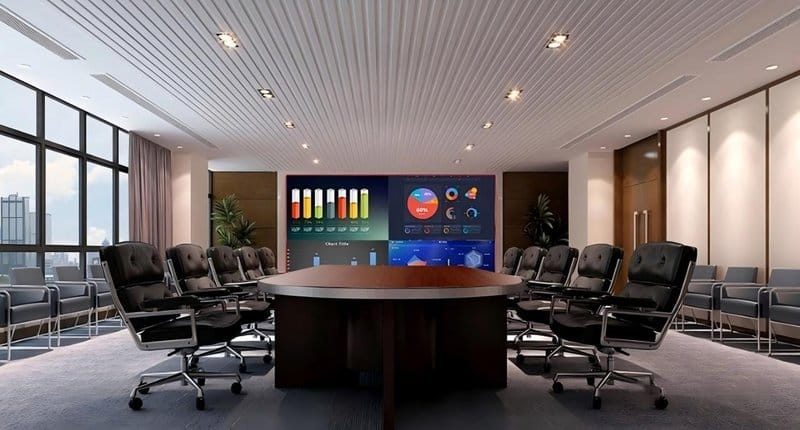
Government agencies feature varied spatial facilities with diverse operational requirements. Compact meeting rooms emphasize daily departmental check-ins and document reviews; mid-sized and large boardrooms demand larger display areas; lecture halls and training academies require balanced viewing distances, broad audience capacities, and powerful AV coverage.
Intelligent conference all-in-one machines adapt across the following public-sector scenarios:
– Routine Administrative Standups: Presenting weekly work schedules, action checklists, performance metrics, and official briefs.
– Policy Seminars & Proposal Deliberations: Utilizing touch annotations and document sharing to analyze policy initiatives.
– Civil Service Training & Policy Briefings: Displaying courseware, instructional videos, organizational charts, and training guides.
– Inter-Agency Coordination Conferences: Connecting with certified video conferencing platforms for remote inter-departmental collaboration.
– Official Briefings & Delegations: Delivering authoritative visual presentations within an uncluttered, modern conference environment.
Display formats can be selected from available product lines, including 55-inch, 65-inch, 75-inch, 86-inch, 98-inch, and 110-inch specifications. Evaluate screen size in conjunction with viewing distance, wall space, resolution, I/O ports, and ongoing maintenance access rather than focusing solely on screen diagonal.
Careful equipment planning eliminates hardware redundancy, aligning visual collaboration systems with real administrative workflows while delivering daily operational convenience and manageable long-term oversight.
ZXTLCD Intelligent Display Solutions: Supporting Modern Government Facilities
The digital transformation of administrative offices requires far more than modernizing display screens; it demands the systematic alignment of meeting workflows, system compatibility, document archiving, and information security. By combining integrated display architecture with interactive touch features, smart conference all-in-one displays provide flexible technical support for executive briefings, policy reviews, staff training, and remote collaboration.
ZXTLCD provides commercial and professional display products and comprehensive turnkey solutions, assisting public-sector clients in tailoring equipment configurations to room dimensions, visual specifications, interface requirements, and system compatibility mandates. For government and public-sector projects with specialized data governance requirements, ZXTLCD helps verify compliance standards, hardware specifications, and administrative workflows prior to implementation—ensuring display solutions harmonize perfectly with institutional demands. In summary, choosing a reliable Government Conference Touch Display solution enhances team engagement, streamlines video conferencing, and elevates overall meeting productivity.
Looking for customized Government Conference Touch Display hardware, interactive flat panels (IFPD), or OEM/ODM smart board solutions? Feel free to contact the ZXTLCD engineering team for free consultations, product specifications, and tailored volume pricing.