

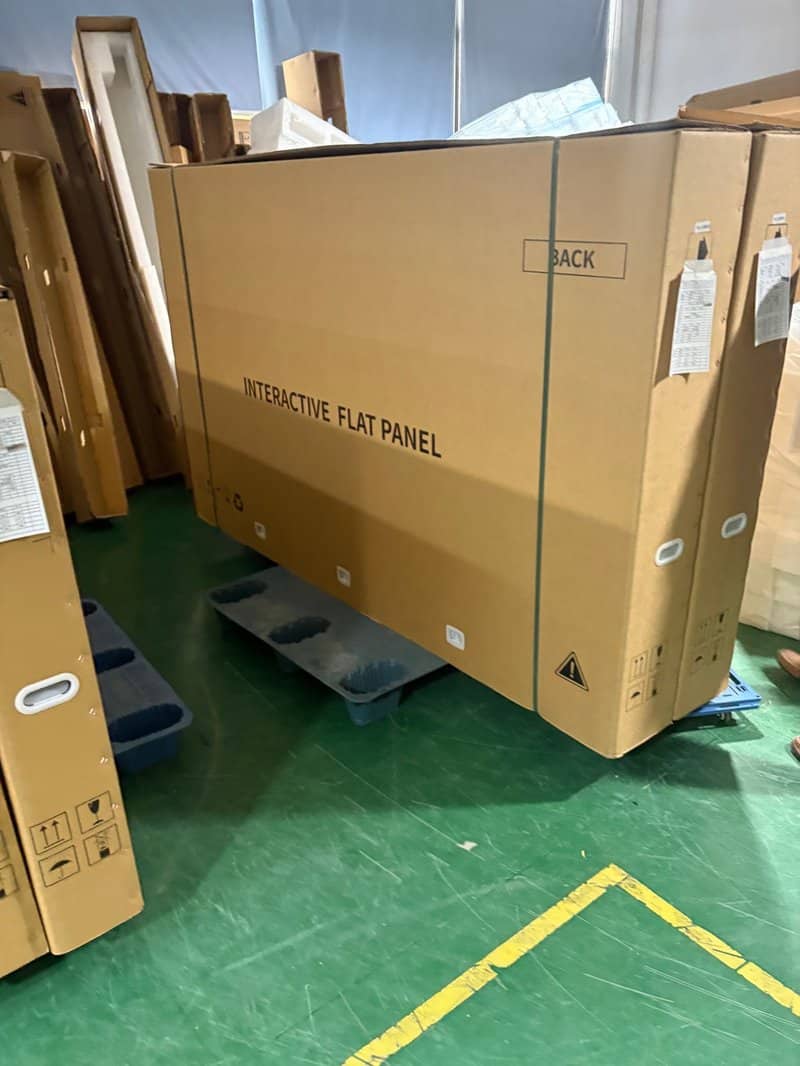

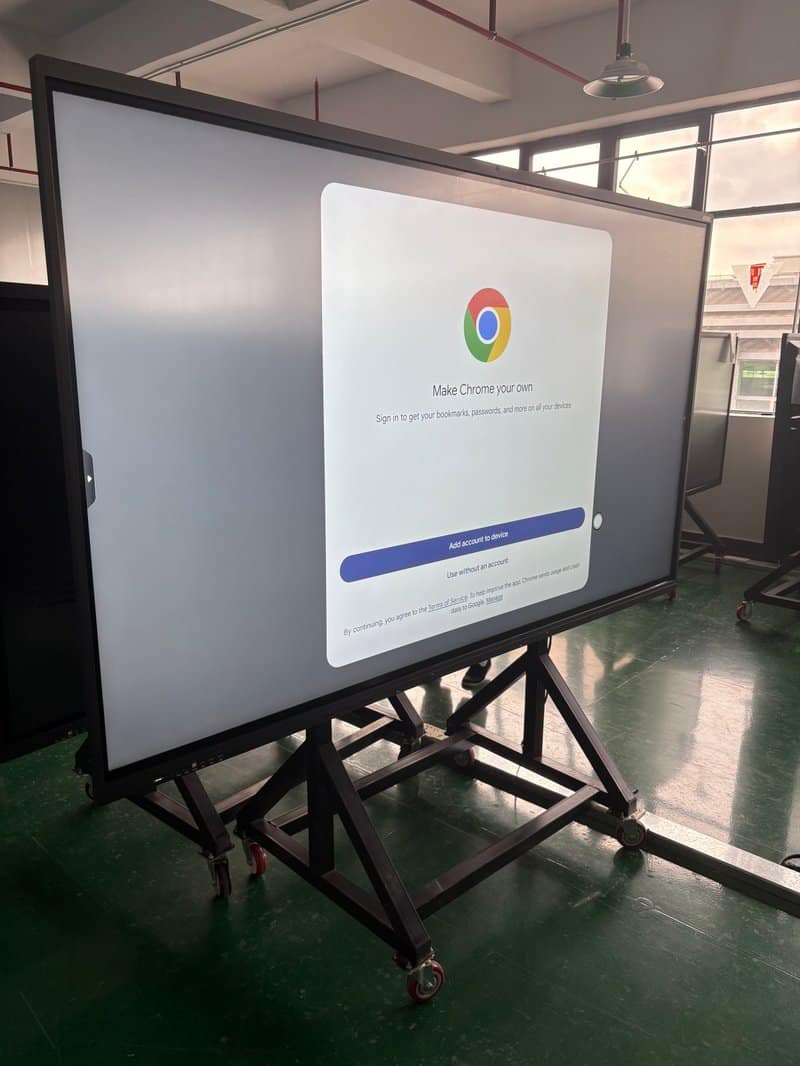
Deploying a professional Interactive Flat Panel Screen Cleaning provides modern collaborative spaces with an advanced digital presentation hub. Conference flat panels, commonly referred to as interactive smart panels or Interactive Flat Panel Displays (IFPDs), are commercial-grade display systems that integrate high-definition visualization, intuitive touch interaction, and rich multimedia processing into a single sleek chassis. Many enterprise-grade conference flat panels also feature built-in video conferencing capabilities, wireless screen mirroring, and cross-platform remote collaboration tools, enabling teams in dispersed locations to communicate, brainstorm, and collaborate effortlessly.
As sophisticated commercial hardware combining large-format display panels, precision touch sensor overlays, and complex internal electronic circuitry, an IFPD’s operational stability, touch accuracy, and visual fidelity are heavily influenced by its operating environment and daily maintenance practices. Conducting proper daily cleaning, maintaining environmental safeguards, and executing routine electrical safety checks will minimize unnecessary hardware breakdowns and ensure long-term uninterrupted performance.
How to Clean and Maintain a Conference Flat Panel with a Interactive Flat Panel Screen Cleaning
1. Avoid Extended Exposure to Direct Sunlight
The physical installation environment of a conference flat panel plays a decisive role in its display performance and component lifespan. Prolonged exposure to intense direct sunlight can drastically increase screen surface temperatures, add severe thermal stress to underlying LCD/LED panels and internal electronic circuitry, and compromise normal system operation.
Conference interactive panels are designed primarily for indoor meeting environments and should never be deployed under conditions intended for outdoor digital signage displays. Always consult the specific product manual for the certified operating temperature range. During installation, avoid positioning the display directly opposite south-facing windows or beneath unshaded skylights, and always preserve adequate ventilation clearance around the chassis.
2. Maintain a Dry Operating Environment
Conference flat panels contain delicate display modules, multi-touch sensor frames, power supply boards, and sensitive computing circuit boards. Prolonged exposure to high ambient humidity increases the danger of terminal connector oxidation, metal structural corrosion, and catastrophic electrical short circuits.
In daily operation, keep meeting rooms well-ventilated and dry, ensuring the display panel is kept well away from water dispensers, humidifiers, plant watering zones, or air-conditioning condensation drips. Monitor room humidity levels to verify they remain within manufacturer-specified operational limits. If internal condensation or moisture ingress is detected, immediately power down the display, disconnect the power cord, and have certified technicians inspect the unit thoroughly before restoring electrical power.
3. Avoid Using Excessively Wet Cloths on the Display Screen
When cleaning an interactive conference display screen, never use dripping-wet towels or cloths containing excessive moisture. If liquid creeps into the screen bezel, perimeter touch frame, peripheral interface ports, or housing ventilation slots, it can trigger optical/infrared touch distortion, corrode internal circuitry, and cause permanent hardware failure.
Always shut down the equipment completely and consult the manufacturer’s manual before proceeding with surface cleaning. Use a dry, clean, lint-free microfiber cloth to gently wipe the screen surface. When a specialized display cleaning solution is necessary, confirm that it is chemically compatible with commercial anti-glare (AG) or tempered glass coatings. Always spray a minimal mist onto the microfiber cloth first rather than spraying directly onto the glass panel.
4. Do Not Use Corrosive or Harsh Chemical Cleaners
When cleaning the exterior chassis, frame bezels, and back cover of a conference flat panel, avoid strong acids, highly alkaline agents, solvent-based industrial degreasers, or abrasive cleaning products that can strip protective surface coatings. These harsh substances can induce plastic housing discoloration, chemical embrittlement, cosmetic degradation, and material breakdown.
For routine airborne dust and minor surface smudges, gently wipe the housing with a soft, clean microfiber cloth. If deeper cleaning is required, select approved commercial screen and electronics cleaning products as recommended in the user manual. Never assume that any household cleaner can be safely wiped on and rinsed off. After cleaning, ensure all surfaces and connector ports are completely dry before turning the unit back on.
5. Use Soft Microfiber Cloths for Screen Wiping
The screen of a conference interactive flat panel must maintain crisp optical clarity and flawless touch responsiveness. When cleaning, strictly avoid coarse cotton towels, paper tissues, scouring pads, or cloths containing abrasive particles, as these can easily micro-scratch the anti-glare glass coating and degrade user touch and stylus writing experiences.
Always use a clean, ultra-soft microfiber cloth, wiping with light, gentle strokes without exerting heavy localized pressure against the panel. For stubborn, dried-on smudges, never attempt to scrape them off with utility blades, plastic scrapers, or fingernails, and avoid resorting to unverified chemical solvents.
6. Rationally Manage Device Operational Cycles
Conference flat panels are engineered to support long, continuous business operations throughout the workday. However, during extended running periods, ongoing attention should still be paid to adequate thermal dissipation and overall operating conditions.
During use, ensure that cooling vents and fan exhausts remain unobstructed by paperwork, banners, or decorative items. If the display exhibits excessive localized heat, spontaneous system reboots, or visual display flickering, immediately inspect the surrounding ventilation and follow the guidance in the product manual.
When the conference room is unoccupied, turn off the display panel or execute a standard operating system shutdown according to corporate facility management protocols. For commercial settings requiring extended display uptime, adhere strictly to manufacturer operational duty specifications rather than relying on aggressive, repetitive power cycling as a maintenance routine.
7. Regularly Clean External Dust Accumulation
In typical commercial meeting spaces, conference flat panels naturally gather airborne dust over time, particularly across the upper frame, rear ventilation louvers, cooling intake grilles, and I/O interface recesses. Excessive dust buildup degrades heat dissipation efficiency and increases the risk of port contact resistance and signal degradation.
Establish a regular schedule to inspect the chassis exterior and cooling pathways. After properly shutting down the system, switching off the main power switch, and verifying that the unit is fully disconnected from AC power, gently wipe away accumulated external dust with a soft, dry cloth.
Never spray liquid cleaners into cooling vents or connector ports, and do not attempt to dismantle the chassis to clean internal components unless you are a qualified technician equipped with certified tools. If substantial dust accumulation occurs inside internal cooling fans and heatsinks, contact professional technical support for on-site servicing.
8. Never Disassemble the Equipment Without Authorization
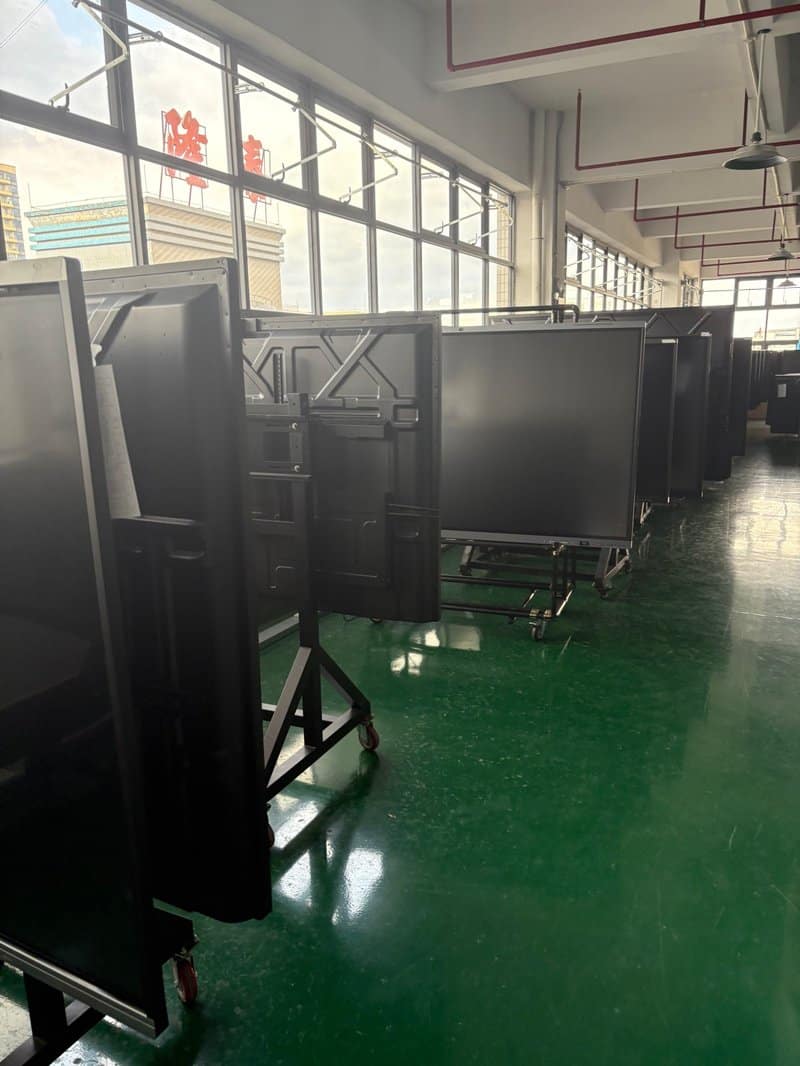
Commercial conference flat panels seamlessly integrate large-scale display panels, multi-point touch sensing modules, high-efficiency power supplies, and integrated computing motherboards (such as Android SOCs or Windows OPS modules). Their internal mechanical structures, high-voltage power paths, and sensitive ribbon cables are intricate. Unauthorized disassembly by untrained individuals can tear fragile ribbon cables, damage connector pins, short out circuit boards, and create severe electrical shock hazards.
If the display encounters fatal issues—such as failure to boot, total touch unresponsiveness, display panel distortion, or internal power failures—carry out only the non-invasive checks outlined in the user guide, then promptly escalate the issue to certified technical support personnel. Under no circumstances should non-certified personnel attempt to disassemble or repair power boards, motherboard components, or internal cabling.
9. Properly Disconnect Power During Long Inactive Periods
When a conference flat panel will remain out of service for extended periods—such as corporate holidays or office relocations—execute a standard operating system shutdown first, then turn off the primary hardware power switch before disconnecting the main power plug from the AC wall outlet.
Before handling power plugs, ensure hands and the surrounding workspace are completely dry, and always grasp the molded plug head firmly rather than tugging on the flexible power cord. If the power cable, plug prongs, or wall receptacle show signs of fraying, loose fit, scorch marks, or abnormal warmth, take the equipment out of service immediately and replace the affected components.
Prior to re-commissioning the display after a long dormant period, thoroughly inspect the power connection, physical chassis integrity, and ambient room conditions. Once verified safe, power up the system in accordance with the user manual.
Summary
Routine maintenance and care for commercial conference flat panels centers on maintaining an optimal indoor environment, preventing direct sunlight degradation, implementing gentle and moisture-controlled screen cleaning techniques, systematically removing external dust, and adhering strictly to electrical safety and operational standards.
For ZXTLCD commercial display products and interactive conference solutions, following these standard care practices guarantees prolonged hardware reliability, superior visual performance, and uninterrupted collaboration across all enterprise meeting environments. In summary, choosing a reliable Interactive Flat Panel Screen Cleaning solution enhances team engagement, streamlines video conferencing, and elevates overall meeting productivity.
Looking for customized Interactive Flat Panel Screen Cleaning hardware, interactive flat panels (IFPD), or OEM/ODM smart board solutions? Feel free to contact the ZXTLCD engineering team for free consultations, product specifications, and tailored volume pricing.