

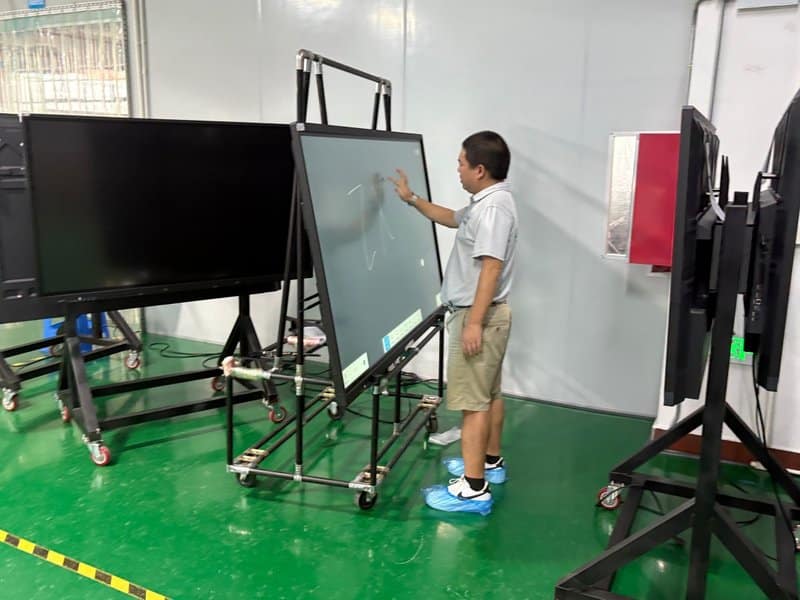

Deploying a professional Interactive Flat Panel vs Projector provides modern collaborative spaces with an advanced digital presentation hub. With the continuous evolution of display technology and digital collaboration tools, enterprise demands for conference equipment are no longer confined to basic visual presentation. Modern meetings require on-screen annotation, real-time content sharing, automated record-keeping, and seamless remote communication. While traditional projection equipment remains practical in many scenarios, conference all-in-one displays (interactive flat panels) offer a superior, integrated solution for environments demanding frequent interaction, real-time markup, and multi-device collaboration.
A conference all-in-one display typically consolidates high-definition visual display, interactive touch writing, and multimedia processing into a unified chassis. Selected configurations also feature wireless screen casting, digital whiteboards, and video conferencing capabilities. By eliminating awkward switching between standalone peripherals, these displays make presentation workflows and group discussions significantly more cohesive across enterprise boardrooms, financial institutions, healthcare facilities, broadcast studios, and educational training centers.
Interactive Flat Panel vs Projector: 1. High-Definition Display and Anti-Glare Design: Enhancing Content Visibility
Meetings routinely involve presentations, financial spreadsheets, product blueprints, and high-resolution video assets. Display quality directly governs how comfortably attendees read fine text and analyze technical details.
Many conference all-in-one displays feature 4K Ultra-HD panels with resolutions up to 3840×2160, delivering rich visual nuance and sharp image rendering. Paired with balanced brightness, high contrast ratios, and broad color reproduction, they readily satisfy the rigorous demands of document reading, complex chart analysis, and multimedia presentations.
In meeting rooms illuminated by overhead fixtures or natural window lighting, screens equipped with anti-glare (AG) surface treatments significantly diminish ambient light reflections, ensuring an optimal viewing experience from every seat in the room.
It is worth noting that real-world visual performance depends on panel size, display specifications, luminance, color gamut, and ambient lighting conditions. When selecting hardware, organizations should assess room dimensions, viewing distances, and primary presentation formats holistically, rather than relying solely on raw resolution or gamut figures.
2. Smart Digital Whiteboard: Making Team Discussions More Intuitive
The interactive digital whiteboard is one of the standout capabilities of a conference all-in-one machine. It enables presenters to log meeting minutes, map out operational workflows, sketch concept diagrams, and annotate presentation materials on the fly.
Depending on hardware specifications, modern digital whiteboards support multi-point touch, fluid continuous handwriting, canvas expansion, shape recognition, object duplication, and intuitive gesture-based erasing. Presenters can highlight critical talking points during discussions and reorganize layouts on demand.
Complementary whiteboard software frequently provides table insertion, geometric shape assistants, page thumbnail overviews, and customizable pen palettes, helping teams structure complex data effectively. For collaborative sessions involving multiple contributors, organizations should verify the supported simultaneous touch points and real-world stylus responsiveness.
Smart whiteboards also support seamless session saving and export. Systems generally allow export into image formats, PDF, or proprietary editable files for subsequent review. Additional options such as QR-code sharing, cloud repository sync, and encrypted transmission can be configured according to software releases, network architecture, and security policies.
3. Split-Screen Multitasking and Real-Time Annotation: Improving Comparative Analysis
Project evaluations, technical reviews, and data analysis meetings frequently require reviewing multiple files simultaneously. Continuously toggling between software windows can interrupt discussion momentum.
Select conference all-in-one displays feature multi-window split-screen functionality, allowing simultaneous display of distinct input sources or application feeds on a single canvas. For instance, teams can display project performance metrics on one side while referencing implementation blueprints on the other, facilitating effortless cross-referencing.
On systems supporting direct touch annotation, users can highlight key data, circle issues, or jot notes directly over active content, eliminating tedious switching between individual presenter devices.
Because split-screen ratios, concurrent application limits, and markup workflows vary across different hardware platforms, verifying software compatibility and user responsiveness ahead of deployment is recommended for specialized tools or high-complexity presentations.
4. Welcome Screen and Branded Display: Fulfilling Diverse Hospitality Needs
Beyond regular internal collaboration, conference rooms frequently host client delegations, technical exchanges, corporate seminars, and special product showcases.
Many conference all-in-one displays or bundled software suites support customizable welcome screens, conference themes, and event agendas. By updating titles, corporate imagery, and event details, administrative staff can craft polished visual presentations tailored to different guests.
Select platforms also offer interactive electronic guest sign-in walls, visitor message boards, and interactive commemorative displays, adding a high-tech touch to guest reception and event check-ins.
These capabilities are typically software-driven; available template counts, editing workflows, and storage capacities vary by system. For corporate environments with strict brand identity guidelines, attention should also be paid to layout flexibility, graphic scaling ratios, and content management convenience.
5. One-Touch Screen Capture: Rapidly Archiving Critical Insights
During fast-paced discussions, attendees often need to capture key charts, web pages, or live whiteboard annotations.
When hardware or underlying operating systems support native screen capture, presenters can instantly save the current display frame as an image file for post-meeting documentation. Certain platforms also allow captured screens to be directly marked up or embedded into official meeting minutes.
Organizations should standardize capture storage paths and naming conventions to prevent important assets from becoming scattered across local directories. For captures containing proprietary IP, customer records, or confidential data, compliance with corporate data protection standards remains essential.
6. Meeting Screen Recording: Streamlining Post-Meeting Reviews and Training
For technical architecture reviews, software training walkthroughs, and procedural demonstrations, screen recording functionality provides an efficient way to capture display interactions and presentation flows.
Conference all-in-one displays can achieve screen recording through native operating system features, bundled collaboration tools, or third-party meeting software. If synchronizing in-room audio and remote participant feeds is required, teams must verify that audio capture peripherals, video conferencing clients, and user recording permissions are properly configured.
Screen recording features vary across devices; overall capture quality depends on system processing power, recording resolution, storage capacity, and integrated AV peripherals.
For high-stakes meetings, conducting a dry run to verify recording stability, storage destinations, access permissions, and distribution workflows is always recommended.
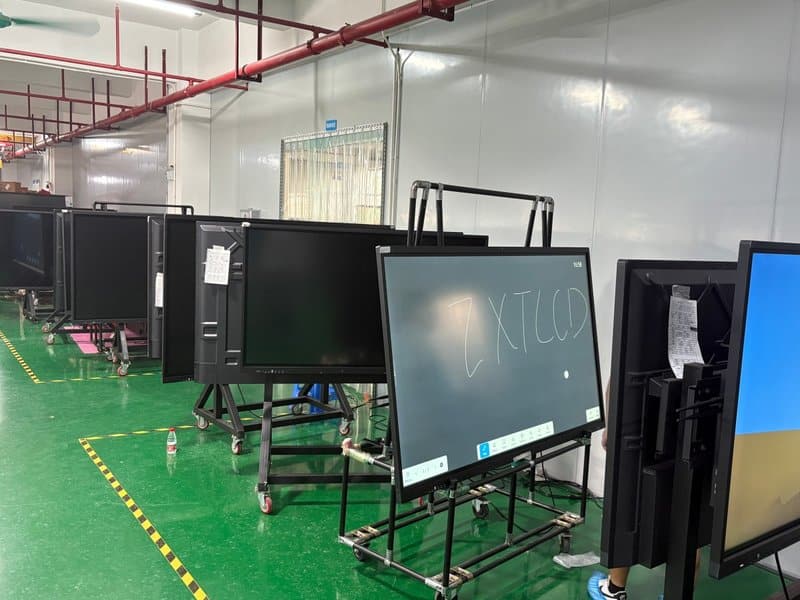
7. QR-Code Saving and File Sharing: Eliminating Post-Meeting Friction
In traditional meeting rooms, whiteboards must be photographed with smartphones or manually transcribed into text documents. Conference all-in-one machines equipped with digital whiteboard save functions allow writing contents and discussion notes to be exported instantly.
Depending on software configuration, export formats include image files, PDF documents, and proprietary whiteboard project files. Many systems generate an on-screen QR code that participants can scan with their smartphones to download materials immediately, while others support distribution via corporate email or mapped network storage.
When subsequent editing is required, users should ensure the exported format remains editable in compatible desktop software. QR-code sharing and cloud storage options should also be aligned with corporate network security policies, access controls, and data confidentiality guidelines.
Standardizing how meeting records are saved and circulated significantly reduces repetitive administrative overhead and ensures action items are readily accessible.
8. Wireless Screen Casting: Freeing Presentations from Cable Constraints
Conference all-in-one displays generally support both wired and wireless screen casting, enabling laptops, tablets, and smartphones to mirror content effortlessly to the main interactive display.
Wireless screen sharing removes the clutter and physical limitations of video cables, making it ideal for ad-hoc presentations, rapid content sharing, and multi-device collaboration. Selected systems allow multiple devices to present alternately or project side-by-side on a split screen.
Advanced wireless collaboration solutions also feature touch-back reverse control, enabling presenters to operate connected laptops directly from the interactive flat panel. However, feature availability depends on hardware, operating systems, and casting client software.
To guarantee a smooth presentation experience, teams should verify device compatibility, Wi-Fi bandwidth, connection permissions, and transmission protocols prior to deployment. In high-security environments or where wireless interference exists, wired HDMI or USB-C connections remain an excellent fallback.
9. Remote Video Conferencing: Connecting Distributed Teams Seamlessly
For geographically dispersed teams, remote training programs, and multi-branch project management, conference all-in-one displays integrate seamlessly with mainstream video conferencing software and AV hardware.
Depending on hardware specifications, the display system uses integrated or external cameras to capture in-room visuals, microphone arrays to pick up clear speech, and the large display panel to present remote participants alongside shared collateral. Paired with tuned acoustic speakers and robust network connections, this setup substantially streamlines remote collaboration.
Advanced solutions also support real-time screen sharing, remote collaborative annotation, and synchronized document browsing, ensuring in-room and remote attendees work from identical visual references.
Video smoothness, audio intelligibility, and latency are shaped by network stability, camera optics, microphone beamforming, meeting software performance, and host processing load. An all-in-one display should be complemented by suitable network and AV configurations to achieve optimal conferencing results.
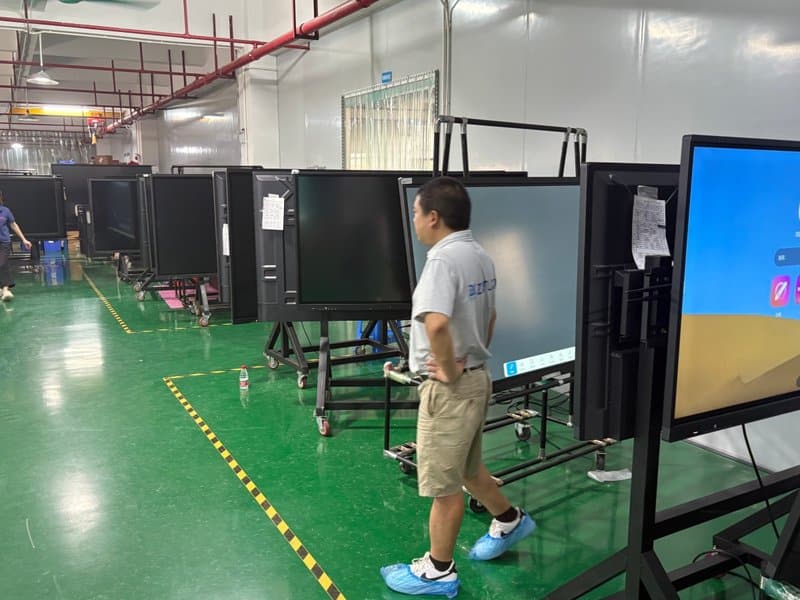
10. Conference All-in-One Displays vs. Traditional Projectors: How to Choose?
Traditional projectors and conference all-in-one displays each have distinct strengths. Selection should center on how the meeting room is actually utilized, rather than assuming one technology universally replaces the other.
A conference all-in-one display is ideally suited for:
– Meetings requiring frequent interactive writing, real-time annotation, and active multi-user participation.
– Conference spaces seeking to consolidate display, interactive touch, and content presentation into a single sleek device.
– Collaborative workspaces with heavy workflows involving spreadsheets, blueprints, financial charts, and digital assets.
– Scenarios requiring native wireless casting and integrated remote video conferencing workflows.
A traditional projector remains practical when:
– The space is primarily used for large-scale passive viewing with minimal demand for touch interaction or live annotation.
– A functional, mature projection setup is already installed and fully satisfies current operational needs.
– Architectural dimensions or structural limitations demand extremely large or customized projection sizing.
When evaluating equipment, decision-makers should weigh physical installation constraints, panel dimensions, ambient light levels, software ecosystems, utilization frequency, and maintenance cycles. For retrofitting existing rooms, auditing current pain points before investing in high-integration interactive displays ensures maximum return on investment.
Conclusion
The core advantage of a conference all-in-one display lies in unifying ultra-high-definition visuals, responsive touch writing, dynamic content presentation, and collaboration capabilities into an intuitive operating environment. This integration eliminates disruptive hardware switching and delivers a cohesive flow for discussions, brainstorming, and record-keeping.
When selecting equipment, organizations should evaluate room scale, interaction workflows, audiovisual hardware, and software compatibility. For enterprises aiming to modernize their meeting environments, ZXTLCD commercial displays and interactive touch panels provide an excellent benchmark for upgrading meeting room technology, with versatile hardware configurations tailored to specific operational needs. In summary, choosing a reliable Interactive Flat Panel vs Projector solution enhances team engagement, streamlines video conferencing, and elevates overall meeting productivity.
Looking for customized Interactive Flat Panel vs Projector hardware, interactive flat panels (IFPD), or OEM/ODM smart board solutions? Feel free to contact the ZXTLCD engineering team for free consultations, product specifications, and tailored volume pricing.