

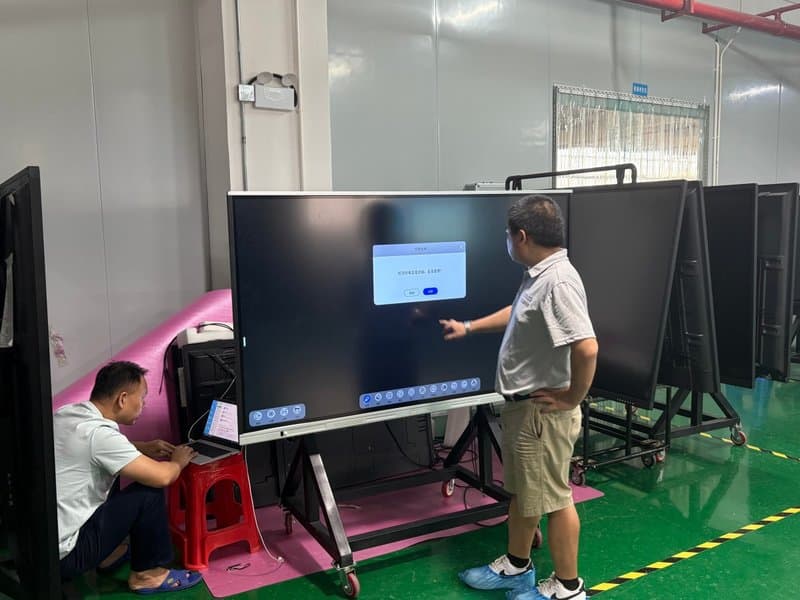

Deploying a professional Touchscreen Panel Protection Techniques provides modern collaborative spaces with an advanced digital presentation hub. Interactive touch all-in-one machines (interactive flat panels) are widely deployed across educational classrooms, training centers, corporate conference rooms, and interactive exhibition halls. The touch screen assembly is the core interface component enabling handwriting, gesture control, and interactive communication. Its surface condition, glass structural integrity, and connecting cable reliability directly determine the overall user experience and equipment lifespan.
To prevent surface scratches, tempered glass fractures, ribbon cable tears, and touch malfunction, standard operating procedures must be strictly enforced throughout device transportation, installation, wiring, and surface cleaning.
1. Wear Protective Gear When Handling Glass Components with a Touchscreen Panel Protection Techniques
Many touch screen assemblies incorporate large-format glass panels with potentially sharp edges. During installation or handling of unpackaged touch modules prior to chassis integration, technicians must wear appropriate cut-resistant safety gloves and utilize suitable suction lifters and supporting fixtures.
Throughout handling, avoid direct unprotected contact with sharp glass borders to prevent skin cuts and injuries. Never lean or rest touch panels on uneven surfaces, slick edges, or areas subject to mechanical pinching and tipping.
2. Prevent Physical Impacts and Excessive Concentrated Pressure
Touch screen glass can fracture when subjected to blunt impacts, structural bending, or excessive local pressure. During assembly and transportation, handle components with extreme care; never strike the glass surface, apply concentrated force along the bezel borders, or stack foreign objects atop the screen.
When securing the panel into a frame or wall bracket, ensure that mounting brackets, resting cushions, and torque fasteners strictly comply with manufacturer engineering drawings. Uneven mechanical stress can crack tempered glass or induce capacitive/infrared touch drift and dead zones.
3. Correctly Distinguish the Touch Active Surface from the Rear Side
Touch screen assemblies feature a designated front touch-operating surface and a functional rear substrate. Prior to assembly, verify the correct orientation against manufacturer markings, engineering schematics, and technical datasheets.
Never determine the active touch surface merely by visual inspection of the raw glass. Do not flip, disassemble, or alter the installation orientation without verifying component specifications, as improper mounting will damage the touch sensor layer and optical coatings.
4. Never Lift or Carry Panels by Pulling Cable Leads
The flexible printed circuit (FPC) tail and connecting leads route critical touch sensor signals to the controller board and represent the most fragile section of the touch module. When moving panels, always grasp the structural frame or designated handling points; never pull, lift, or suspend the assembly by its cable leads.
Tension on cable leads can tear internal copper traces, detach bonding pads (ACF bonding), or fracture solder joints, resulting in total touch failure, intermittent input, or signal dropouts.
5. Avoid Bending the Cable Reinforcement Stiffener Zone
Touch screen tail leads often feature a reinforcement stiffener plate engineered to protect delicate interface bonding areas. During chassis assembly and routing, avoid applying excessive bending moments, twisting forces, or compressive pinching to this stiffened transition zone.
If the cable path requires routing adjustments, follow manufacturer layout specifications and preserve adequate mechanical clearance, preventing internal chassis structures from exerting continuous mechanical strain on cable joints.
6. Prevent Sharp Creases and Excessive Cable Bending
Touch screen connecting cables must never be subjected to sharp 90-degree creases, tight folds, or bend radii tighter than design thresholds. During connection to mainboards or touch controllers, route cables smoothly in the specified orientation without forcing acute bends at the base of the stiffener plate.
When bundling and dressing internal wire harnesses, strictly adhere to the manufacturer-specified minimum bend radius and designated routing channels to prevent micro-cracking of internal copper traces and shielding layers.
7. Handle Single Panels Individually to Avoid Collisions
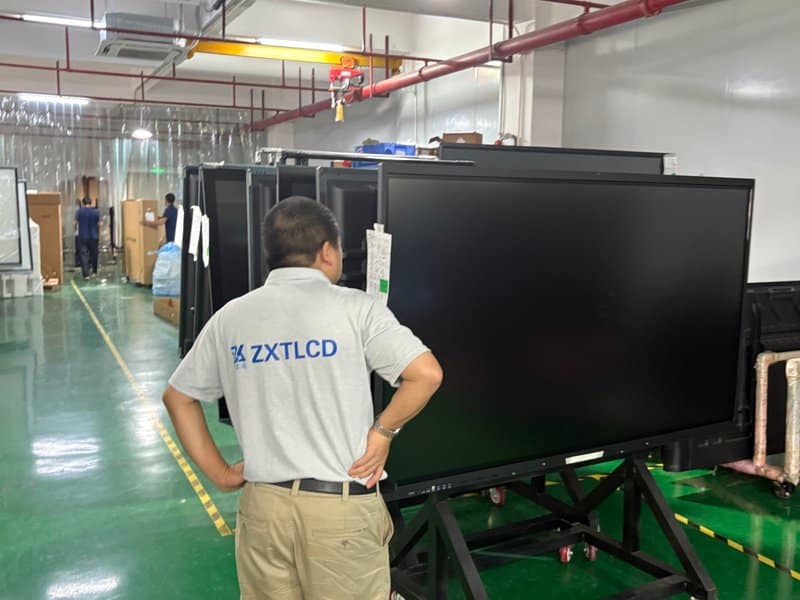
When transporting, unboxing, or inspecting standalone touch panels, always process them one sheet at a time. Rest components exclusively on stable, clean, ESD-safe workstations covered with protective foam mats.
Never allow multiple glass panels to rest in direct contact or collide with one another, as this will chip glass edges, cause surface gouges, or pinch delicate wiring tails. Before laying panels down, inspect workbenches to clear away loose screws, tools, metal shavings, and hard debris that could scratch the optical glass.
8. Use Proper Cleaning Methods for Touch Screen Surfaces
When cleaning the touch screen surface, always follow manufacturer maintenance documentation. Use a clean, ultra-soft, lint-free microfiber cloth to gently wipe the glass surface. Select cleaning solutions that are strictly compatible with the screen’s optical coatings (such as anti-glare AG or anti-fingerprint AF coatings).
Never spray liquid cleaners directly onto the screen glass, and prevent liquids from pooling or seeping into bezel seams, perimeter sensors, or internal electronics. For displays treated with specialized surface coatings, verify chemical compatibility before application to prevent stripping or clouding the finish.
9. Store Touch Components in Dedicated Protective Trays
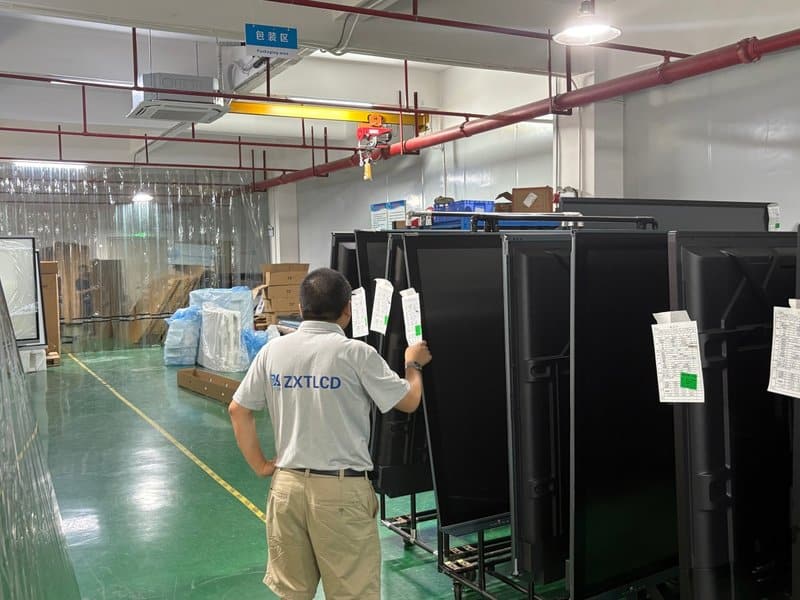
Standalone touch modules awaiting assembly or replacement must be stored in custom-molded protective shipping trays or specialized slotted racks. Never stack bare panels directly on top of each other.
Storage facilities must remain clean, dry, and climate-controlled, shielded from heavy overhead loads, perimeter impacts, and cable pinching. For modules undergoing transit or extended warehouse storage, employ certified shock-absorbing cushioning and compliant packaging materials to minimize transit vibration and shock damage.
10. Avoid Unapproved Corrosive Solvents and Harsh Chemicals
Because surface materials, optical films, adhesives, and perimeter seals differ across touch screen models, no single chemical solvent can be treated as a universal cleaner.
Never apply industrial alcohol, petroleum ether, acetone, strong acids, alkaline detergents, or aggressive organic solvents to clean the display. Harsh chemicals can corrode anti-glare coatings, dissolve bonding adhesives, or craze plastic frames. Always check the manufacturer’s chemical resistance table and use only certified display-safe cleaning fluids.
If uncertain about a cleaning product’s suitability, consult the equipment manufacturer or touch screen supplier rather than performing unauthorized spot tests on the display glass.
Conclusion
Protecting the touch screen of interactive flat panels requires meticulous attention to glass handling safety, cable lead strain relief, standardized assembly, secure storage, and proper surface cleaning. During standalone module handling and mechanical mounting, technicians must strictly avoid impact shocks, cable pulling, sharp folds, and careless stacking.
ZXTLCD specializes in commercial displays and interactive touch display solutions. Whether deployed in smart classrooms, corporate conference rooms, or interactive exhibition venues, strictly observing manufacturer installation and maintenance standards minimizes the risk of touch screen damage and ensures dependable, long-term operational performance. In summary, choosing a reliable Touchscreen Panel Protection Techniques solution enhances team engagement, streamlines video conferencing, and elevates overall meeting productivity.
Looking for customized Touchscreen Panel Protection Techniques hardware, interactive flat panels (IFPD), or OEM/ODM smart board solutions? Feel free to contact the ZXTLCD engineering team for free consultations, product specifications, and tailored volume pricing.