

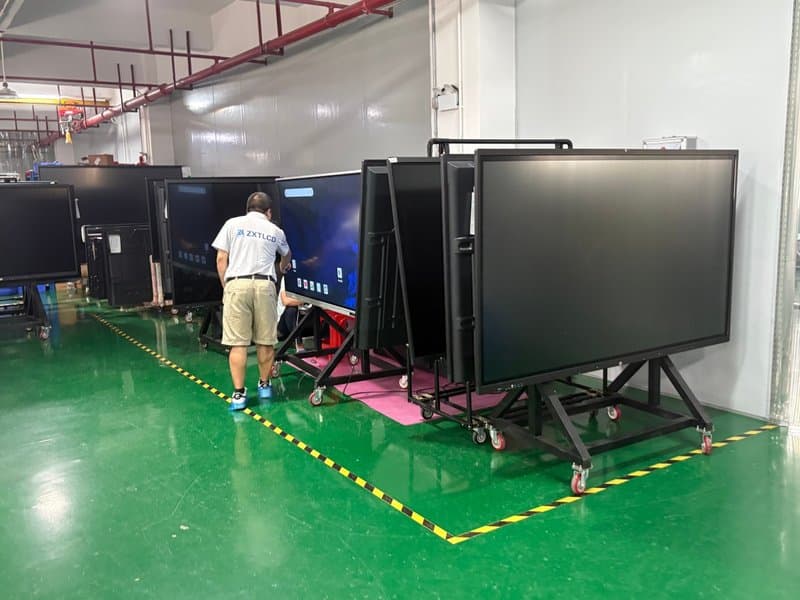

Deploying a professional Interactive Smart Board Installation Guide provides modern collaborative spaces with an advanced digital presentation hub. When upgrading meeting rooms or classrooms, decision-makers often prioritize screen size, display resolution, touch capabilities, and interface specifications, while easily overlooking how equipment installation directly dictates real-world user experience.
A well-planned installation strategy impacts far more than just visual sightlines: it governs wall structural load-bearing, cable management, audio-visual integration, and long-term maintenance accessibility. Whether deploying conference all-in-one machines in corporate boardrooms or smart interactive flat panels and educational displays in academic classrooms, installation must be tailored to on-site architectural conditions and hardware specifications.
1. Wall Structural Integrity Dictates the Mounting Strategy with a Interactive Smart Board Installation Guide
Before mounting commercial interactive displays, technicians must evaluate wall substrates, load-bearing capacities, anchoring mechanisms, and device net weight. Different architectural wall structures demand distinct mounting solutions; selecting brackets based on screen diagonal size alone is insufficient.
Concrete Walls: Verifying Anchor Points and Load Capacity
Solid concrete walls typically offer robust structural foundations. Technicians can evaluate wall-mount feasibility based on device weight, mounting bracket ratings, and the structural integrity of the wall.
High-grade expansion anchors matched to both wall substrate and bracket specifications must be used, ensuring the drilling path remains clear of concealed electrical conduits or plumbing lines. For large-format, heavy commercial displays, experienced installation professionals should inspect structural anchoring to guarantee durable, shake-free mounting.
Light Steel Stud / Drywall Partitions: Pre-Planning Structural Reinforcements
The load-bearing capacity of drywall on light steel stud framing depends heavily on stud gauge, wall construction, reinforcement methods, and load distribution points. For conference all-in-one machines, smart panels, and educational interactive displays, standard plasterboard surfaces must never be treated as direct load-bearing anchors.
Before installation, inspect framing structures and incorporate dedicated reinforcement frameworks matching device weight and mounting specs. Viable strategies include installing heavy-duty backer boards, adding reinforcement studs, or deploying engineered structural anchors; standard drywall alone must never bear the device’s weight.
Glass Partitions: Deploying Dedicated Floor-Standing Supports
Glass partition walls are generally unsuitable for direct display mounting in the manner of solid masonry. If a large-format display must be positioned alongside glass walls, the architectural glass structure and specialized clamping systems must undergo rigorous engineering evaluation.
When structural verification cannot confirm glass load-bearing feasibility, deploying a heavy-duty mobile cart or engineered freestanding floor mount rated for the display’s dimensions and weight is the optimal approach. Mobile stands must offer ample payload capacity and structural stability, and caster brakes must remain firmly locked during operation.
Regardless of the mounting style chosen, structural evaluations must precede installation to prevent equipment looseness, tipping hazards, or property damage resulting from improper anchoring.
2. Power and Cable Planning: Shaping Daily Usability
Even after equipment is mounted securely, distant power outlets, exposed cabling, or poorly accessible I/O ports can introduce operational friction during meetings and training sessions. Power distribution and signal pathways must be planned early during interior remodeling or installation scoping.
Pre-Determining Power Outlets and Interface Layouts
Prior to mounting, verify the exact locations of the device’s power inlet, LAN ports, and primary AV inputs. Map out connection paths based on the placement of laptops, PTZ cameras, microphone arrays, and peripheral room hardware.
If the meeting space requires frequent laptop hookups, place user-facing interface hubs in easily accessible locations. If the display is wall-mounted or recessed, ensure sufficient clearance for cable insertion, hand access, and technical servicing to avoid ports being blocked by wall surfaces or decorative trim.
Optimizing HDMI, USB Type-C, and Network Cabling
HDMI and USB Type-C interfaces support diverse AV and data transfer protocols, but available functionality depends on port specifications, cable bandwidth ratings, and hardware capabilities.
During installation, deploy surface wire molding or pre-installed in-wall conduit raceways to organize cable runs, reserving adequate channels for network, audio, and video transmission. Notably, not all USB Type-C ports support DisplayPort Alt Mode video output; verify hardware specs prior to purchasing cables.
Power wiring and signal cabling must strictly adhere to electrical building codes, preventing physical pinching, excessive bending, or mechanical strain. In-wall conduit rough-ins and electrical work must be performed by certified, qualified tradespeople.
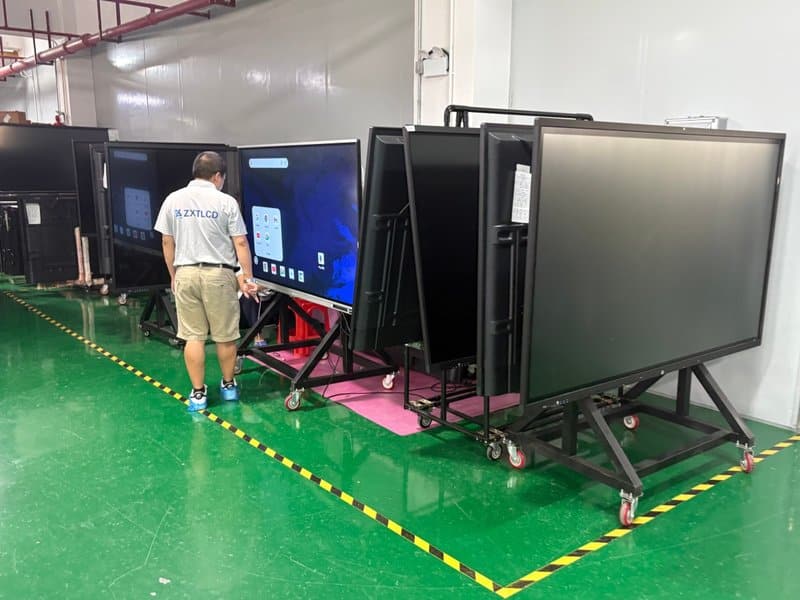
Calibrating Installation Height for Optimal Viewing Comfort
Display mounting height should balance screen dimensions, primary viewing locations, seated versus standing user postures, and overall room architecture. Conference rooms must prioritize seated line of sight across conference tables, while educational spaces must accommodate varying student heights and instructor touch interaction habits.
Setting the vertical screen centerline at approximately 1.2 to 1.4 meters above the floor serves as a practical preliminary baseline in many corporate settings, but it should not be applied as a rigid universal rule. For extra-large panels, the screen center, bottom edge height, and front-row viewing distance must be evaluated together to prevent front-row participants from obstructing sightlines or forcing back-row attendees to look upward uncomfortably.
Before finalizing bracket anchors, simulate viewing angles based on real seating layouts to confirm the screen’s core content area remains comfortably within natural visual fields.
3. Video Conferencing Essentials: Optimizing Voice Pickup and Camera Coverage
The practical quality of remote video conferencing hinges not only on display resolution and camera specifications, but also on microphone pickup radiuses, speaker placement, room acoustic characteristics, and equipment mounting geometry.
Sizing Voice Pickup Peripherals to Room Dimensions
Built-in microphone arrays on conference all-in-one machines differ in element count, pickup range, and acoustic sensitivity. While integrated arrays capably serve small huddle rooms, larger spaces with extensive seating or higher ambient noise typically demand auxiliary microphones.
Depending on architectural conditions, external solutions include tabletop boundary microphones, ceiling-mounted mic arrays, or integrated third-party audio DSP systems. Selection should focus on pickup radius, connection protocols, platform compatibility, and acoustic echo cancellation (AEC) efficiency rather than generic distance ratings.
If the conference space exhibits HVAC noise, glass reflections, or noticeable reverberation, optimize microphone placement according to room acoustics and conduct live audio calls to confirm vocal clarity.
Aligning Camera Positioning with Seating Coverage
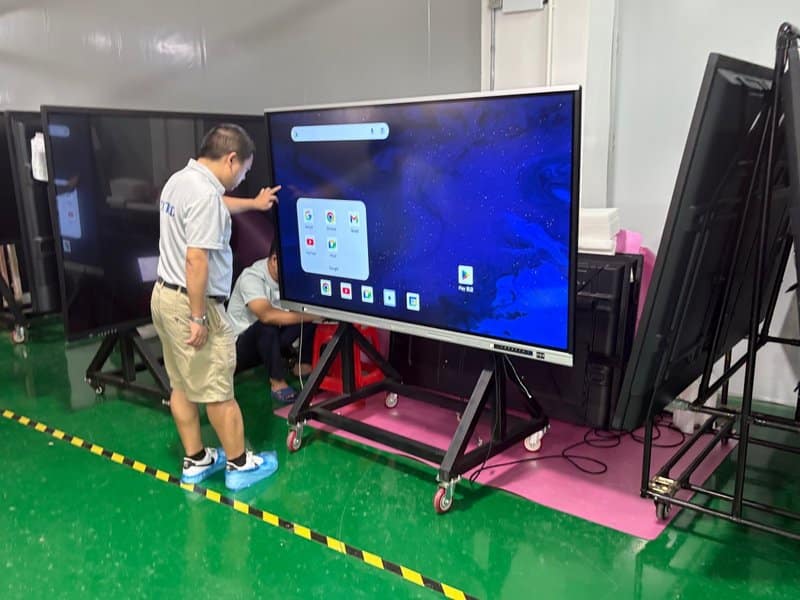
Camera placement must balance optical field-of-view (FOV), participant eye level, and room framing aesthetics. In compact meeting rooms, camera position is guided by conference table length and participant spacing; in large boardrooms, optical zoom ratios, pan-tilt flexibility, and far-end participant legibility require careful evaluation.
The distance between the camera and meeting participants should be calibrated against lens FOV, mounting height, room geometry, and target framing requirements. While 2 to 6 meters serves as a practical rule of thumb for standard conference rooms, it cannot be applied universally to all optical systems and room layouts.
Following installation, conduct live video test sessions to verify complete framing of the seating area, subject sharpness, and absence of visual occlusions caused by the display chassis, lighting pendants, or room fixtures.
Verifying End-to-End Audiovisual Integration
Once installation wraps up, run simultaneous end-to-end tests across microphones, loudspeakers, cameras, and display panels. Check rigorously for acoustic feedback, mic howling, volume inconsistencies, camera obstruction, and signal handshake anomalies.
For organizations running frequent remote conferences, simulate realistic attendee headcounts and seating arrangements prior to official deployment. Confirm that voices from every seat are captured clearly and that far-end attendees experience crisp, balanced audio and visuals.
4. Conclusion: Assess the Site First, Then Finalize the Installation Plan
Installing conference all-in-one machines, smart panels, and educational interactive displays involves far more than simply bolting hardware to a wall or cart. It encompasses structural load verification, ergonomic viewing angles, structured cabling, AV coverage geometry, and long-term serviceability.
Prior to hardware mounting, survey the physical room dimensions, verify wall structural compositions, identify power and network drop locations, and tailor the installation blueprint to expected user capacity, viewing distances, and collaboration workflows. For large-format commercial displays and sophisticated AV ecosystems, professional on-site engineering assessments and commissioning are strongly recommended.
ZXTLCD delivers professional display hardware and customized solutions across commercial and institutional sectors. By harmonizing specific hardware parameters with on-site architectural realities, ZXTLCD helps corporate and educational environments build clean, secure, and productive visual collaboration spaces that unlock the full potential of interactive display technology. In summary, choosing a reliable Interactive Smart Board Installation Guide solution enhances team engagement, streamlines video conferencing, and elevates overall meeting productivity.
Looking for customized Interactive Smart Board Installation Guide hardware, interactive flat panels (IFPD), or OEM/ODM smart board solutions? Feel free to contact the ZXTLCD engineering team for free consultations, product specifications, and tailored volume pricing.