

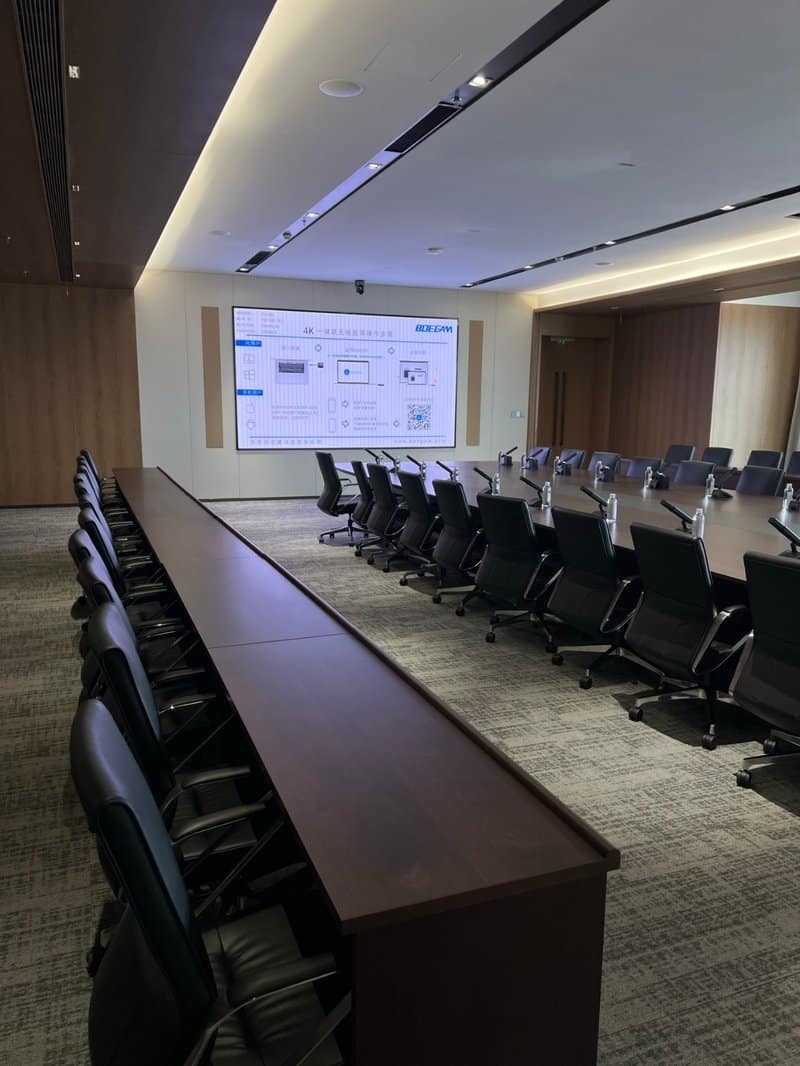

Deploying a professional Meeting Room Display Hardware Longevity provides modern collaborative spaces with an advanced digital presentation hub. In modern office environments, the conference room serves as a vital hub for team collaboration, executive briefings, and remote video meetings. Interactive conference displays, connection cables, and auxiliary AV electronics see frequent daily use. Over time, systems may exhibit sluggish performance, unstable signal feeds, or unexpected black screens. These technical hiccups not only disrupt meeting productivity but also inflate corporate repair and hardware replacement expenses.
In reality, effective daily maintenance requires neither intricate procedures nor heavy capital expenditures. By establishing standard habits—such as daily shutdown protocols, routine port inspections, holiday power management, and periodic system cleanups—enterprises can keep their meeting room technology in peak operating condition and eliminate common operational failures. Here are four practical maintenance tips designed for office administrators and AV operators.
Meeting Room Display Hardware Longevity: 1. Daily Essential: Proper Shutdown Protocols to Prevent Device Wear
When meetings conclude, users often focus only on turning off the screen while bypassing proper operating system shutdown procedures. For smart interactive conference panels and associated computing modules, improper power-offs, abrupt AC cuts, or interrupted OS shutdowns can degrade internal components and corrupt system files.
**Correct Procedure:** After each meeting, power down the conference display and peripheral equipment in accordance with manufacturer guidelines. If the device requires time to complete disk write-backs or cooling cycles, wait until these internal processes finish before cutting main power. Avoid holding down physical power buttons for forced shutdowns or yanking power cords unless explicitly instructed by service documentation.
Additionally, maintain adequate clearance around device ventilation grilles to prevent heat dissipation slots from being obstructed by folders, decorative items, or wall fixtures. Standardized shutdowns and unhindered cooling airflow significantly lower operational hardware risks.
2. Monthly Care: Inspect HDMI Ports and Cables to Minimize Signal Drops
During presentations, issues such as wireless casting disconnects, screen flickering, or signal dropouts are frequently caused by loose cables, port oxidation, damaged wiring, incorrect input source selection, or electromagnetic interference.
**Correct Procedure:** Establish a monthly inspection routine for HDMI inputs, USB-C ports, and critical signal cables. Verify that all connectors seat firmly and that ports are free of accumulated dust, pin deformation, or physical damage. Always power down the system and disconnect power cords before cleaning sensitive electronics.
When cleaning I/O ports, use dry, lint-free microfiber swabs designed for electronics to remove surface debris. Never spray alcohol, solvent cleaners, or liquids directly into port cavities, and never use conductive or sharp metal implements to scrape electrical contacts. If loose chassis ports, corroded pins, or frayed cables are detected, replace them immediately with certified accessories, or contact qualified service technicians for repair.
Proactively checking connection integrity prevents unexpected signal interruptions during high-stakes presentations.
3. Holiday Procedures: Thoughtful Power Management During Idle Periods
During weekends, statutory holidays, or extended corporate shutdowns, conference room hardware often sits in continuous standby mode. Keeping electronics permanently energized not only incurs parasitic standby energy costs but also exposes devices to electrical grid surges and lightning hazards during stormy weather.
**Correct Procedure:** Before extended holidays, assign administrative personnel to conduct a facility check. For interactive displays, projectors, wireless presenters, and peripheral chargers that do not need to run continuously, perform a standard software shutdown and unplug them from wall outlets where appropriate.
If specific devices require continuous power for remote enterprise management, automated firmware updates, or scheduled digital signage tasks, verify their operating parameters before cutting power. In geographic regions prone to seasonal lightning storms or electrical grid fluctuations, deploy certified surge protectors and voltage regulators.
Note that merely unplugging devices cannot replace whole-facility lightning protection. Enterprises must ensure their commercial facilities implement comprehensive grounding, surge suppression, and electrical safety measures.
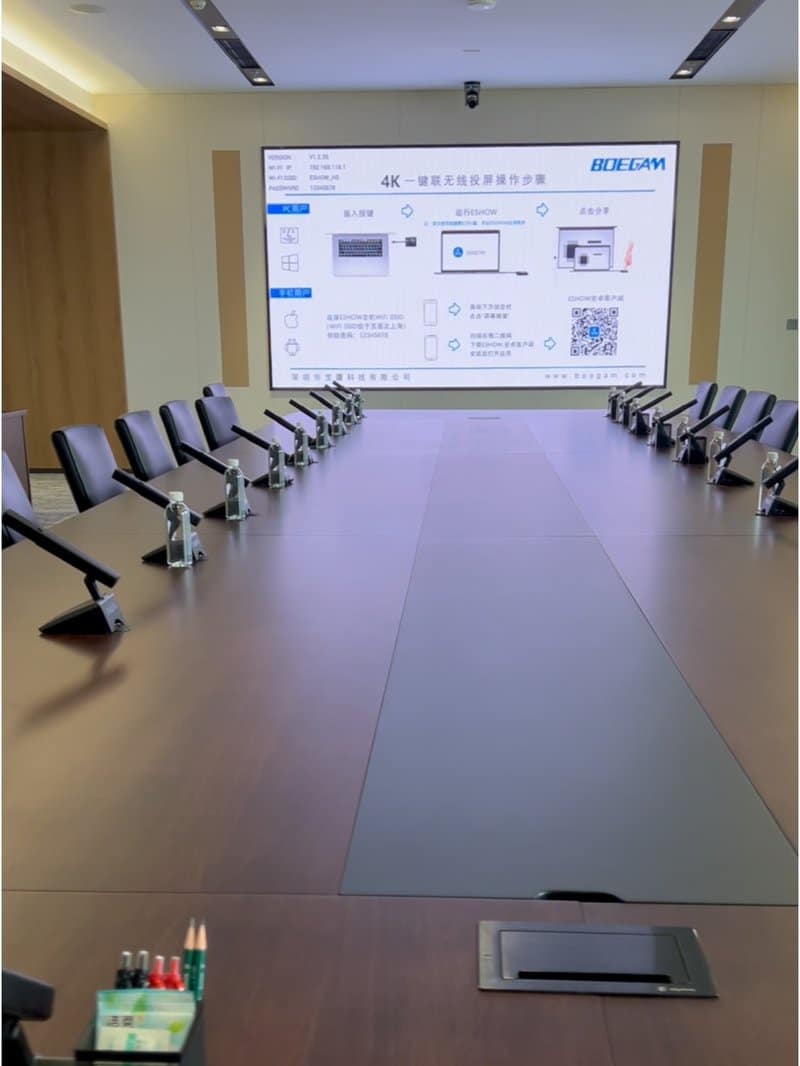
4. Periodic Optimization: Monitor Storage and Software Status for Fluid Operation
Over extended operational periods, smart conference panels may experience interface sluggishness, extended boot times, or wireless casting delays. These issues typically stem from depleted local storage, lingering background processes, outdated firmware, or misconfigured system parameters.
**Correct Procedure:** Audit system health every one to two months, adjusting frequency based on daily room utilization. Following manufacturer guidelines, verify available storage capacity, audit installed applications, install certified firmware updates, and clear obsolete cache files.
Before deleting files, verify their origin to avoid accidentally removing vital meeting minutes, local presentation templates, or essential system libraries. Prior to initiating major OS or firmware updates, back up critical data and verify firmware compatibility with existing peripherals.
If a display remains sluggish after routine cache clearing and storage cleanup, evaluate network bandwidth, third-party software overhead, and CPU/RAM resource utilization. Persistent issues such as recurring black screens, boot loops, or unresponsive touch layers warrant professional diagnostic support rather than repeated blind factory resets.
Conclusion: Build Routine Habits for Reliable Conference Equipment Performance
Maintaining conference room technology goes beyond reactive repairs after breakdowns occur. More importantly, it centers on disciplined daily operation, systematic inspections, and proactive electrical management to preempt technical failures.
ZXTLCD delivers high-performance commercial displays and smart conference solutions. Tailoring a structured maintenance regimen to device specifications, installation environments, and usage frequency ensures your conference display infrastructure operates reliably, providing dependable support for daily communications, executive presentations, and collaborative teamwork. In summary, choosing a reliable Meeting Room Display Hardware Longevity solution enhances team engagement, streamlines video conferencing, and elevates overall meeting productivity.
Looking for customized Meeting Room Display Hardware Longevity hardware, interactive flat panels (IFPD), or OEM/ODM smart board solutions? Feel free to contact the ZXTLCD engineering team for free consultations, product specifications, and tailored volume pricing.