

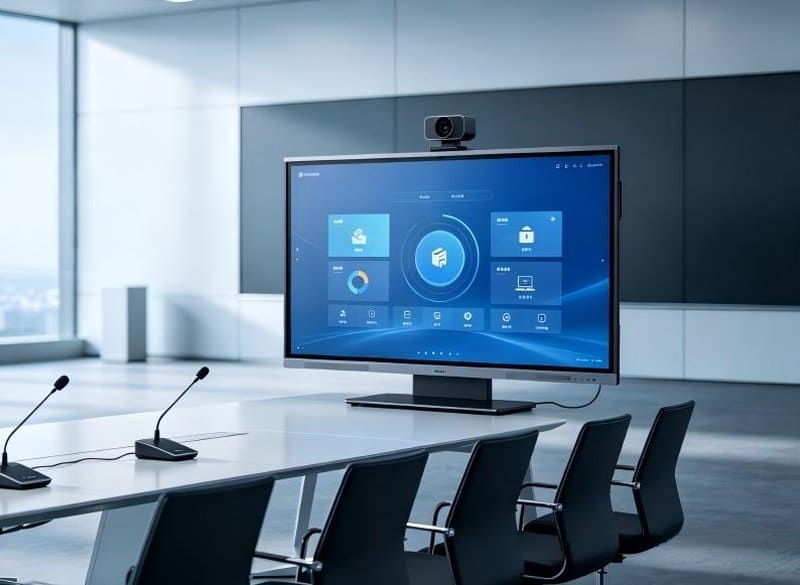

Deploying a professional Enterprise Conference Display Servicing provides modern collaborative spaces with an advanced digital presentation hub. Today, smart interactive conference equipment is widely deployed across corporate offices, boardrooms, business campuses, and educational institutions. Conference all-in-one machines, audio reinforcement systems, LED displays, projectors, and central control hardware collectively form the modern audiovisual conference ecosystem. The operating health of these devices directly governs meeting efficiency, daily office productivity, and corporate communication stability.
Over extended operational periods, hardware can exhibit blurry visuals, audio distortion, intermittent connection drops, or sluggish touch response. Beyond intrinsic hardware configurations and duty cycles, everyday cleaning habits, power-cycling practices, and ambient environmental conditions significantly dictate system reliability.
By implementing the following three foundational maintenance practices, enterprises can eliminate common technical hiccups and meaningfully prolong the operational lifespan of their conference room investments.
Enterprise Conference Display Servicing:
1. Dust Prevention and Cleaning: Establishing Foundational Hardware Protection
Airborne dust and surface smudges degrade the performance of conference technology. Dust on display panels impairs visual clarity; smudges on projector lenses distort image focus; and dust accumulating across chassis ventilation grilles impedes internal heat dissipation. Furthermore, particulate buildup around I/O ports complicates physical connections and accelerates contact oxidation.
Routine cleaning must be tailored to specific hardware categories:
– **Interactive Displays and Conference All-in-One Panels:** Use an ultra-soft, lint-free microfiber cloth to gently wipe the screen surface and chassis housing. Never use abrasive scrubbers that scratch anti-glare coatings, and never spray liquid cleaning solutions directly onto the screen.
– **Projection Equipment:** Clean optical lenses strictly according to manufacturer instructions using specialized lens paper or optical cleaning kits; avoid wiping optical elements with damp household cloths.
– **Audio Equipment:** Routinely inspect speaker grilles and acoustic ports to remove surface dust and debris, ensuring liquids never enter acoustic enclosures.
– **I/O Ports and Interconnect Cables:** Regularly inspect video and audio ports for dust accumulation, physical looseness, or pin wear. Always disconnect power cords before cleaning electrical contacts, observing manufacturer safety guidelines.
Always shut down and power off hardware prior to cleaning. Tasks involving internal dust extraction, chassis disassembly, or servicing high-voltage electrical components must be entrusted to certified technical service professionals.
Maintaining a clean, climate-controlled meeting room environment minimizes dust accumulation, providing optimal operating conditions for all electronic equipment.
2. Standardized Power Cycling: Minimizing Unnecessary Hardware Wear
Abrupt power cuts, rapid on/off cycling, and prolonged unventilated high-load operation jeopardize the electrical stability of conference systems.
In daily operation, always adhere to power-cycling guidelines provided by device manufacturers. For conference environments integrating display panels, projectors, audio amplifiers, and central control processors, establish a standardized startup and shutdown sequence to avoid severing AC power while systems are writing data or running active cooling fans.
Sound operational habits include:
– When meetings conclude, close active software applications first, then execute a standard software shutdown on the conference panel, OPS computer, or room terminal.
– For projectors and high-power audio amplifiers, follow documented shutdown cycles, allowing internal cooling fans to complete thermal dissipation cycles before cutting mains power.
– Avoid toggling power switches repeatedly over brief intervals, and avoid running equipment under maximum load when not required.
– When plugging or unplugging cables, verify connector orientation and lock mechanisms; avoid yanking cables, bending wires sharply, or placing mechanical strain on delicate chassis ports.
– When equipment remains idle for extended periods, power down systems or engage eco-friendly sleep modes according to user manuals.
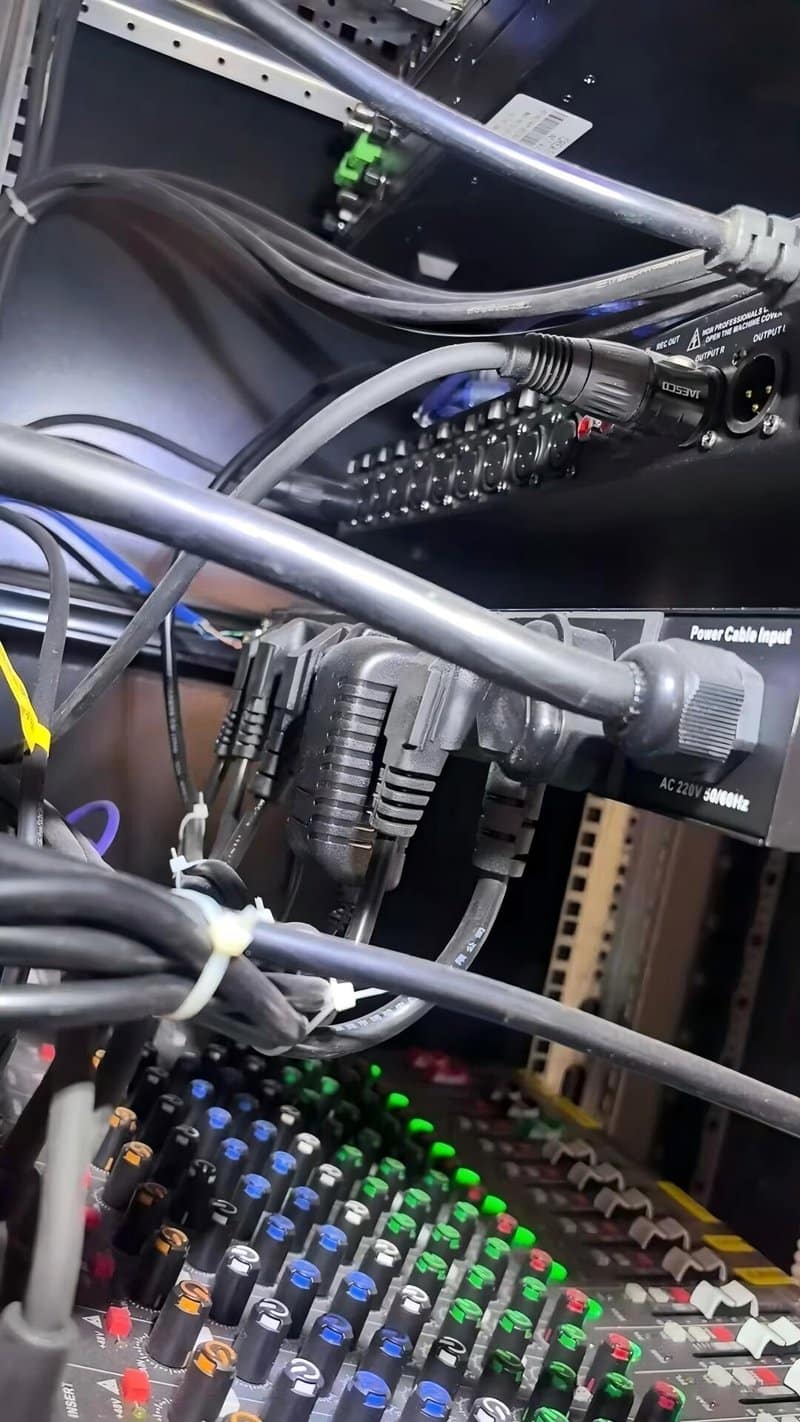
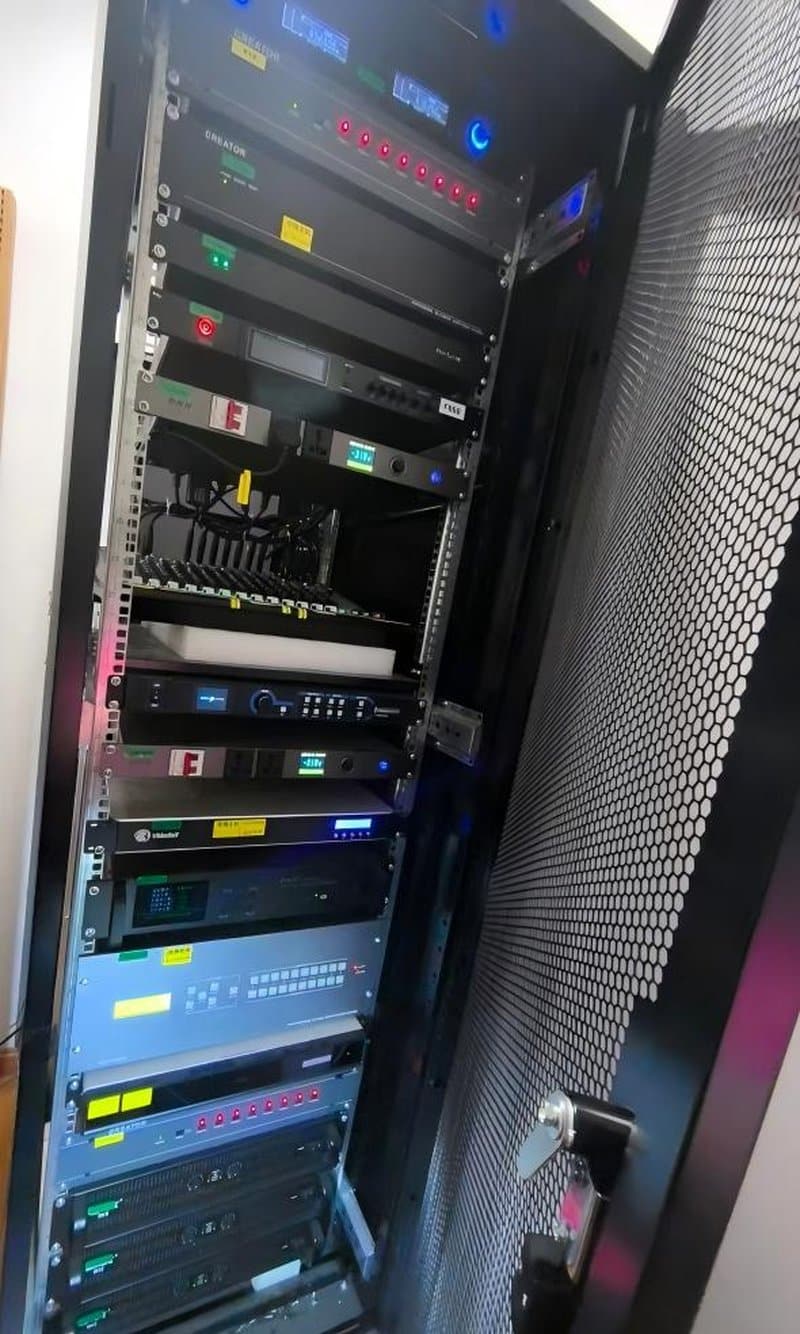
For complex audiovisual systems containing numerous interconnected devices, deploying an automated power sequencer is worth considering. Power sequencers energize and de-energize connected equipment in pre-programmed time delays, streamlining operations and mitigating power-on electrical surges. However, port assignments, peripheral compatibility, and electrical load capacities must be engineered prior to installation rather than treated as a universal requirement for simple rooms.
Establishing standardized power-cycling workflows and organized cable handling eliminates operational hazards and preserves hardware health.
3. Environmental Climate Control: Satisfying Equipment Operating Conditions
Commercial conference hardware is engineered to operate within defined ambient temperature, humidity, and airflow tolerances. Prolonged exposure to excessive humidity, heavy dust, direct sunlight, or poor airflow increases the risk of component degradation, screen delamination, and electronic board failures.
To optimize the equipment operating environment, observe the following parameters:
– **Control Ambient Humidity:** Position electronics away from water coolers, open windows, and moisture-prone areas. In humid climates, utilize room dehumidification to satisfy manufacturer environmental specifications.
– **Mitigate Direct Solar Radiation:** Shield display panels from harsh, direct sunlight to reduce reflective glare and prevent thermal buildup across optical layers.
– **Ensure Generous Ventilation Clearance:** Never block chassis exhaust vents, and never stack paper documents, presentation materials, or clutter around electronics cabinets. Ensure wall mounts and recessed enclosures preserve specified thermal clearance.
– **Regulate Room Ambient Temperatures:** Operate equipment strictly within specified temperature envelopes, avoiding extreme thermal spikes.
– **Enforce Structured Cable Routing:** Neatly organize AC power lines, video interconnects, and audio lines using raceways or cable ties, preventing mechanical crushing, severe tangling, or proximity to sharp edges.
If equipment must reside inside closed equipment racks, recessed wall niches, or compact enclosures, conduct thermal airflow modeling during the installation phase to guarantee hardware operates within safe operating temperatures.
A stable, climate-controlled environment mitigates environmental risks and ensures dependable performance day in and day out.
4. Proactive Maintenance: Keeping Conference Systems in Peak Condition
While routine cleaning, standardized operation, and environmental controls prevent many everyday glitches, they do not eliminate the need for periodic professional inspections and diagnostic servicing.
If conference hardware encounters recurring black screens, ground hums, touch calibration drift, spontaneous reboots, or signal dropouts, document the symptoms thoroughly and verify fundamental elements like power delivery, active signal channels, and cable seating. For issues involving internal circuitry, component replacement, operating system corruption, or complex AV DSP tuning, contact authorized equipment manufacturers or certified technical specialists.
Periodically auditing hardware status, cable connections, thermal dissipation paths, and software firmware releases facilitates early detection of latent vulnerabilities. Maintenance schedules should reflect equipment categories, room utilization rates, environmental conditions, and manufacturer guidelines.
5. ZXTLCD Maintenance Recommendations for Conference Display Hardware
ZXTLCD provides commercial and interactive conference display solutions tailored to modern enterprise workspaces. For interactive flat panels and commercial display ecosystems, preventative maintenance should align with chassis architecture, interface configurations, and operating parameters.
Throughout equipment installation and deployment, pre-verifying electrical feeds, signal routing, cooling clearance, and user operational workflows establishes a strong operational foundation. For multipurpose conference rooms requiring multi-device integration, clearly defining control protocols and maintenance responsibilities ensures seamless ongoing management.
Mastering dust cleaning, standardizing power-cycling procedures, and managing operating climates provide the cornerstone for equipment longevity. Paired with scheduled health checks and authorized technical support, enterprises can eliminate maintenance headaches, ensuring conference displays empower daily collaboration, executive briefings, and team productivity over the long haul. In summary, choosing a reliable Enterprise Conference Display Servicing solution enhances team engagement, streamlines video conferencing, and elevates overall meeting productivity.
Looking for customized Enterprise Conference Display Servicing hardware, interactive flat panels (IFPD), or OEM/ODM smart board solutions? Feel free to contact the ZXTLCD engineering team for free consultations, product specifications, and tailored volume pricing.