

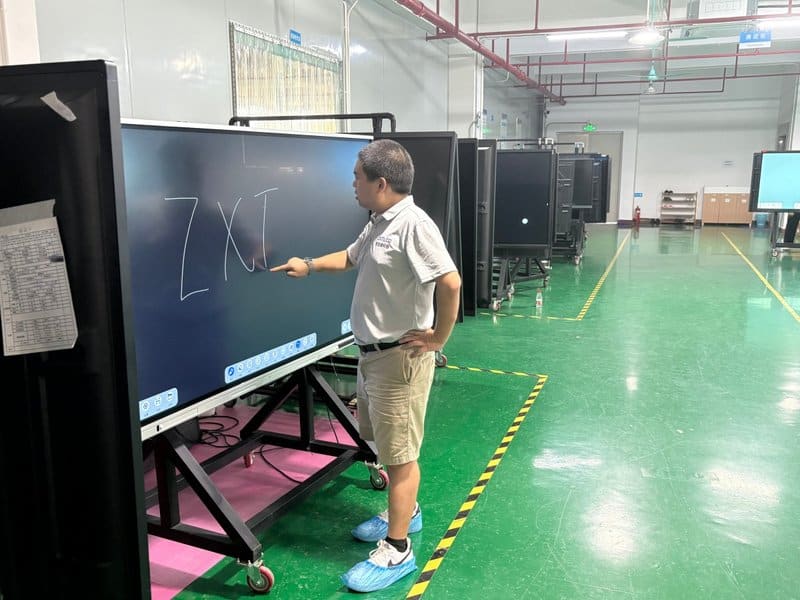

Deploying a professional Interactive Flat Panel with Built-In Camera provides modern collaborative spaces with an advanced digital presentation hub. With the rapid acceleration of technology in recent years, an increasing number of intelligent assistive devices have emerged across both personal and professional environments. The smart conference all-in-one machine (also known as an interactive conference flat panel / IFPD) has become an essential smart tool widely deployed across corporate offices, academic instruction, corporate training, and distance education. Its emergence has brought elevated operational efficiency to enterprises, schools, and diverse institutional sectors, rapidly becoming a worldwide trend.
Product Application Scenarios with a Interactive Flat Panel with Built-In Camera
1. Corporate Meetings
Traditional meetings require tedious pre-meeting preparation: setting up projectors, connecting laptops, managing smartphones, prepping dry-erase whiteboards, untangling various adapter cables, debugging AV equipment, and locating available conference rooms—a chaotic and time-consuming process.
With a smart conference all-in-one machine, these redundant standalone devices are no longer necessary. In fact, a dedicated formal meeting room is not even required: simply gather your colleagues, roll the mobile-mounted conference panel into any quiet, comfortable space, and commence the meeting immediately.
Furthermore, if team members or stakeholders cannot attend in person, the integrated video conferencing capabilities allow teams to launch remote meetings instantly with convenience and agility.
2. Client Welcome and Hospitality
Companies frequently host important visiting clients and delegations. Traditionally, this required printing vinyl banners or assembling physical welcome displays—costly, time-consuming, and inflexible procedures. With a smart conference all-in-one display, administrative staff can craft an elegant, high-resolution digital welcome background complete with personalized greetings and display it directly on screen. Both the display’s physical location and its visual content can be adjusted dynamically on demand.
3. Teaching and Training
Educators and corporate instructors can conduct classes and workshops directly on the conference all-in-one panel. Unlike conventional blackboards, annotations and lesson notes on the interactive screen can be digitally saved and distributed to students, ensuring critical insights are never lost. When addressing complex subject matter, instructors can leverage the display’s network connectivity to showcase multimedia case studies and online learning materials, making concepts significantly easier to grasp.
If a student is unable to attend class in person due to illness, the integrated remote video conferencing feature enables them to participate in live lectures from home via their smartphone or computer while resting.
Key Product Highlights
1. Remote Video Conferencing / Video Calling
Enables seamless multi-party video collaboration and cross-border communications, connecting distributed participants with high audiovisual clarity.
2. Screen Sharing and Multi-Screen Interaction
Allows laptops, smartphones, tablets, and various mobile terminals to cast screens wirelessly and simultaneously, facilitating seamless information review, side-by-side comparison, and collaborative asset sharing.
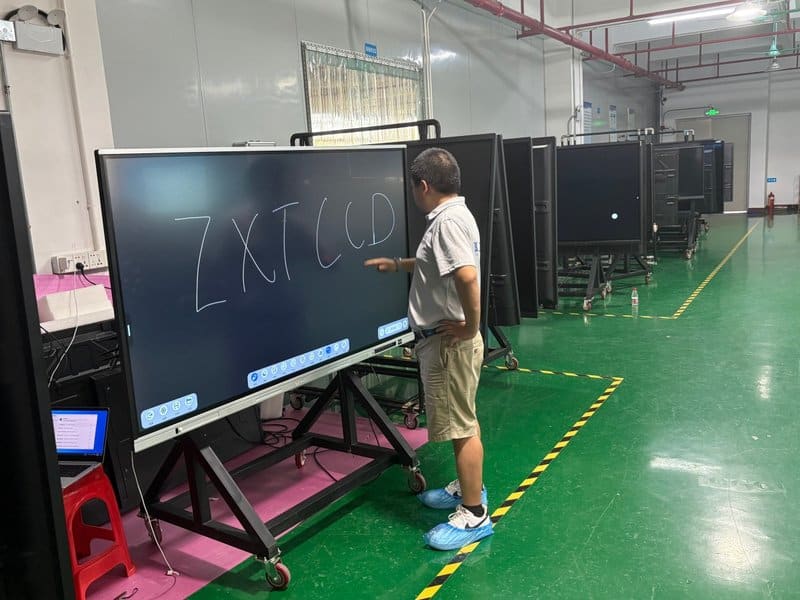
3. Powerful Virtual Whiteboard with One-Touch QR Code Export
On traditional whiteboards, content must be constantly erased once space fills up. The built-in digital whiteboard delivers an ultra-smooth writing experience that rivals physical whiteboards while offering the flexibility to expand canvases and save notes at any time. When meetings or lectures conclude, participants can simply scan an on-screen QR code with their mobile devices to take the entire whiteboard session with them instantly.
4. Freeform Real-Time Annotation
Provides versatile annotation tools that allow presenters to highlight, circle, and annotate directly over any active application or presentation slide, ensuring all attendees immediately grasp key takeaways.
5. Multi-Touch Interaction
Supports responsive multi-point touch, enabling multiple presenters to write, sketch, or operate screen elements simultaneously for doubled collaborative efficiency.
6. Dual-OS Architecture Support
Supports seamless dual-system operation: by equipping the display with an OPS (Open Pluggable Specification) PC module, users can effortlessly toggle between Windows and Android operating systems to suit different workflow demands.
7. Rich External I/O Connectivity for Universal Compatibility
Features comprehensive connectivity options to interface with diverse peripheral hardware. Equipped with multiple high-speed USB ports supporting dual-channel OS sharing, alongside HDMI, Type-C, Touch USB, and COM ports, the display connects seamlessly to smartphones, laptops, external monitors, and third-party AV equipment for rapid, effortless screen mirroring and data transfer. In summary, choosing a reliable Interactive Flat Panel with Built-In Camera solution enhances team engagement, streamlines video conferencing, and elevates overall meeting productivity.
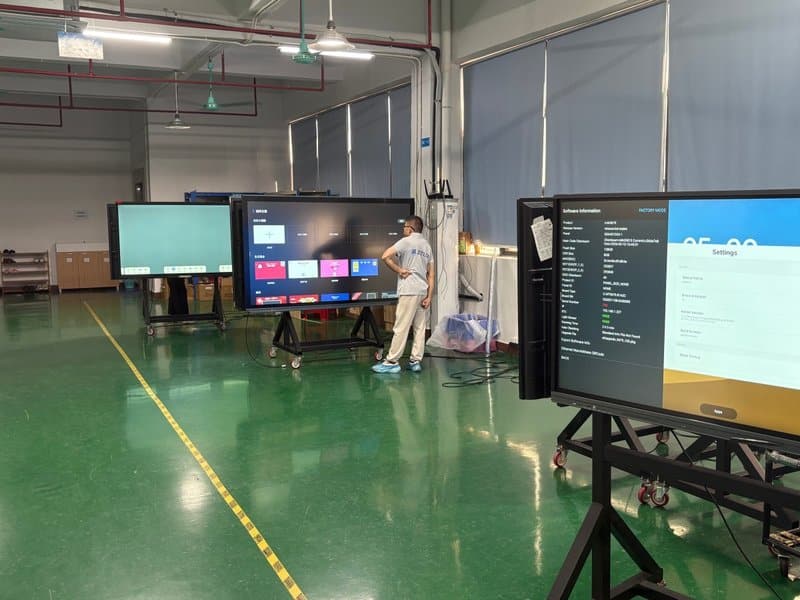
Looking for customized Interactive Flat Panel with Built-In Camera hardware, interactive flat panels (IFPD), or OEM/ODM smart board solutions? Feel free to contact the ZXTLCD engineering team for free consultations, product specifications, and tailored volume pricing.