

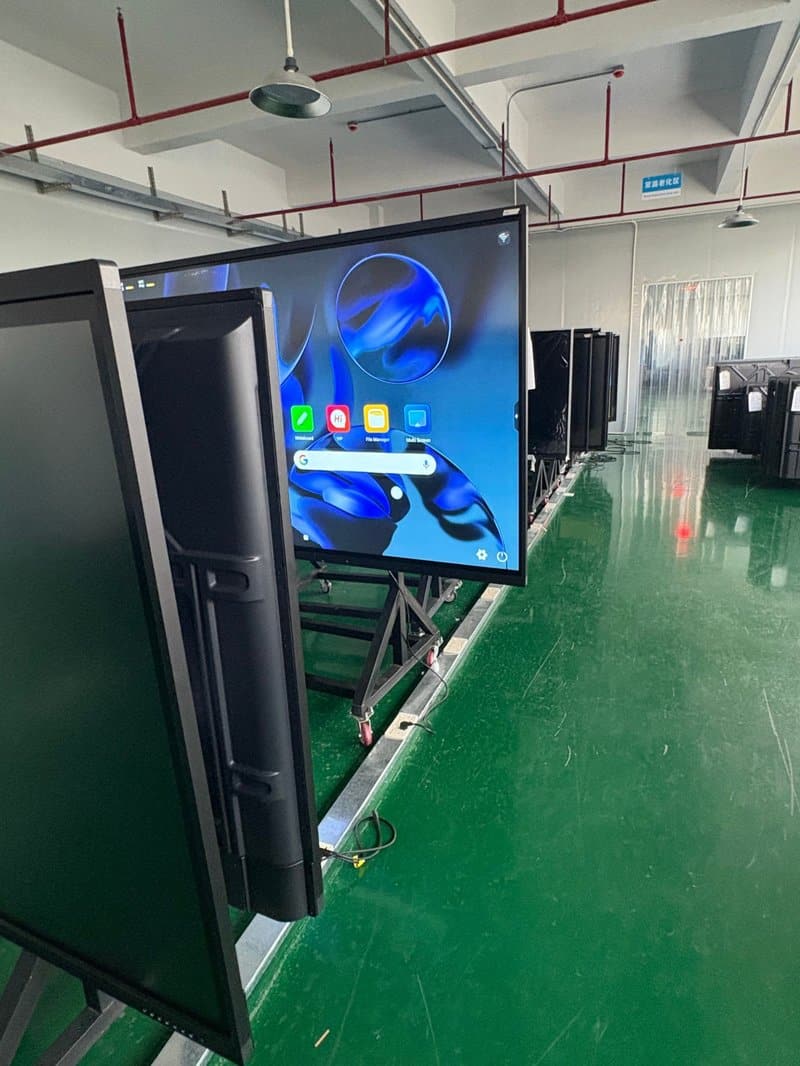

Deploying a professional Large-Format Interactive Display Board provides modern collaborative spaces with an advanced digital presentation hub. With the evolution of digital workspaces, corporate requirements for conference display equipment are no longer confined to basic visual presentation. While traditional projection screens were primarily designed for viewing documents and videos, modern conference all-in-one displays seamlessly integrate interactive touch writing, wireless screen casting, multi-window split-screen display, and meeting file sharing. This empowers meeting discussions, visual presentations, and team collaboration with unprecedented flexibility.
Conference all-in-one displays are well-suited for corporate meeting rooms, training centers, lecture halls, and multi-functional office spaces. Depending on specific equipment configurations, they support diverse interactive workflows that optimize meeting procedures and elevate team communication and collaborative productivity.
Large-Format Interactive Display Board: Five Core Functional Capabilities of Conference All-in-One Displays
Capability 1: Intelligent Writing and Multi-Point Touch Control
Intelligent writing is a hallmark feature of modern interactive flat panel displays. Devices equipped with touch capabilities allow participants to annotate, sketch, emphasize key points, and modify presentation slides directly on the screen surface, eliminating the constant back-and-forth between display panels and traditional physical writing tools.
Select configurations support multi-touch interactions, enabling several participants to write or operate simultaneously on the same display. This proves especially convenient for team brainstorming, collaborative data analysis, cross-comparing proposals, and summarizing meeting findings. The exact number of supported touch points and multi-user collaboration capacity depend on specific hardware specifications and software ecosystems.
Capability 2: Multi-Window Display and Content Collaboration
During project workshops, financial data reviews, and proposal debriefs, teams frequently need to inspect multiple documents or distinct information sources simultaneously. Conference all-in-one machines supporting multi-window split-screen display can show several content windows concurrently on a single screen, helping attendees cross-reference files and compare data side by side.
Depending on the graphics processing capability of the display, users can simultaneously monitor slide presentations, spreadsheet metrics, product renderings, or feeds from other compatible signal sources without the disruption of frequent window switching. For workflows requiring independent control across multi-screen feeds, verify whether the system supports corresponding split-screen management and input source routing functions.
Capability 3: Wireless Screen Casting for Effortless Content Sharing
Wireless screen casting removes the operational constraints associated with traditional cable patching. Through compatible screen-casting protocols, smartphones, tablets, and laptops can transmit display content wirelessly to the conference screen, simplifying the presentation of documents, high-resolution graphics, videos, and project files.
In meetings with multiple presenters, wireless casting facilitates rapid transitions between presentation sources, making information sharing effortless for everyone in the room. Real-world performance depends on supported transmission protocols, operating systems, local network infrastructure, and casting software. Equipment compatibility should be verified prior to widespread deployment.
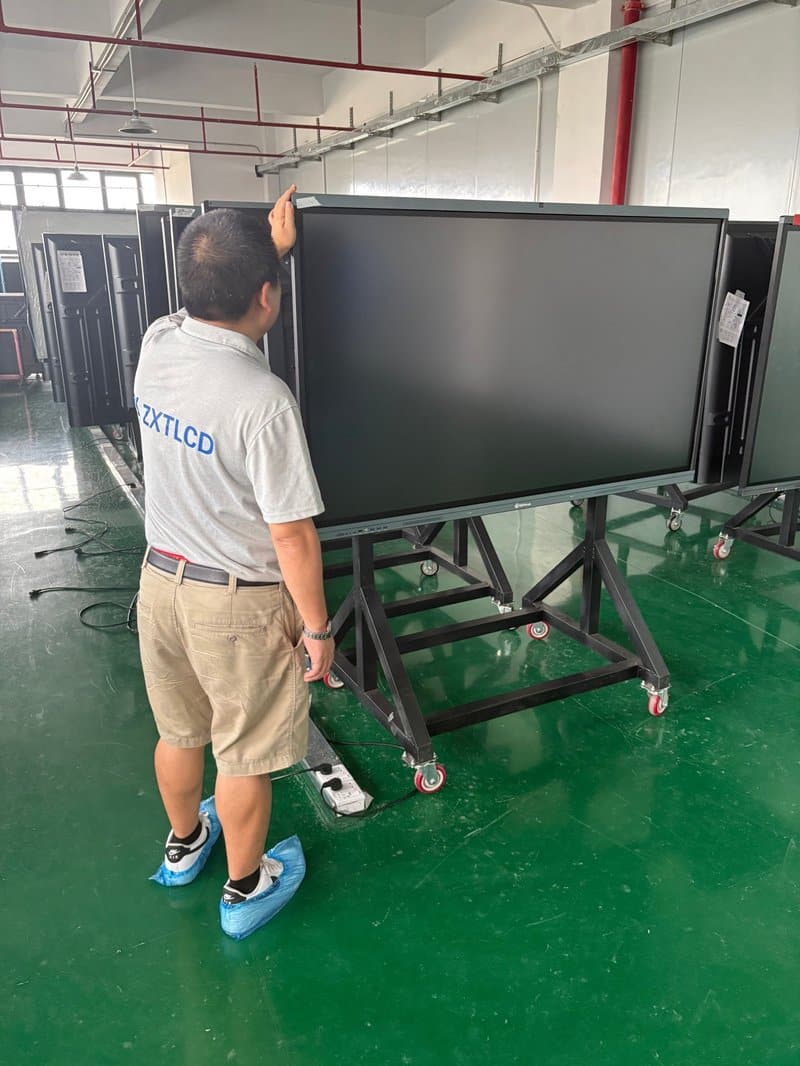
Capability 4: Remote Video Conferencing and Cross-Regional Collaboration
For enterprises operating across distributed offices or managing hybrid teams, the conference all-in-one machine serves as an integrated visual terminal for video conferencing. Paired with cameras, microphone arrays, built-in speakers, and compatible conferencing software, it delivers seamless audiovisual communication across geographical boundaries.
Attendees can view shared slide presentations, review project progress, and collaborate interactively based on real-time on-screen content. Video clarity, voice fidelity, and streaming stability are determined by network conditions, AV peripherals, and the video conferencing platform in use. Configuring appropriate hardware tailored to real-world demands significantly improves remote communication quality.
Capability 5: Convenient Meeting File Preservation and Instant Sharing
Immediately archiving and organizing meeting findings after a session concludes is essential for efficient task follow-through. Conference all-in-one machines with compatible software can record touch annotations, whiteboard notes, and presentation slides. Furthermore, select operating systems support rapid asset distribution via QR codes, email dispatch, or local network file transfers.
Participants can save meeting files directly to their smartphones, tablets, or laptops using the provided transfer options, making it convenient to review notes and continue editing after the meeting. Specific file saving and sharing methods depend on software capabilities; organizations should also maintain proper file access permissions and data security standards.
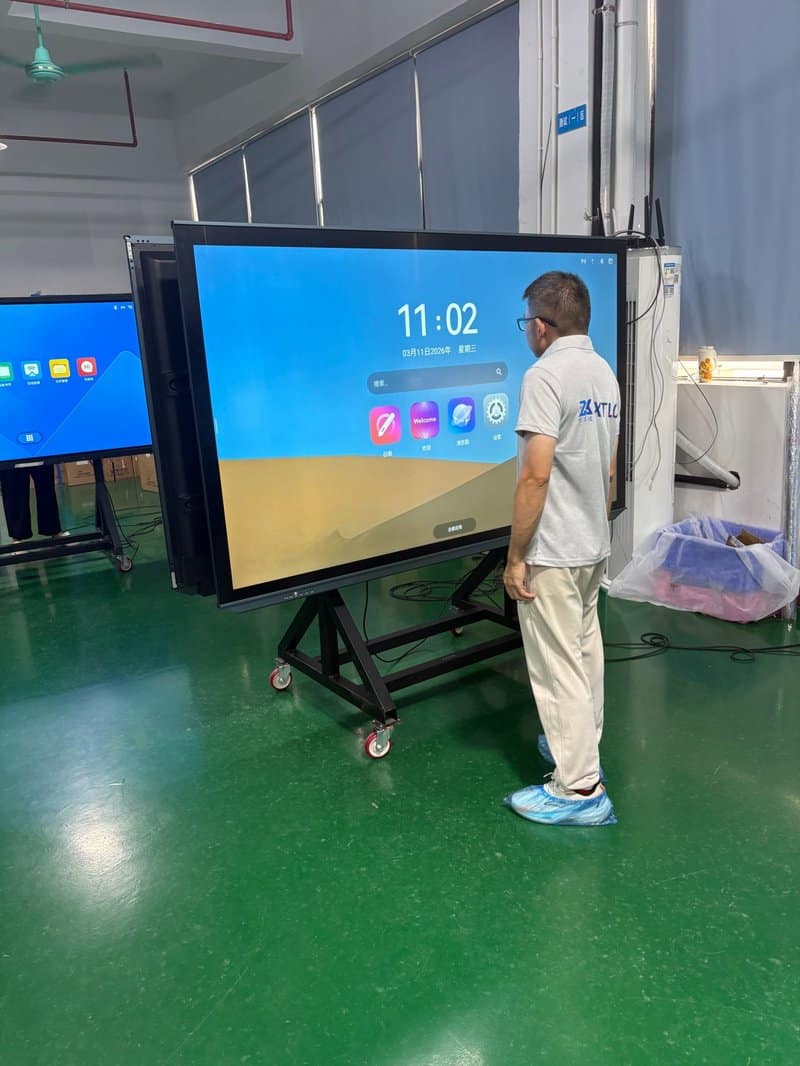
ZXTLCD Conference Display Solutions: Powering Productive Workspaces
Conference all-in-one displays unite large-format high-resolution visuals with versatile interactive functions, providing unmatched flexibility for executive meetings, employee training, project reviews, and corporate business presentations. From responsive touch writing and multi-window displays to wireless screen casting, remote video collaboration, and automated file archiving, properly configured equipment eliminates unnecessary operational bottlenecks, makes content vivid, and ensures communication flows smoothly.
ZXTLCD provides commercial and professional display products and turnkey solutions across diverse office and enterprise environments. By tailoring configurations to room layout, viewing distance, display performance, and interactive requirements, ZXTLCD helps enterprises build tidy, highly practical, and future-proof conference spaces adapted to the demands of modern digital work. In summary, choosing a reliable Large-Format Interactive Display Board solution enhances team engagement, streamlines video conferencing, and elevates overall meeting productivity.
Looking for customized Large-Format Interactive Display Board hardware, interactive flat panels (IFPD), or OEM/ODM smart board solutions? Feel free to contact the ZXTLCD engineering team for free consultations, product specifications, and tailored volume pricing.