

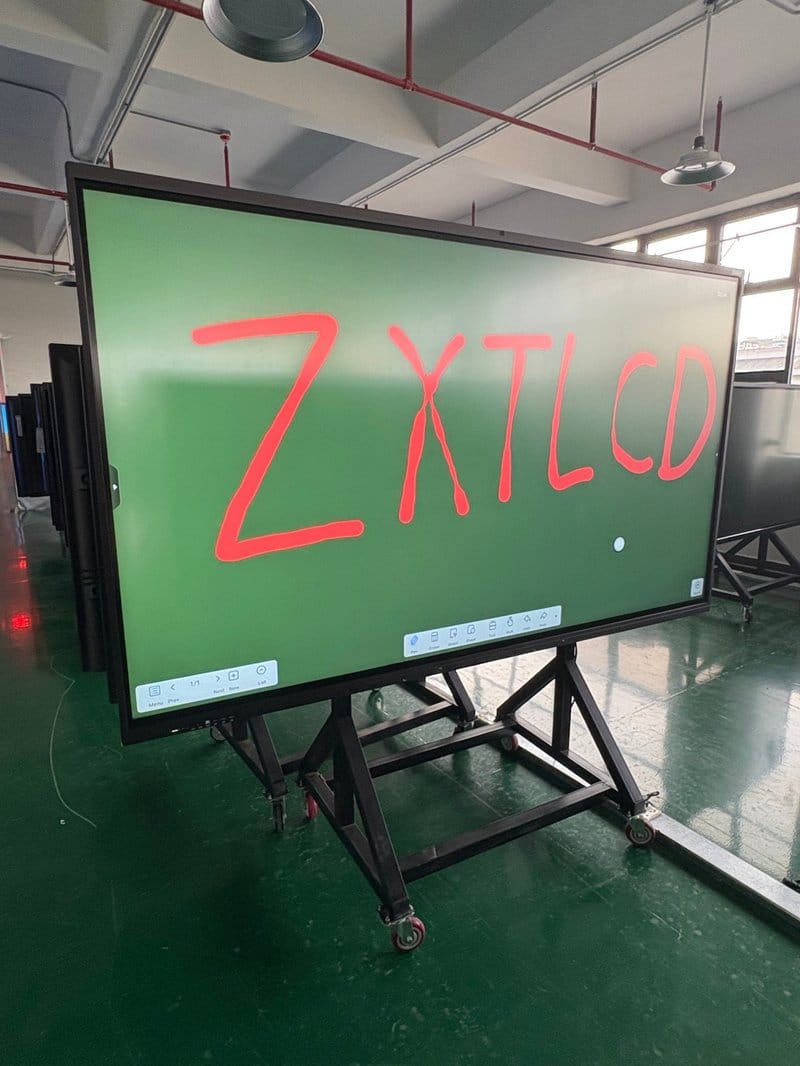

Deploying a professional Conference Room Digital Upgrade Solution provides modern collaborative spaces with an advanced digital presentation hub. Many corporate conference rooms still rely on legacy projectors, standalone audiovisual equipment, and traditional whiteboards. In daily operations, teams frequently suffer from tangled cable connections, time-consuming hardware debugging, clumsy remote communications, and cumbersome post-meeting note transcription. These operational friction points not only degrade the meeting experience but also inflate the overhead of meeting organization and facility management.
An intelligent conference all-in-one machine consolidates large-format display capabilities with diverse collaborative functions into a single unified terminal. Depending on configuration, it supports wireless screen casting, interactive digital whiteboards, remote video conferencing, and automated file archiving—helping enterprises streamline conference room layouts and create clean, agile, and modernized office workspaces.
Conference Room Digital Upgrade Solution: 01 All-in-One Versatility: Simplifying Conference Room Hardware Architecture
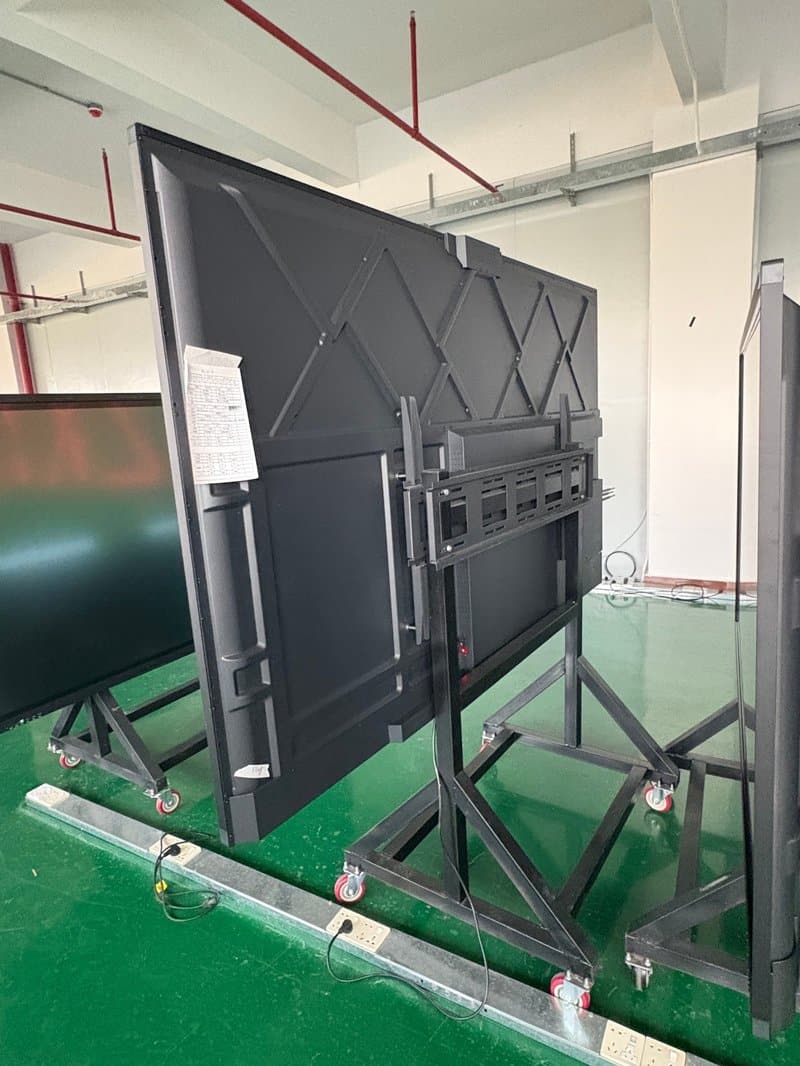
Traditional conference rooms typically demand an assortment of disparate devices: a display screen or projector, projection screen, external webcam, desktop microphones, and physical whiteboards. Connecting, switching, and servicing these separate devices creates substantial complexity. The intelligent conference all-in-one display adopts an integrated architecture that consolidates visual display and interactive touch control into one sleek chassis. Select configurations also integrate built-in cameras, acoustic speaker arrays, and modular computing engines (OPS), dramatically cutting external hardware clutter.
Depending on product specifications, modern conference all-in-one displays offer 4K ultra-high-definition resolution, wireless screen casting, responsive digital whiteboarding, video conferencing capability, and centralized file management. They are ideally suited for corporate boardrooms, training rooms, project war rooms, and executive presentation spaces.
This integrated design significantly streamlines cable routing and equipment placement. For conference room retrofit projects, tailor implementation plans to existing mounting conditions, port requirements, and external peripheral setups to prevent unnecessary hardware redundancy.
02 High-Efficiency Collaboration: Elevating the Meeting Experience
Wireless Screen Casting for Effortless Content Sharing
Business presentations regularly require laptops, mobile phones, or tablets to display slide decks, high-resolution graphics, video demonstrations, and complex spreadsheets. A conference all-in-one machine equipped with wireless casting allows compatible client devices to mirror screen content onto the large display without cable clutter or adapter hunting.
Select systems support dynamic multi-device switching or simultaneous split-screen projection from multiple sources, facilitating proposal comparisons, data cross-referencing, and multi-team collaboration. Verify the specific client device types, transmission protocols, maximum split-screen windows, and connection modes supported by your hardware and software configuration.
Configuring a stable wireless network and casting environment ensures smooth content sharing and removes the friction caused by inconsistent physical cabling.
Responsive Touch Writing: Capturing Discussion Takeaways in Real Time
During brainstorming sessions, solution architecture discussions, and task deployment reviews, an interactive digital whiteboard provides an intuitive digital canvas for live discussions. Touch-enabled conference displays let presenters annotate slides, highlight key metrics, sketch diagrams, and organize workflow thoughts on the fly, keeping all participants focused on the same visual context.
Select models support multi-touch operation, allowing several presenters to collaborate on screen simultaneously. Annotations and whiteboard content generated during the session can be saved and exported as electronic files via compatible software, making it straightforward to review, recap, and continue editing post-meeting.
Writing accuracy, multi-user touch performance, and file export formats vary by hardware specifications and software versions; choose configurations aligned with your team’s operational needs.
Remote Video Conferencing: Powering Seamless Cross-Regional Communication
For distributed enterprises and hybrid teams, an interactive conference display can be coupled with webcams, microphone arrays, speakers, and compatible video conferencing software to enable face-to-face audiovisual communication and real-time screen sharing across distant locations.
Advanced configurations support wide-angle optical cameras, acoustic noise cancellation, auto-framing, and voice-tracking speaker focus, significantly improving visual clarity and speech intelligibility during remote calls. Real-world performance depends on camera and audio hardware specifications, network bandwidth, conference platform capabilities, and room acoustics.
In remote client negotiations, cross-departmental coordination, employee training, and project sprints, deploying properly matched audiovisual equipment eliminates communication barriers between on-site and remote attendees.
File Archiving: Streamlining Post-Meeting Follow-Up
True meeting productivity is reflected not only in lively on-site discussions but also in swift post-session documentation and task execution. Interactive flat panels with dedicated software can save presentation slides, on-screen annotations, and full whiteboard sessions, with select platforms offering instant QR code scanning, direct email dispatch, or cloud repository uploads.
Meeting records can be cataloged according to corporate management workflows, facilitating post-mortem reviews, plan revisions, and inter-departmental task handoffs. When utilizing cloud synchronization or external file sharing, configure appropriate user access permissions to safeguard confidential enterprise data.
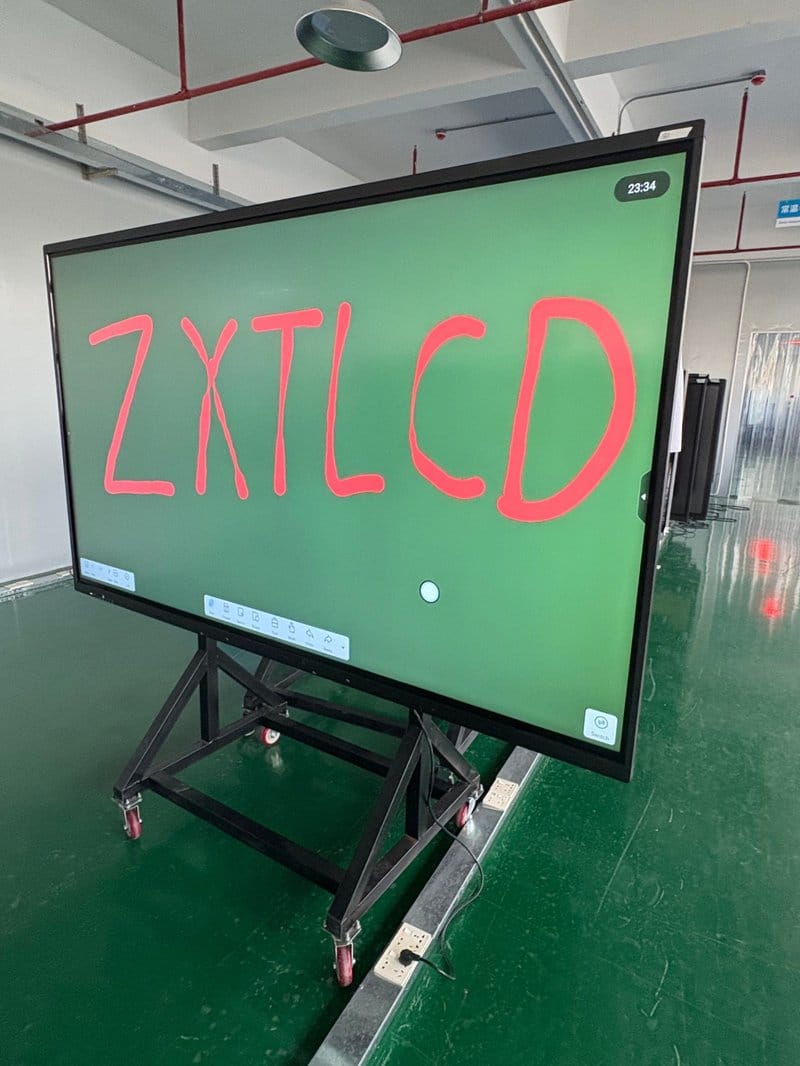
03 Multi-Scenario Adaptability: Tailored to Diverse Meeting Demands
Corporate conference spaces support varied daily business activities, each with distinct requirements for screen dimensions, interactive features, and audiovisual capabilities. Conference all-in-one displays adapt seamlessly to the following settings:
– Daily Departmental Standups: Presenting weekly work plans, action checklists, project roadmaps, and KPI dashboards.
– Business Negotiations & Client Pitches: Leveraging large-screen 4K visuals and dynamic touch annotations to make presentations persuasive and engaging.
– Remote Video Conferences & Distributed Sprints: Conducting remote cross-regional meetings using certified UC video platforms.
– Employee Training & Town Halls: Displaying courseware, instructional videos, flowcharts, and corporate training assets.
– Boardrooms & Multi-Functional Spaces: Matching display dimensions and feature sets to specific spatial floor plans.
When selecting equipment, comprehensively evaluate room dimensions, viewing distances, participant capacity, screen resolution, I/O connectivity, and software compatibility. For rooms prioritizing remote conferencing, pay special attention to camera field of view, microphone pickup range, and speaker acoustic output.
04 Optimizing Facility Management and Total Cost of Ownership
Compared to traditional meeting rooms built from a patchwork of discrete equipment, all-in-one conference displays eliminate tangled interconnects and multi-remote switching, centralizing daily operations and maintenance. However, total capital and operational expenditure should be evaluated comprehensively, taking into account hardware specifications, structural mounting requirements, software licensing, peripheral accessories, and ongoing servicing needs.
When selecting an all-in-one display, look beyond screen dimensions, visual quality, and interactive responsiveness; thoroughly investigate thermal heat dissipation architecture, physical port layouts, firmware/OS update mechanisms, and maintenance accessibility to ensure long-term operational reliability.
For spaces hosting lengthy meetings or intensive training sessions, consider anti-glare (AG) glass coatings, ambient brightness auto-adjustment, and certified eye-comfort features. Specific low-blue-light performance should be verified through product engineering specifications and certified test reports, accompanied by appropriate viewing distances, balanced room lighting, and sensible usage schedules.
Through rational equipment planning, enterprises can fulfill diverse meeting requirements while streamlining spatial layouts and facility management, delivering a clean, highly efficient visual collaboration environment.
ZXTLCD Conference All-in-One Displays: Powering Modern Workspace Upgrades
Upgrading a conference room involves far more than merely swapping out a display screen—it represents a comprehensive optimization of information visualization, team synergy, and everyday business workflows. By pairing integrated hardware design and responsive touch interaction with wireless screen casting and unified video conferencing, intelligent conference all-in-one displays deliver versatile solutions for executive meetings, project reviews, corporate training, and client negotiations.
ZXTLCD provides professional commercial and interactive display products and comprehensive solutions. We support customized equipment selection based on room dimensions, display performance, interface requirements, and interactive workflows, helping enterprises build tidy, highly practical, and modernized meeting spaces perfectly attuned to their operational needs. In summary, choosing a reliable Conference Room Digital Upgrade Solution solution enhances team engagement, streamlines video conferencing, and elevates overall meeting productivity.
Looking for customized Conference Room Digital Upgrade Solution hardware, interactive flat panels (IFPD), or OEM/ODM smart board solutions? Feel free to contact the ZXTLCD engineering team for free consultations, product specifications, and tailored volume pricing.