

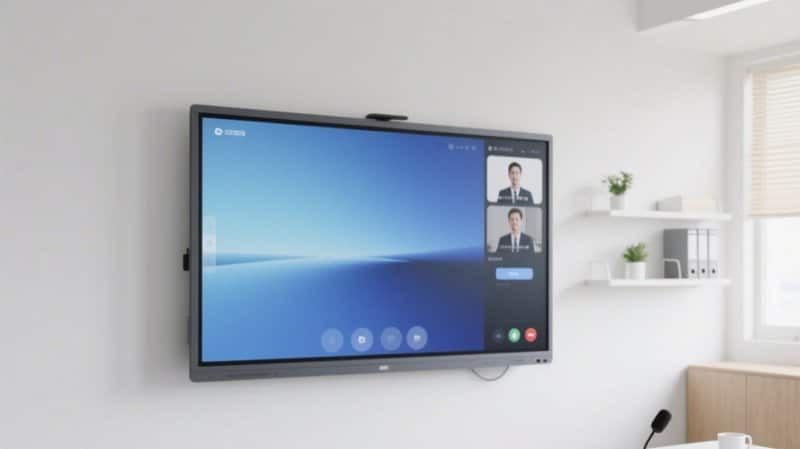

Deploying a professional Commercial Smart Board Lifespan Optimization provides modern collaborative spaces with an advanced digital presentation hub. Comprehensive Analysis of Conference All-in-One Machine Lifespan: How to Make Your Equipment Last Longer
With the rise of smart office environments, all-in-one conference displays (interactive flat panels) are widely deployed across enterprise meeting rooms, corporate training centers, and academic institutions. Integrating high-definition display, touch interactivity, and content sharing into a single terminal, these devices simplify conference operations and enhance presentation and collaboration efficiency.
As electronic equipment deployed for sustained long-term operation, the practical service life of a conference all-in-one display depends on hardware build quality, operational frequency, ambient environmental conditions, and routine maintenance protocols. Understanding the common causes of equipment wear and cultivating disciplined daily maintenance habits significantly reduces failure risks and preserves optimal operational performance.
Commercial Smart Board Lifespan Optimization: 1. Primary Factors Influencing the Lifespan of Conference All-in-One Displays
How Many Years Can a Conference All-in-One Display Typically Last?
There is no uniform lifespan figure that applies universally to every conference machine. Core subsystems—including LCD display panels, power supply units, motherboards, and touch sensor frames—possess distinct engineering lifespans, and operational longevity varies significantly across hardware configurations and environmental conditions.
Even when a machine powers on normally after years in service, gradual luminance decay, physical port wear, cooling fan degradation, or operating system incompatibilities may emerge over time. Evaluating equipment durability must look beyond theoretical design life to scrutinize active operating conditions and maintenance quality.
1. Improper Operational Habits Accelerate Component Wear
Under heavy daily utilization, all-in-one conference displays continuously process high-resolution rendering, multi-touch input, and continuous data transmission. Sustained high-load operation in poorly ventilated spaces places severe thermal and electrical stress on internal circuitry.
Furthermore, frequent power cycling, abruptly cutting mains power while the unit is running, or forcing power cuts during file writes and firmware updates can corrupt system storage and trigger hardware anomalies.
Maintenance Guidelines:
– Follow standard operating procedures in manufacturer manuals for power-up and shutdown sequences.
– Close unused background applications to free system memory and reduce processing loads.
– Monitor chassis temperature and operating status during prolonged sessions, ensuring cooling vents remain unblocked.
– Avoid rapid, repetitive power cycling, and ensure stable power supply during system updates and file saves.
– Schedule periodic power-down rests based on hardware design, workload intensity, and manufacturer recommendations rather than applying arbitrary continuous-run restrictions.
2. Inhospitable Environmental Conditions Compromise Operating Stability
The chassis of an all-in-one conference machine houses sensitive display panels, motherboard processors, and high-voltage power supplies. Ambient temperature, relative humidity, atmospheric dust, and air circulation profoundly influence equipment reliability.
Temperature: Excessive ambient heat increases internal thermal stress, accelerating component aging; freezing temperatures can degrade panel response times and liquid crystal performance. Operate the display strictly within manufacturer-rated temperature ranges.
Humidity: Sustained high humidity promotes moisture accumulation on internal circuit boards, triggering oxidation, corrosion, and short circuits. Keep the unit away from water sources and avoid humid environments that exceed operational limits.
Dust Accumulation: Airborne dust settling on cooling grilles, intake vents, and internal fan blades impedes heat dissipation, causing internal temperatures to spike. Routine cleaning of chassis surfaces and ventilation grilles mitigates dust-induced thermal throttling.
Maintenance Guidelines:
– Install the display in a well-ventilated space meeting environmental specifications.
– Protect the screen from prolonged direct sunlight, and position it away from humidifiers, steam vents, or dusty production zones.
– Never obstruct cooling vents or stack paper, boxes, or office supplies against the chassis.
– For devices in storage or idle for extended periods, cover them with breathable dust covers; always remove dust covers completely before powering on to ensure unrestricted airflow.
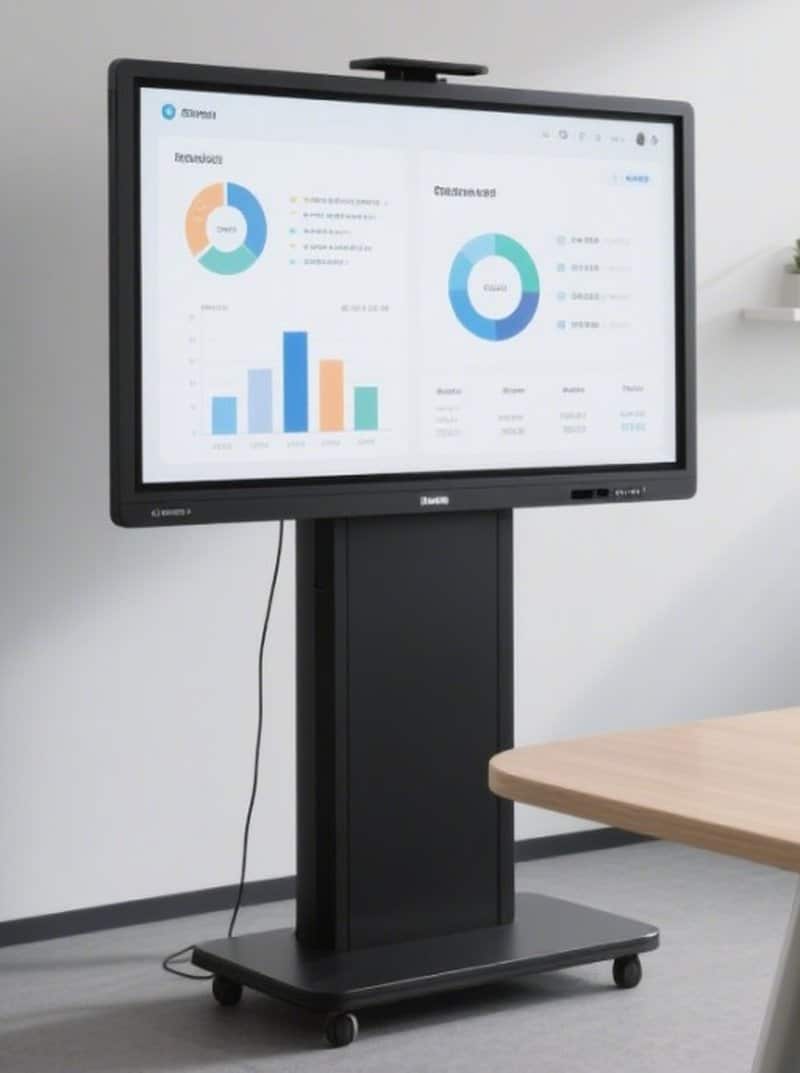
3. Improper Cleaning and Neglected Software Maintenance Increase Failure Risks
The optical screen surface, physical I/O ports, and outer enclosure require meticulous care. Using abrasive wiping cloths, spraying liquids directly onto the glass, or allowing chemical cleaners to seep into seams can ruin optical coatings or cause internal short circuits.
On the software side, neglecting operating system updates, installing unverified third-party APKs, or ignoring application compatibility issues can cause system lag, random app crashes, or severe security vulnerabilities.
Maintenance Guidelines:
– Use clean, ultra-soft, lint-free microfiber cloths to wipe the display glass; avoid paper towels, coarse rags, or corrosive solvents.
– If using display cleaning solutions, verify chemical compatibility with optical glass coatings and follow product instructions. Never spray liquid directly onto the glass or bezel seams.
– Regularly inspect power cords, video patch cables, and interface ports, addressing loose connections or bent pins immediately.
– Apply firmware and OS security patches according to manufacturer recommendations and operating system releases.
– Install only verified, certified applications, avoiding unvetted software downloads from unknown sources.
– When purging system caches and temporary files, protect critical meeting data and avoid modifying core system partitions.
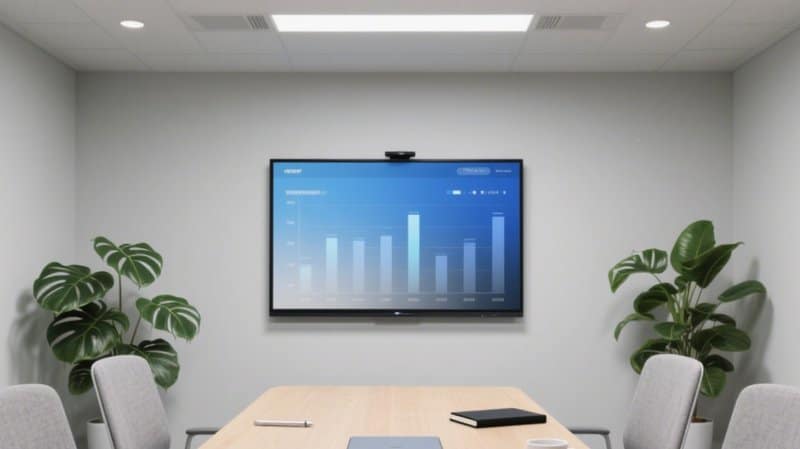
2. Three Proven Methods to Extend the Operating Lifecycle of Conference All-in-One Displays
Method 1: Establish Standardized Operational Practices
Cultivating disciplined operating habits forms the bedrock of daily equipment preservation.
Upon turning the machine on, allow the operating system to finish booting completely before launching video conferencing or whiteboard applications. When meetings conclude, exit running applications and save critical files before initiating standard software shutdown. For models equipped with active cooling fans or delayed power-off thermal sequences, adhere strictly to manufacturer shutdown protocols.
Additionally, avoid violently yanking power plugs, pulling on connecting cables, or aggressively jamming connectors into I/O ports. For units deployed heavily for video calls, presentations, and touch writing, routinely inspect system performance and address anomalies early.
Method 2: Maintain Optimal Ambient Environmental Conditions
Conference displays should operate within specified temperature, humidity, and airflow tolerances rather than generic approximations.
During hot summer months, ensure meeting spaces have adequate air conditioning or ventilation; during rainy or humid seasons, monitor indoor humidity levels and inspect surfaces for condensation. When moving a display from cold outdoor storage into a warm room, allow the unit to acclimate according to manufacturer guidelines, never powering on while moisture condensation may be present on internal electronics.
Wipe chassis exteriors regularly with soft cloths and inspect ventilation zones. Cleaning schedules should reflect actual dust accumulation rates rather than rigid calendar rules.
Method 3: Institute a Scheduled Preventative Maintenance Protocol
Beyond surface dusting, scheduled technical check-ups uncover latent defects before they lead to full system failures.
Focus scheduled inspections on the following key areas:
Display Quality: Check for uniform screen brightness, accurate color balance, dead pixels, and backlight bleeding.
Touch Performance: Verify touch calibration, touch response accuracy, writing smoothness, and multi-touch gesture responsiveness.
Cable & Port Integrity: Ensure power cords, HDMI/Type-C cables, audio lines, and touch USB connections fit securely without mechanical looseness.
System Stability: Observe OS boot duration, application responsiveness, and smooth media playback.
Software & Security: Check OS updates, app version compatibility, security patches, and cloud backup configurations.
Thermal Dissipation & Structural Exterior: Inspect cooling vents for lint blockage and examine wall brackets, mobile carts, and cables for structural stability.
If a device exhibits persistent black screens, boot loops, abnormal coil whine or fan rattles, unresponsive touch zones, or severe overheating, halt operations immediately and contact qualified service engineers. Never attempt unauthorized internal chassis disassembly without professional training.
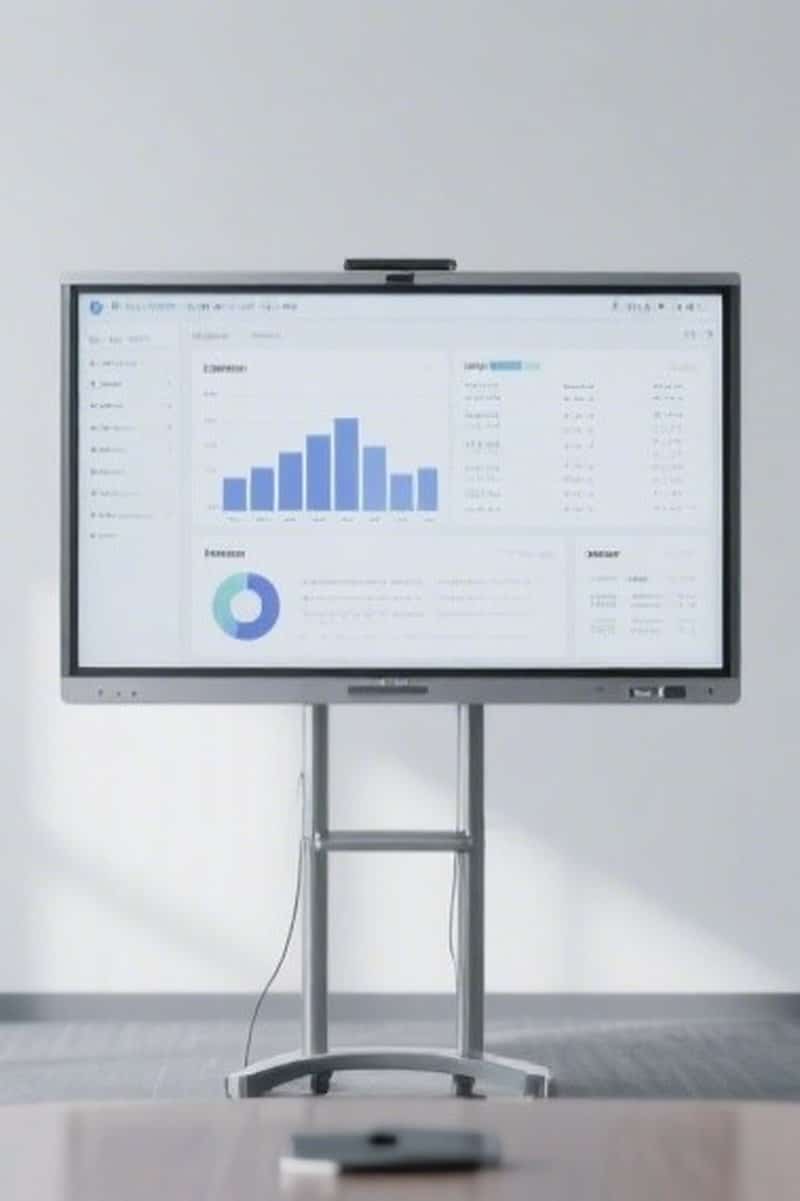
3. ZXTLCD Conference Display Maintenance and Application Recommendations
ZXTLCD provides commercial display and conference display solutions tailored to professional workspaces. For all-in-one conference displays and associated commercial screens, maintenance strategies must be formulated around chassis architecture, hardware specifications, environmental factors, and operational duty cycles.
During equipment selection and deployment, verify screen specifications, touch technologies, I/O ports, cooling architectures, and structural mounting requirements in advance. Once operational, establishing clear power-up/down guidelines, periodic inspection checklists, and service incident logs will elevate equipment management efficiency.
For boardrooms featuring multi-screen configurations or unified AV systems, clearly define signal routing paths, central control protocols, and maintenance standards. Tasks involving deep firmware debugging, hardware replacements, or internal electrical overhauls must be performed by certified technical personnel.
The longevity of a conference all-in-one machine depends not only on hardware quality but also on daily user discipline, environmental control, and maintenance diligence. By enforcing standard operations, maintaining ideal room conditions, and resolving anomalies promptly, enterprises can keep their conference displays in peak condition—delivering dependable support for corporate meetings, training, and ongoing team collaboration. In summary, choosing a reliable Commercial Smart Board Lifespan Optimization solution enhances team engagement, streamlines video conferencing, and elevates overall meeting productivity.
Looking for customized Commercial Smart Board Lifespan Optimization hardware, interactive flat panels (IFPD), or OEM/ODM smart board solutions? Feel free to contact the ZXTLCD engineering team for free consultations, product specifications, and tailored volume pricing.