

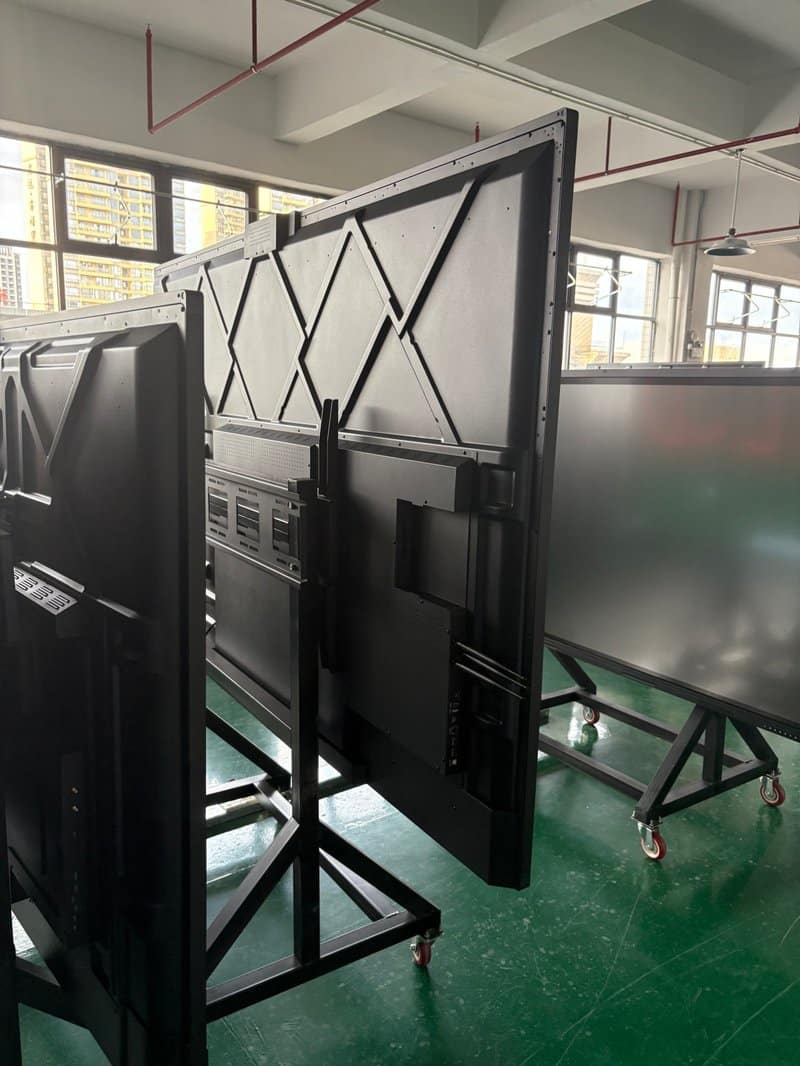

Deploying a professional Interactive Flat Panel Screen Sizing Guide provides modern collaborative spaces with an advanced digital presentation hub. With the expanding adoption of interactive flat panels (smart all-in-one touch displays) across educational classrooms, training institutions, and corporate conference spaces, available screen sizes and mounting configurations have diversified significantly. How should schools and enterprises select the right screen size based on room dimensions? Which application scenarios do various display sizes suit best? What critical factors must be considered when choosing between wall-mounted, mobile cart, recessed flush, and sliding blackboard installations?
Making informed choices regarding display dimensions and mounting methods not only optimizes visual viewing experiences, but also creates clean spatial layouts that facilitate teaching, collaborative meetings, and ongoing equipment maintenance.
1. Common Display Sizes for Interactive Flat Panels with a Interactive Flat Panel Screen Sizing Guide
Interactive flat panel sizes are universally measured by screen diagonal length in inches. Mainstream market sizes include 55-inch, 65-inch, 75-inch, 86-inch, and 98-inch models, with select specialized product series offering 32-inch or other custom dimensions depending on product design and application scope.
When choosing display dimensions, avoid focusing solely on panel size; evaluate room floor area, viewing distance, audience headcount, content density, and mounting location comprehensively. Educational environments must ensure students in the back rows can clearly read text and diagrams; corporate conference rooms must balance presentation legibility, participant sightlines, and room interior aesthetics.
Educational Scenarios: Sizing Displays to Classroom Scale
Different instructional spaces impose distinct visual requirements on display hardware. The following guidelines provide practical selection benchmarks:
– 32-inch: Suitable for compact tutoring rooms, one-on-one instruction, auxiliary visual kiosks, or spaces with severe spatial constraints. Suitability for early childhood centers or boutique training studios depends on viewing distance and instructional materials.
– 55-inch: Recommended for small tutoring classrooms, seminar spaces, or small-group breakout pods where student counts are limited and viewing distances are short.
– 65-inch and 70-inch: Well-suited for standard small-to-medium classrooms and training rooms, accommodating courseware presentations, educational videos, and interactive teaching.
– 75-inch and 86-inch: Ideal for medium-to-large lecture classrooms, vocational training halls, and learning spaces requiring dense typography and complex diagrams. Visual impact depends on classroom depth, seating layout, and panel resolution.
– 98-inch: Suited for spacious multimedia lecture halls, university auditoriums, and executive training theaters with extended viewing distances, provided wall mounting space and content readability are verified beforehand.
These sizing tiers serve as foundational planning references rather than rigid rules. For classrooms displaying fine text fonts, complex formula derivations, or detailed financial charts viewed from distant desks, prioritize actual viewing distances and screen resolution.
2. Corporate Conference Scenarios: Balancing Room Dimensions and Viewing Distances
In enterprise conference rooms, screen sizing must harmonize with conference table dimensions, participant seating capacity, and primary presentation content. Common benchmarks include:
– 55-inch: Suitable for huddle rooms, compact discussion spaces, or executive private offices.
– 65-inch: Ideal for small-to-medium meeting rooms handling routine standups, slide presentations, and video calls.
– 75-inch: Recommended for medium boardrooms, allowing seated participants to view presentation assets comfortably.
– 86-inch: Well-suited for large conference rooms and corporate training spaces presenting detailed financial spreadsheets, technical schematics, and multimedia assets.
– 98-inch: Designed for executive boardrooms, corporate briefing centers, and multipurpose exhibition halls; evaluate structural feasibility and line-of-sight geometry beforehand.
Real-world selection should not rely exclusively on floor area or headcount. For example, a conference room primarily dedicated to reviewing small-font Excel models requires higher visual clarity and larger display scaling than a room primarily used for video conferencing or high-level slide reviews.
Prior to purchasing, measure maximum viewing distances, intended display mounting heights, and the distance between the conference table and the screen, taking into account native resolution and aspect ratios.
2. Mainstream Installation Methods for Interactive Flat Panels
Selecting an appropriate mounting configuration maximizes room spatial utilization and directly impacts physical safety and long-term serviceability. Primary mounting methods include wall mounting, mobile cart mounting, recessed flush mounting, and integrated sliding blackboard combinations.
Wall-Mounted Installation: Maximizing Floor Space
Wall mounting anchors the display directly onto a structural wall, freeing up valuable floor space and creating a clean, orderly classroom or meeting room aesthetic.
For smaller screens such as 32-inch displays, wall mounting is a standard, lightweight choice; nevertheless, installers must verify device weight, VESA hole patterns, bracket load ratings, and wall construction. Large-format displays (65 inches to 98 inches) can also be wall-mounted, but technicians must verify that wall load-bearing capacity, anchor bolt strength, and bracket structures strictly comply with hardware specifications.
Before installation, plan dedicated power outlets and network/signal conduits, ensuring ease of port access, adequate heat dissipation, and straightforward maintenance clearance. For hollow block walls, light partition boards, or unverified drywall structures, conduct structural evaluations first; never assume a wall is safe based merely on screen size.
Mobile Cart Installation: Agile Flexibility Across Spaces
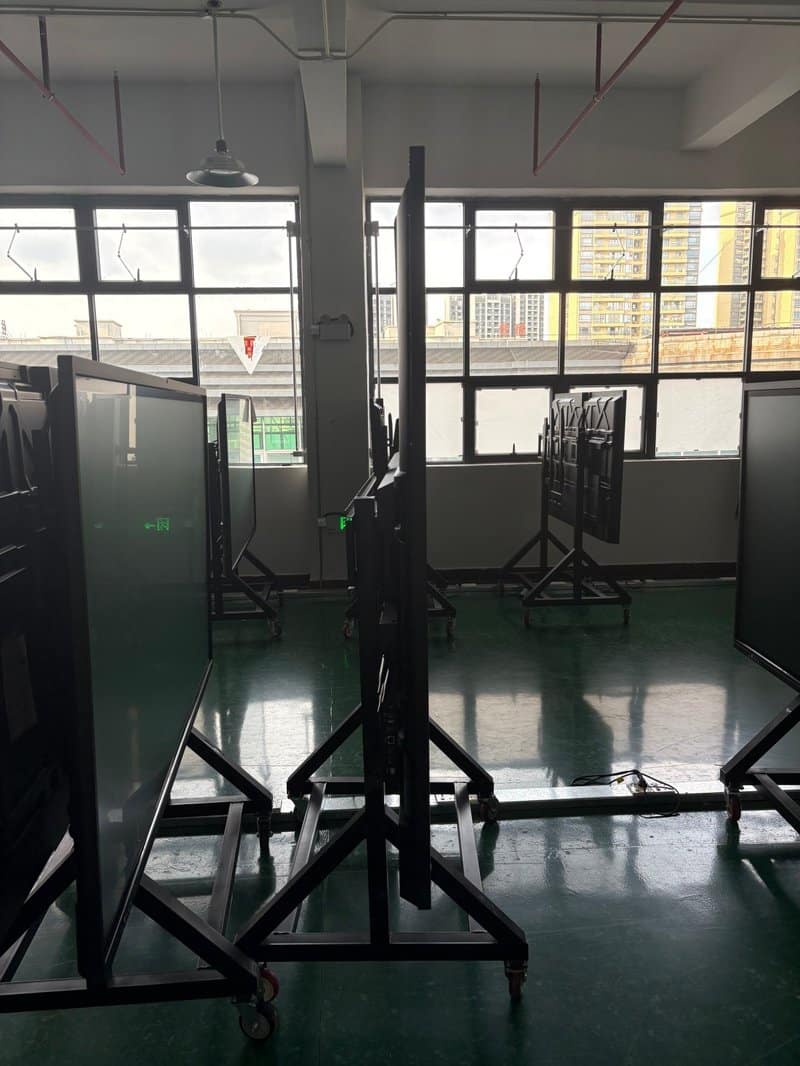
Mobile cart setups utilize heavy-duty rolling stands equipped with lockable casters, allowing the display to be moved effortlessly across different rooms. This setup is ideal for multipurpose training spaces, dynamic classrooms, and flexible meeting environments.
Compared to fixed wall mounting, mobile carts allow hardware sharing across different rooms and eliminate the need for permanent wall drilling. However, as display screen size and weight increase, cart stability, base footprint width, center-of-gravity engineering, and caster load ratings become critical.
When selecting a mobile stand, verify that its rated weight capacity, VESA mounting pattern, and compatible screen size range match the display. During operation, lock caster brakes securely and avoid moving the unit rapidly across uneven floors or door thresholds. For large displays, manage power cords and video patch cables carefully to prevent tripping hazards or cord strain while wheeling.
Recessed Flush Installation: Sleek Architectural Integration
Recessed flush installation embeds the display into a wall niche or custom millwork enclosure, aligning the screen flush with surrounding walls or decorative paneling. It is favored in executive boardrooms, corporate showrooms, and high-end briefing centers requiring seamless architectural aesthetics.
While recessed mounting delivers a refined visual integration, it demands rigorous pre-construction planning. Millwork dimensions must be calculated precisely based on display chassis dimensions, mounting bracket depths, and cable connector clearance, while reserving ample airflow channels for thermal heat dissipation and maintenance access.
Never enclose a display completely in a tight niche without ventilation, and never obstruct thermal vents or service ports for the sake of a flush cosmetic finish. Structural enclosures must follow manufacturer thermal guidelines and site specifications.
4. Integrated Sliding Blackboard Installation: Tailored for Interactive Classrooms
In modern smart classrooms, interactive flat panels are frequently integrated with sliding greenboards or whiteboards, merging digital multimedia display with traditional chalk or marker handwriting. When instructors present courseware or instructional video, the display is exposed; when deriving mathematical formulas or sketching notes, teachers slide the blackboard over the screen.
This hybrid setup satisfies both digital teaching and traditional chalk writing workflows, but requires meticulous design regarding display dimensions, sliding track travel, mounting height, and structural framing. Sliding panels must never impact or scrape against the display glass, and adequate perimeter clearance must be reserved for operational access and servicing.
Furthermore, wall anchoring structures, track weight capacities, and frame fasteners must satisfy stringent safety standards. For large-format educational displays, installation and structural reinforcement must be conducted by experienced professional contractors.
3. Essential Pre-Installation Checklist
Regardless of the chosen mounting method, thorough pre-installation inspections prevent costly operational disruptions:
– Verify Display Dimensions and Weight: Cross-check outer frame dimensions, VESA mounting holes, gross unit weight, and bracket weight ratings against technical datasheets.
– Inspect Wall Construction and Structural Integrity: For wall-mounted and recessed installations, assess wall load capacity and anchoring substrates, adding reinforced backing plates where required.
– Plan Power Outlets and Signal Conduits: Confirm outlet locations, network drops, and video cable runs in advance, avoiding dangling cords that create safety hazards or restrict movement.
– Reserve Adequate Thermal Dissipation and Service Clearance: Never block ventilation grilles, cooling fans, or service access panels needed for routine inspections.
– Verify Ergonomic Mounting Height and Sightlines: Determine optimal mounting center height based on seated participant eye levels, room seating geometry, and on-screen content legibility.
– Rigorously Inspect Structural and Electrical Safety: Following installation, inspect all fasteners, bracket safety locks, and cable strain reliefs, completing full system commissioning per manufacturer manuals; heavy lifting and mounting must be handled by qualified personnel.
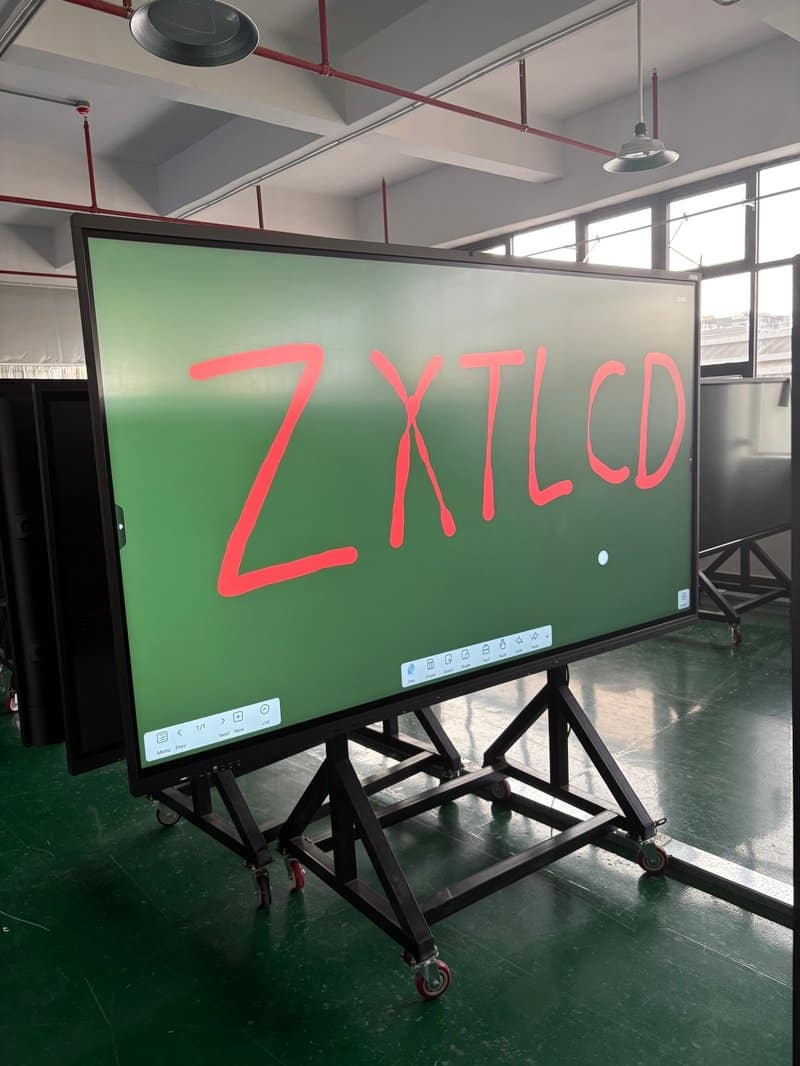
ZXTLCD Interactive Display Solutions for Education and Conference
Selecting display dimensions and installation methods for interactive flat panels requires a balanced evaluation of spatial floor plans, viewing distances, hardware weight, and operational workflows. Properly matched screen sizes significantly elevate the readability of lesson courseware, financial reports, and multimedia presentations; well-planned installation architectures streamline room layouts, ensure user safety, and simplify future servicing.
ZXTLCD provides commercial and professional display products and comprehensive turnkey solutions, helping educational institutions and enterprise clients tailor display systems to room layouts, visual demands, and installation environments. By confirming screen sizes, structural mounts, and interface requirements in advance, organizations can seamlessly integrate interactive displays into modern collaborative environments. In summary, choosing a reliable Interactive Flat Panel Screen Sizing Guide solution enhances team engagement, streamlines video conferencing, and elevates overall meeting productivity.
Looking for customized Interactive Flat Panel Screen Sizing Guide hardware, interactive flat panels (IFPD), or OEM/ODM smart board solutions? Feel free to contact the ZXTLCD engineering team for free consultations, product specifications, and tailored volume pricing.