

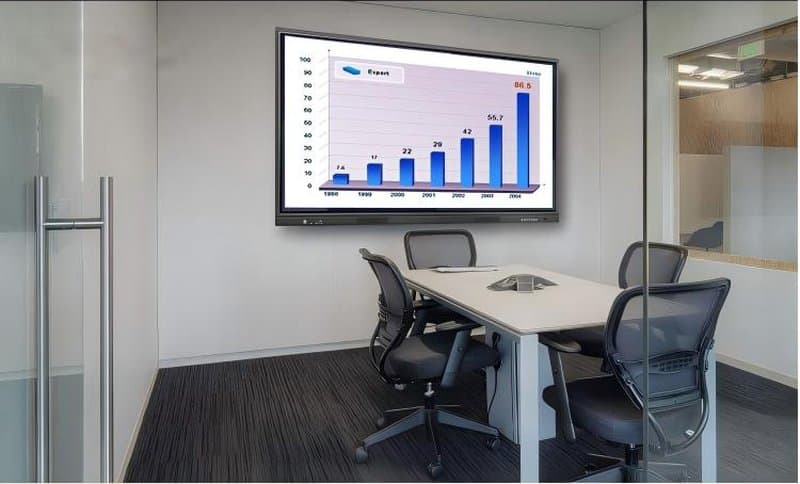

Deploying a professional Interactive Conference Panel Longevity Guide provides modern collaborative spaces with an advanced digital presentation hub. To ensure your interactive conference tablet (all-in-one conference display) consistently maintains peak performance, we have compiled this comprehensive maintenance and care guide. Through standardized maintenance and disciplined daily care, you can enjoy the sustained convenience and productivity of efficient collaborative meetings over the long term. Let us explore how to keep your interactive conference display operating with brilliant clarity and reliability!
Routine Cleaning Is Essential with a Interactive Conference Panel Longevity Guide
Regular cleaning of your conference all-in-one display is fundamental to preserving seamless everyday operation. Use an ultra-soft, lint-free microfiber cleaning cloth to gently wipe the screen surface, strictly avoiding harsh industrial chemicals, coarse fabrics, or abrasive sponges that could scratch the protective optical coatings. Concurrently, inspect and clean external dust and debris from cooling ventilation vents to maintain optimal heat dissipation and prevent thermal airflow blockages.
Avoid Extreme Temperatures and Liquid Ingress
Ensure your interactive conference tablet operates within designated ambient temperature tolerances, preventing prolonged exposure to excessively hot or freezing environments. Furthermore, strictly prevent liquids—such as water, tea, or coffee—from spilling or splashing into the device chassis, as liquid ingress causes catastrophic electrical short circuits and internal component corrosion. Vigilant physical protection remains the cornerstone of equipment care.
Timely System Updates and Secure Data Backups
Regularly update operating systems, office applications, and hardware peripheral drivers to maintain robust cybersecurity defenses and optimal system performance. Concurrently, establish a routine schedule to back up critical conference assets, whiteboarding notes, and system configuration profiles stored on the display, guarding against data loss or corruption during unexpected disruptions.
Prudent Management of Battery and Peripheral Devices
For portable interactive tablets or accessories equipped with internal batteries, avoid allowing batteries to drain completely to zero percent; maintain charge levels between 20% and 80% to prolong battery cell health. Furthermore, connect external peripheral devices—such as printers, document scanners, and wireless presentation dongles—responsibly, strictly adhering to manufacturer operational manuals to guarantee overall system stability and electrical safety.
Convenient Warranty Support and Professional Technical Services
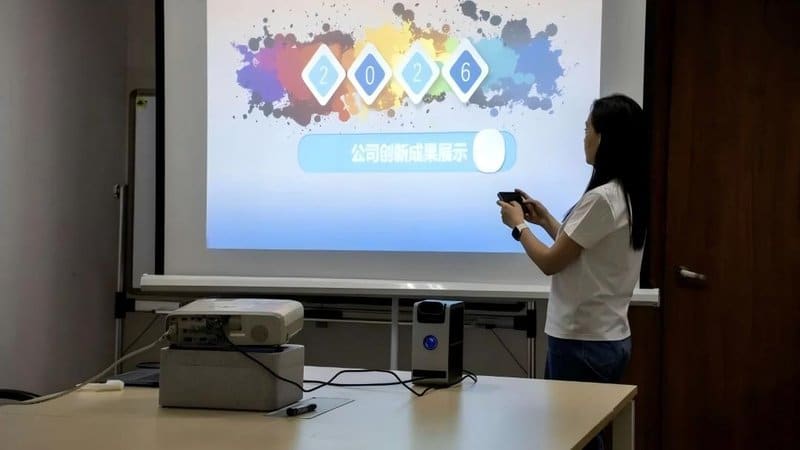
We provide responsive warranty protection and expert technical support services to keep your interactive conference tablet in premier operational condition. Whether you require remote troubleshooting, on-site diagnostics, or firmware upgrades, our professional technical team stands ready to assist—ensuring you experience completely worry-free meetings.
Properly maintaining and caring for your interactive conference tablet is the vital key to flawless business collaboration. Through routine surface cleaning, safeguarding against extreme temperatures and liquid spills, timely software patching and data backups, sensible peripheral management, and dependable warranty support, you will enjoy lasting, trouble-free performance. Take action today to keep your interactive conference display in optimal condition, unlocking an unparalleled collaborative meeting experience! In summary, choosing a reliable Interactive Conference Panel Longevity Guide solution enhances team engagement, streamlines video conferencing, and elevates overall meeting productivity.
Looking for customized Interactive Conference Panel Longevity Guide hardware, interactive flat panels (IFPD), or OEM/ODM smart board solutions? Feel free to contact the ZXTLCD engineering team for free consultations, product specifications, and tailored volume pricing.