

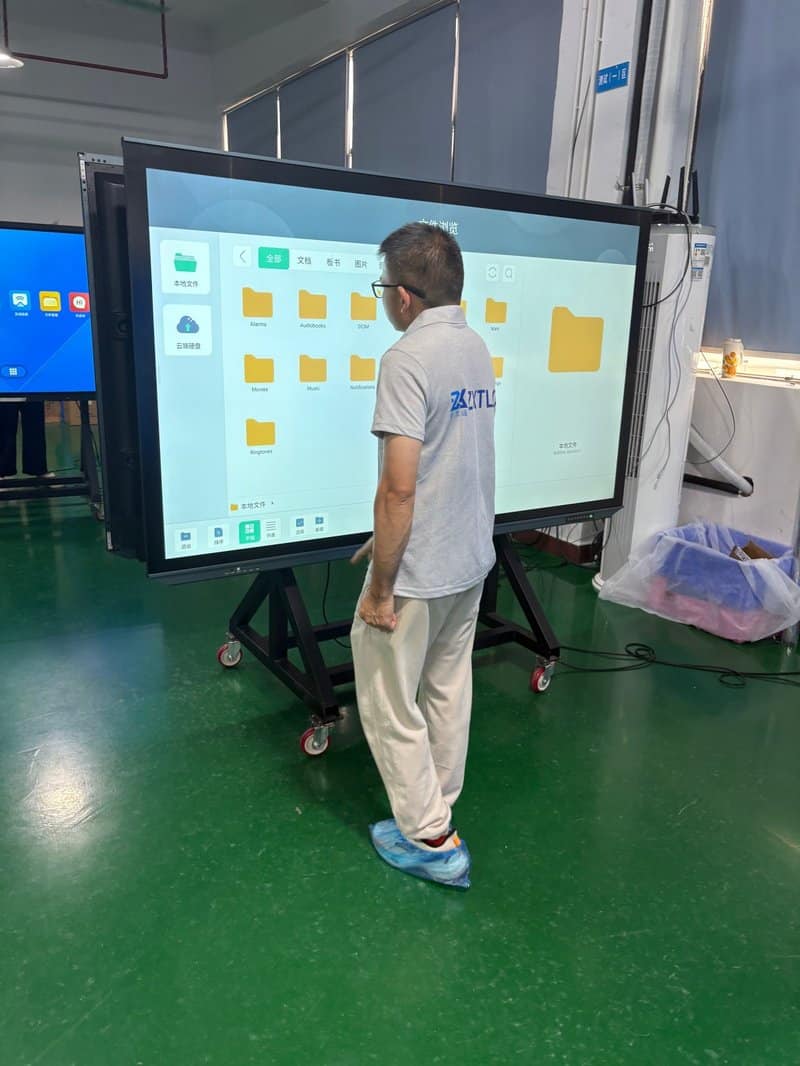

Deploying a professional Commercial Conference TV Display provides modern collaborative spaces with an advanced digital presentation hub. When enterprises seek to elevate their meeting room experience, their initial instinct is often to launch extensive architectural renovations—remodeling interiors, restructuring room layouts, or tearing open walls to re-run cables. Many assume that only major structural renovations can resolve meeting inefficiencies. However, large-scale construction not only severely disrupts day-to-day office operations, but also inflates engineering budgets and facility maintenance overhead.
For everyday meeting environments, display clarity, audiovisual harmony, and operational simplicity represent the decisive factors governing the overall meeting experience. Rather than undertaking disruptive architectural overhauls, organizations should first evaluate the bottlenecks of their existing hardware. By replacing obsolete equipment with a highly integrated conference TV all-in-one display (commercial interactive display), enterprises can dramatically improve visual clarity, audio fidelity, wireless screen casting, and video conferencing. Where existing spatial layouts and electrical infrastructure permit, this targeted upgrade strategy eliminates unnecessary construction and returns meeting spaces to productive service rapidly.
Commercial Conference TV Display: Integrated Architecture: Eliminating Equipment Clutter and Cable Re-Wiring
Traditional meeting rooms frequently rely on fragmented, standalone equipment setups: separate displays, wall-mounted projectors, motorized screens, external webcams, desktop speakerphones, and discrete casting dongles. Cables crisscross conference tables and snake across floors, creating visual clutter while complicating signal switching, cable management, and routine maintenance.
A conference TV all-in-one machine consolidates high-definition display capabilities with diverse collaborative features into a single chassis. Select commercial models integrate microphone arrays, high-fidelity acoustic speakers, optical webcams, or wireless screen-casting receivers, significantly reducing external peripheral count. For rooms requiring cross-regional collaboration, the display connects seamlessly with certified video conferencing platforms to deliver synchronized audiovisual communication.
During room upgrades, first inspect existing wall-mount brackets, power outlet locations, network drops, and signal conduits before selecting new display dimensions and interface specifications. If existing infrastructure satisfies the new display’s technical requirements, enterprises can avoid secondary drilling and wall trenching. If port conversions, electrical adjustments, or network additions are necessary, pre-planning ensures seamless connectivity without post-installation snags.
Anti-Glare (AG) Display Coatings: Enhancing Visibility Under Complex Lighting
In older conference rooms, window placements and overhead lighting layouts are often fixed. Seating near windows suffers from harsh daylight, while overhead fluorescent fixtures cast bright mirror reflections across glossy screens, severely impairing the readability of text, spreadsheets, and slides.
To resolve this lighting challenge, deploying commercial displays treated with anti-glare (AG) surface processing provides an effective solution. AG etching or optical coatings scatter ambient light reflections, reducing mirror glare and preserving contrast under illuminated office conditions. For rooms where teams constantly analyze PowerPoint presentations, detailed financial spreadsheets, project roadmaps, and CAD drawings, crisp font edges, balanced luminance, and flicker-free rendering are essential.
Note that anti-glare efficacy depends on glass surface treatment processes, ambient lighting geometry, screen brightness levels, and mounting angles; it does not mean glare can be completely eliminated under extreme direct sunlight. When planning upgrades, evaluate room daylighting, viewing distances, and screen sizes concurrently. If harsh light reflections persist, adjusting luminaire angles or tweaking display tilt angles can further optimize viewing comfort.
Intuitive User Interface: Lowering Operational Barriers for Everyone
Operating legacy conference room hardware often requires juggling separate remote controls for monitors, projectors, audio amplifiers, and video codecs. For non-technical staff or visiting guests, configuring connections and switching signal inputs wastes precious meeting time.
A conference TV all-in-one display consolidates common collaboration tools into a unified, intuitive on-screen operating system. Depending on software configurations, users can access wireless screen casting, local file browsers, video conferencing apps, or digital whiteboards directly from the home screen, eliminating the confusion of switching between disjointed devices.
For conference rooms where participants frequently present from laptops, verify supported screen-casting modes, physical I/O ports, and operating system compatibility. Wired connections utilize standard HDMI or USB Type-C cables; wireless casting relies on stable Wi-Fi environments, client software, and proper network security policies. Understanding exact product capabilities prior to deployment ensures frictionless daily operation.
While an intuitive user interface significantly reduces the employee learning curve, providing clear, concise quick-start guides remains best practice. Concise cheat sheets illustrating power-on sequences, input source selection, wireless casting steps, and volume controls help employees adopt the new technology effortlessly.
Commercial-Grade Engineering: Prioritizing Long-Term Reliability and Serviceability
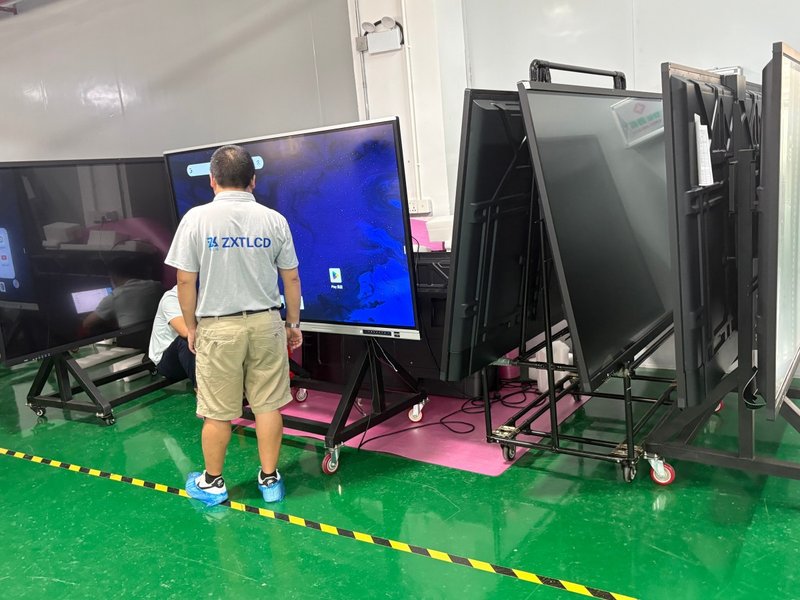
Conference room displays endure rigorous daily operation throughout the business week. Any display flickering, connection dropouts, or audio distortion directly derails executive meetings and client presentations. Therefore, upgrade decisions must prioritize long-term durability and maintenance accessibility alongside screen dimensions and feature lists.
Commercial-grade conference displays must be selected based on projected daily operating hours, thermal loads, and environmental factors. Internal thermal heat dissipation architecture, physical connector durability, firmware update lifecycles, and ease of servicing profoundly affect overall user satisfaction. For boardrooms hosting marathon sessions or intensive video conferences, verify that integrated audio and video subsystems perform reliably without overheating or throttling.
During daily operations, enforce standard cleaning guidelines: prevent cleaning fluids from entering bezels or ventilation grilles, and maintain adequate airflow around the rear chassis. If unusual heat buildup, loose ports, or system errors occur, engage certified technical support promptly rather than attempting internal repairs without training.
Furthermore, clarify manufacturer warranty terms, spare parts availability, and after-sales support SLAs before finalizing procurement. Pairing sensible hardware configurations with disciplined operating practices preserves reliable conference room functionality far more effectively than merely chasing superficial features.
Assess Existing Room Conditions Before Finalizing Upgrade Plans
Upgrading an outdated conference room does not necessitate tearing down walls. For rooms where layout geometry, power infrastructure, and network drops remain functional, replacing legacy equipment with a well-matched conference TV all-in-one display can dramatically upgrade visual presentation, screen casting, and video collaboration.
Before approving an upgrade plan, systematically audit the following areas:
– Visual Display Requirements: Choose screen size and resolution (4K UHD) based on floor area, viewing distance, and presented content types.
– Audiovisual Specifications: Determine whether integrated or external microphone arrays, acoustic speakers, and cameras are required based on attendee headcount, room acoustic reverberation, and video conferencing frequency.
– Connectivity & System Compatibility: Cross-check existing video cables, physical ports, network drops, and corporate laptop operating systems to prevent interface mismatches.
– Structural Mounting Conditions: Verify wall load-bearing capacity, mounting bracket VESA patterns, power outlet locations, and thermal ventilation clearance for secure installation.
– Maintenance & Lifecycle Management: Evaluate cleaning protocols, firmware update channels, and after-sales warranty support aligned with daily usage intensity.
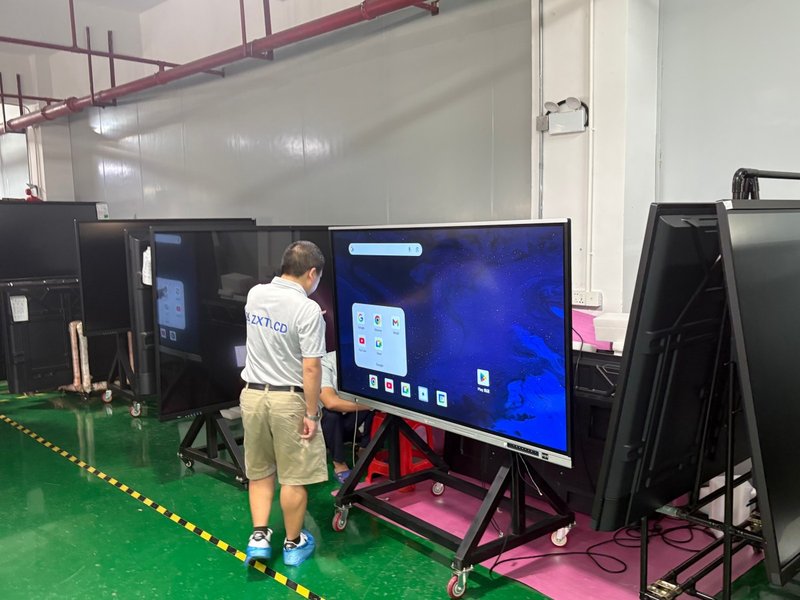
ZXTLCD delivers commercial display and conference collaboration products and turnkey integration solutions. By auditing room dimensions, operational workflows, and existing infrastructure, ZXTLCD assists enterprises in systematically upgrading conference room displays and user experiences while keeping engineering complexity and costs firmly under control. In summary, choosing a reliable Commercial Conference TV Display solution enhances team engagement, streamlines video conferencing, and elevates overall meeting productivity.
Looking for customized Commercial Conference TV Display hardware, interactive flat panels (IFPD), or OEM/ODM smart board solutions? Feel free to contact the ZXTLCD engineering team for free consultations, product specifications, and tailored volume pricing.