

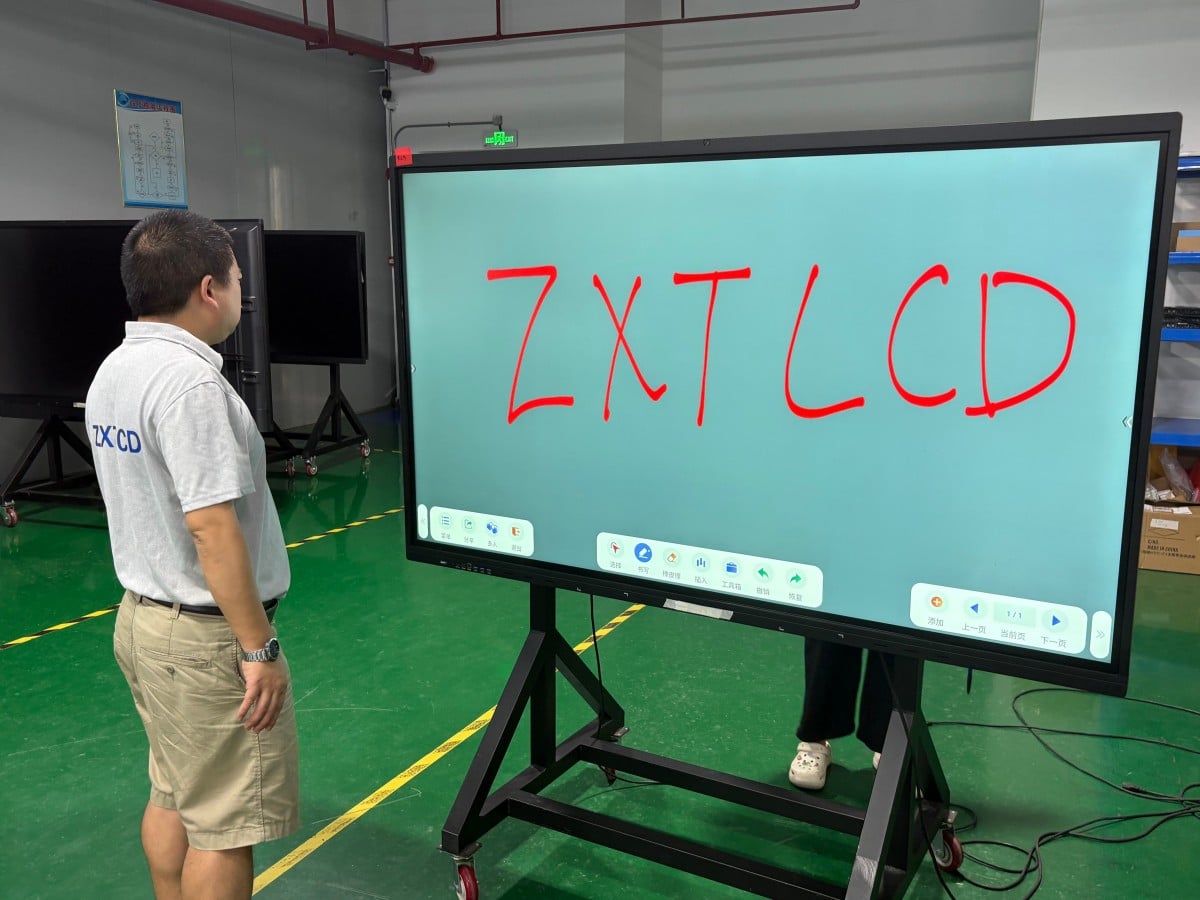

In many corporate conference rooms, a familiar hardware setup has long persisted: a retractable projection screen on the wall, an overhead projector mounted to the ceiling, a physical dry-erase whiteboard standing in the corner, and a tangled heap of adapter dongles cluttering the conference table. Before meetings can even begin, the first ten minutes are consumed by hunting for cables, adjusting optical focus, closing window blinds, and erasing leftover marker ink from previous sessions.
In recent years, an increasing number of enterprises have replaced this fragmented setup with a unified conference all-in-one interactive display (Interactive Flat Panel). What makes it so compelling, and should every meeting room make the transition? Below is a comprehensive breakdown.
What Exactly Is a Conference All-in-One Display?
In simple terms, a conference all-in-one display is a large-format interactive touchscreen terminal that consolidates previously fragmented meeting tools into a single integrated system: commercial high-definition display, digital interactive whiteboard, document presentation, wireless screen mirroring, and—when paired with integrated cameras and microphone arrays—remote video conferencing. Many models incorporate dual onboard operating systems (Android and Windows OPS), allowing users to open files and browse web resources natively without tethering external laptops.
It is far more than just a ‘large commercial television’; its core value lies in unifying meeting presentation, collaborative annotation, wireless sharing, and digital archiving into a single intuitive interface.
Advantage 1: Clear Daylight Visibility Without Drawing Blinds
The greatest frustration with traditional projectors is their acute sensitivity to ambient light. As soon as natural daylight enters the room, projected images wash out into hazy gray silhouettes, forcing attendees to draw window blinds and dim room lights—making physical note-taking difficult and inducing drowsiness.
A conference all-in-one display is a self-emissive commercial LCD/LED panel. Visuals remain crisp, vibrant, and fully legible whether room lights are on or natural daylight streams through unshaded windows, allowing meeting discussions to proceed naturally without compromising room illumination. For organizations with window-lined boardrooms that conduct frequent daytime meetings, this provides an immediate productivity upgrade.
Advantage 2: Seamless Integration of Document Display and Annotation
In traditional setups, slide decks are projected on the screen while brainstormed ideas are scribbled onto a separate physical whiteboard. Attendees’ gaze constantly darts between the two, and spontaneous whiteboard notes cannot be merged with the original presentation.
On an interactive conference display, presenters can annotate directly over active PowerPoint decks, PDF reports, spreadsheets, or web pages—circling key figures, handwriting comments, and switching to an expansive blank digital whiteboard canvas with a single touch. Handwriting latency and pen-tracking fidelity vary across hardware models, so testing touch responsiveness and stroke precision firsthand prior to purchasing is strongly recommended.
Advantage 3: Multi-User Simultaneous Collaboration
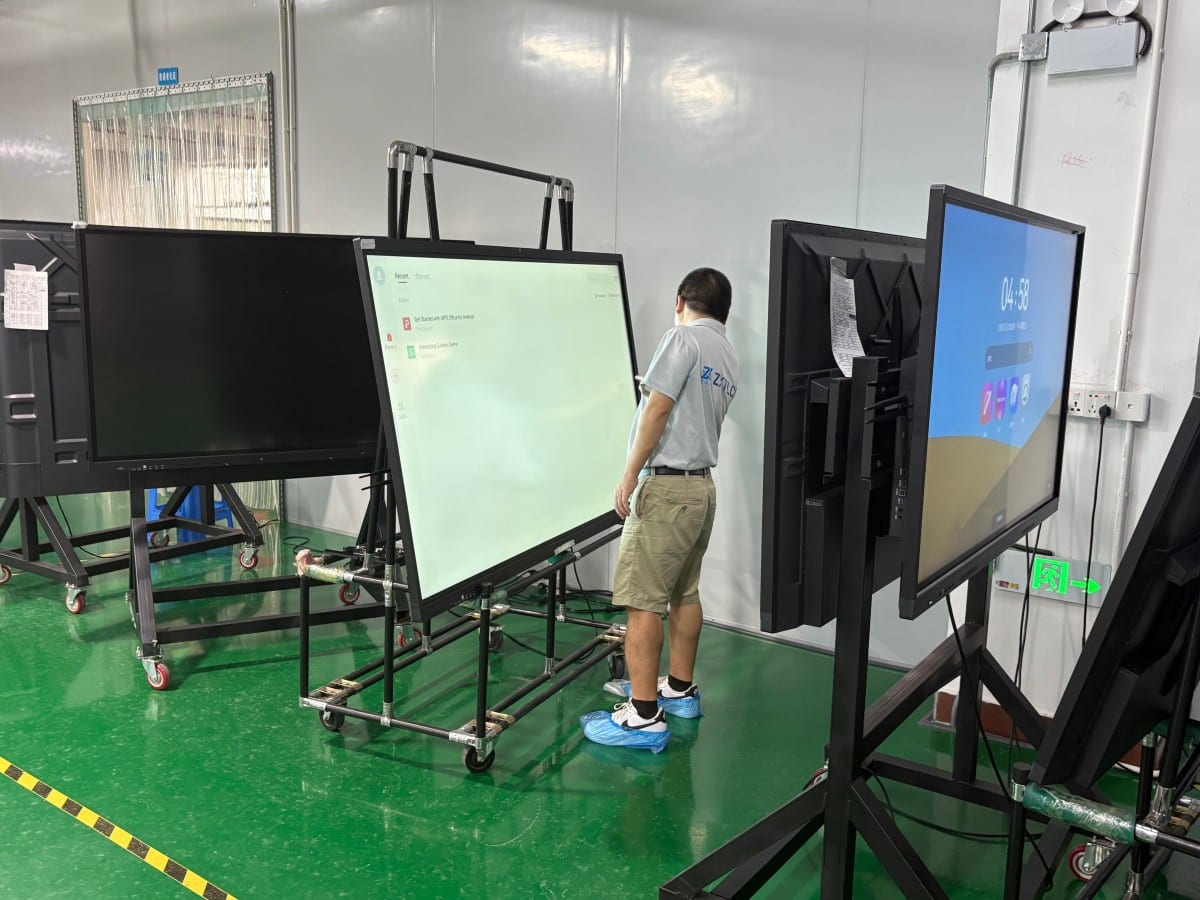
Conference all-in-one displays incorporate multi-point touch technology (typically 20-point or 40-point touch), enabling multiple participants to write, sketch, and interact on the canvas simultaneously. During collaborative brainstorming, architectural reviews, or training workshops, team members can collaborate side-by-side at the screen, fostering far greater engagement than passive one-way lecturing.
Advantage 4: Cable-Free Wireless Screen Sharing
Meeting flow is frequently derailed when presenters arrive with new laptop ports only to find missing adapter dongles or incompatible video cables.
Wireless screen mirroring allows laptops, smartphones, and tablets to stream audio and video to the primary display in seconds, enabling seamless handoffs between speakers without physical cable swaps. Advanced systems support touch-back control, allowing presenters to operate their mirrored PC directly from the interactive screen. Because wireless mirroring depends on local network bandwidth and protocol compatibility, test performance across diverse corporate devices prior to rollout.
Advantage 5: Frictionless Digital Meeting Archiving and Distribution
Traditional whiteboard notes are erased permanently once wiped, while smartphone photos taken of whiteboards suffer from glare, oblique angles, and blurry handwriting.
On an all-in-one display, full-canvas whiteboard annotations can be saved instantly to cloud drives, exported as PDFs, or distributed immediately via a QR code scan or automated email dispatch, allowing attendees to walk away with exact digital meeting minutes on their phones. Future sessions can reopen saved whiteboard canvases to resume editing seamlessly.
Advantage 6: Native Cloud Video Conferencing Integration
Equipped with wide-angle cameras, beamforming microphone arrays, and integrated stereo speakers, all-in-one displays natively run enterprise video conferencing platforms (Zoom, Microsoft Teams, Webex, Tencent Meeting), allowing remote colleagues to collaborate on shared canvases as if present in the room.
Remember that video conferencing quality depends equally on display optics and room acoustics. In medium-to-large conference spaces, relying solely on built-in microphones can leave distant participants inaudible; integrating external tabletop expansion microphone pods or ceiling arrays should be planned early.
Recognizing Hardware Limitations and Operational Realities
To make an informed commercial decision, evaluate boundary constraints realistically:
Capital Expenditure: The upfront purchase price of a commercial interactive all-in-one display exceeds that of an entry-level projector, particularly in large screen diagonals (75–98 inches). For meeting spaces with minimal collaboration needs that only project static slides occasionally, projectors may remain adequate.
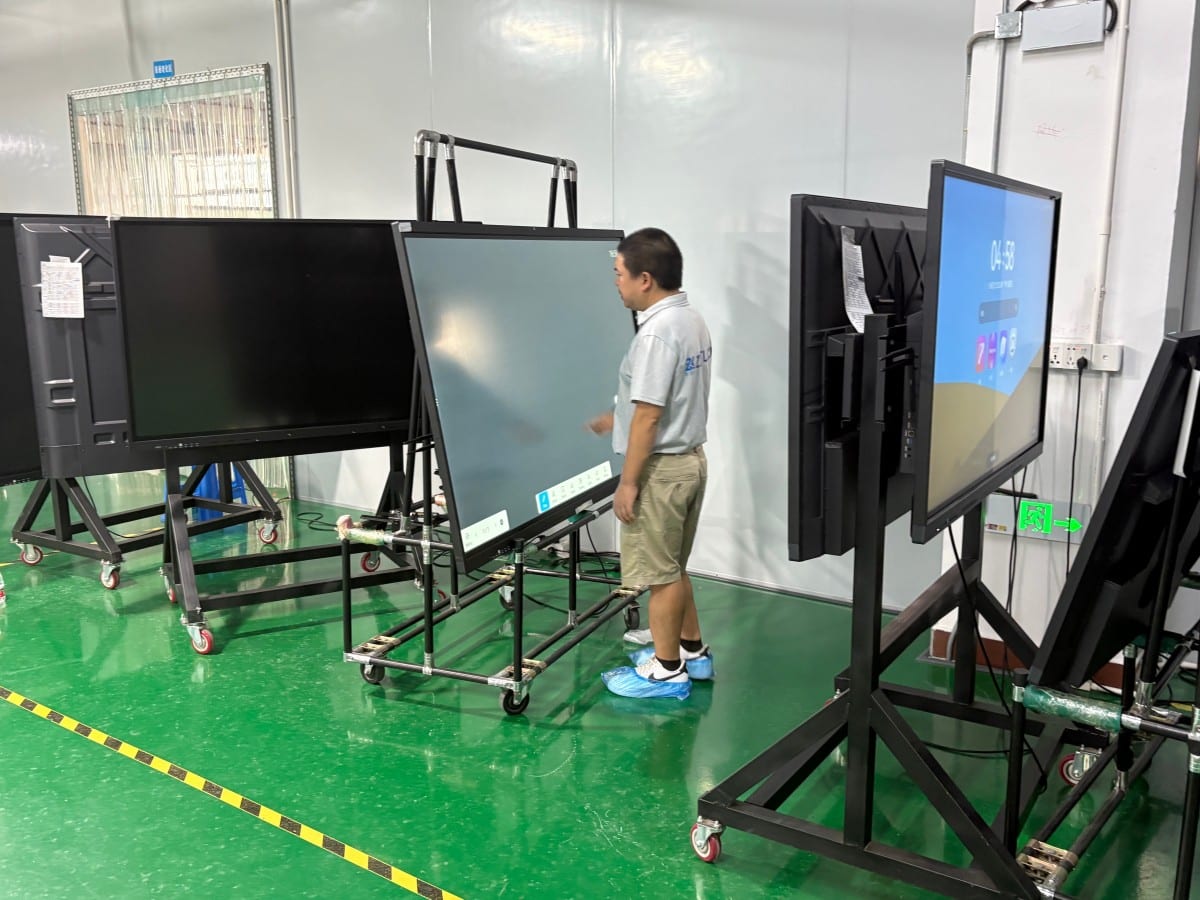
Physical Size Ceilings: While interactive panels scale up to 98 or 110 inches, expansive auditoriums, town halls, and tiered lecture halls require visual diagonals exceeding 150 inches, where high-lumen laser projectors or fine-pitch LED video walls remain necessary.
Mounting Structural Loads: Large interactive panels are heavy; wall mounting requires verified structural backing and concealed conduit routing. Improper mounting creates safety hazards.
Software Ecosystem Nuances: User experience depends heavily on the responsiveness of the vendor’s digital whiteboard software, operating system stability, and wireless casting compatibility, requiring evaluation beyond raw hardware specs.
Pre-Procurement Checklist
Before purchasing, clarify: room square footage and maximum seating distance (to determine diagonal size and external audio needs); primary meeting format (formal presentations, active whiteboard brainstorming, or video calls); corporate laptop and OS ecosystem compatibility; wall substrate load-bearing capacity (solid masonry vs. hollow drywall requiring mobile rolling carts); and budgetary allocation for hardware and after-sales SLAs.
Request on-site vendor demonstrations to evaluate handwriting stroke latency, wireless casting stability, and microphone voice pickup firsthand.
Frequently Asked Questions (FAQ)
How does an interactive conference display differ from a standard consumer TV? All-in-one displays integrate multi-point touch overlays, anti-glare commercial glass, interactive whiteboard software, wireless multi-device casting, and enterprise video conferencing hardware designed for continuous commercial duty, which consumer TVs lack.
Are interactive displays worthwhile for small huddle rooms? Yes. Small huddle rooms benefit immensely from rapid wireless casting, collaborative digital whiteboards, and integrated video calls, making meetings agile and productive.
Can an all-in-one display completely replace a projector? In the vast majority of small-to-medium conference rooms, yes. However, for massive auditoriums or grand training halls requiring 150+ inch visuals, projection systems or LED video walls remain necessary.
Does operating an interactive display require specialized IT training? Everyday operation is intuitive and smartphone-like. Initial network setup and OPS computer configuration should be handled by IT personnel, followed by a brief 10-minute team onboarding session.
Conclusion
The growing popularity of conference all-in-one interactive displays stems from their ability to unify previously scattered meeting workflows—display, annotation, wireless sharing, digital archiving, and remote conferencing—into a single seamless hardware terminal. Evaluating room size, collaboration habits, and budget ensures you choose the ideal hardware solution to modernize your corporate workspace.
Explore Commercial Interactive Smart Boards & Conference Displays
If you are upgrading your conference room, training center, or collaborative workspace, explore our high-performance interactive flat panel models:
- Interactive Flat Panel with Camera for Focused Hybrid Collaboration
- 75 Inch Smart Board for Meeting Presentations and Decisions
Need a Customized Meeting Room Solution or Project Quote?
ZXTLCD delivers end-to-end interactive display engineering—from 55″ to 110″ 4K anti-glare touchscreens, integrated 4K ePTZ cameras, 8-array microphones, to dual Android/Windows OPS compute configurations.