

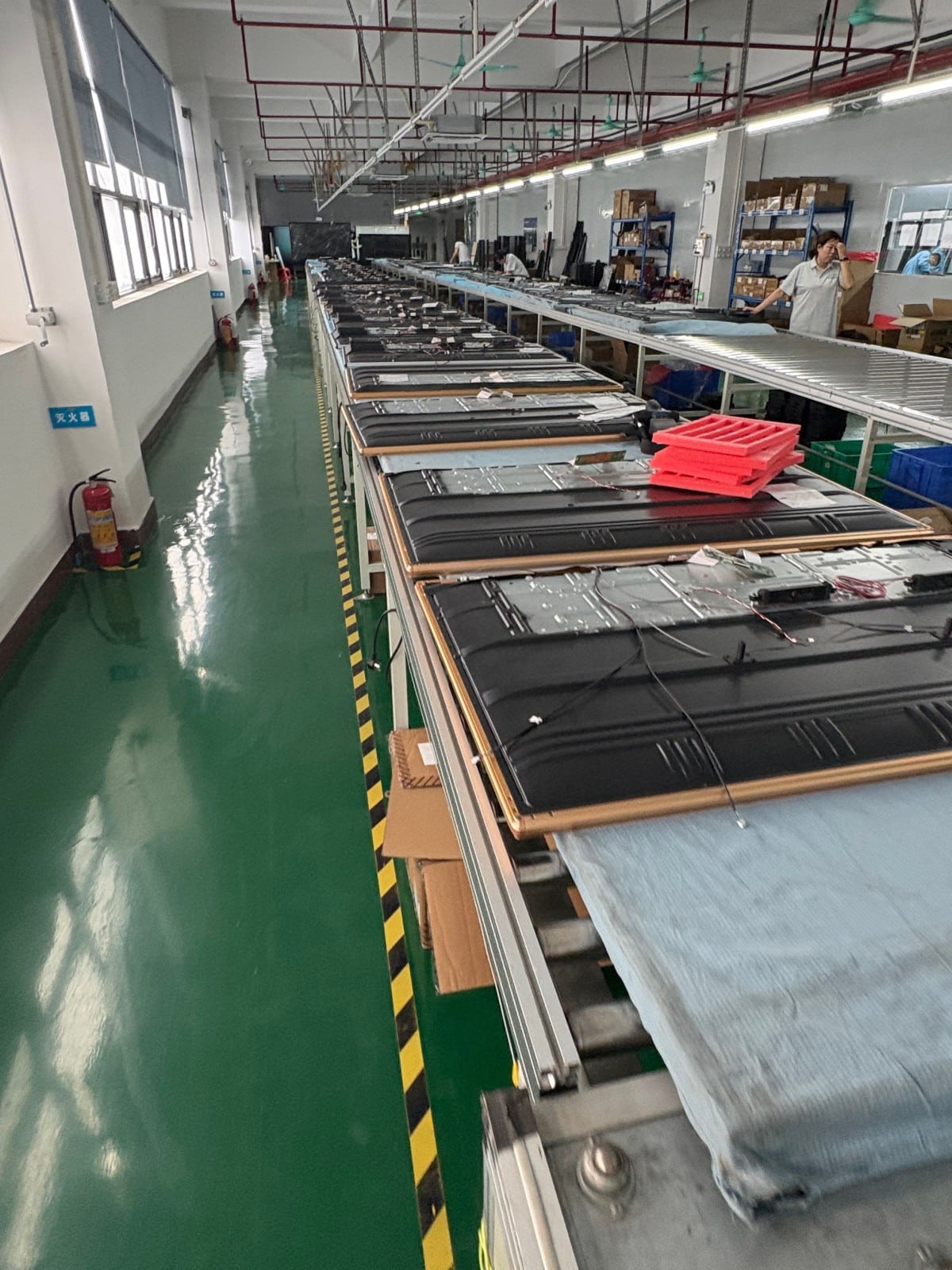

In contemporary corporate operations, collaborative meetings have become standard practice—ranging from annual strategic planning to departmental data analysis reviews. For data-intensive analytical teams, collaborative meetings represent the primary engine of decision-making. Within this context, conference all-in-one interactive displays have gained widespread adoption. Serving as modern intelligent collaboration terminals, they deliver intuitive visual rendering for data analysis while dramatically elevating meeting efficiency. Below is an in-depth examination of the digital whiteboard function and its operational benefits.
Remote Video Conferencing and Real-Time Synchronization
The digital whiteboard software integrates seamlessly with leading video conferencing platforms, preventing unauthorized access and ensuring confidential corporate discussions remain secure. Equipped with high-definition cameras and multi-directional microphone arrays, attendees—whether gathered in the local boardroom or collaborating across branch offices—enjoy crystal-clear voice clarity and synchronized real-time visual canvas sharing, guaranteeing fluid, latency-free remote collaboration.
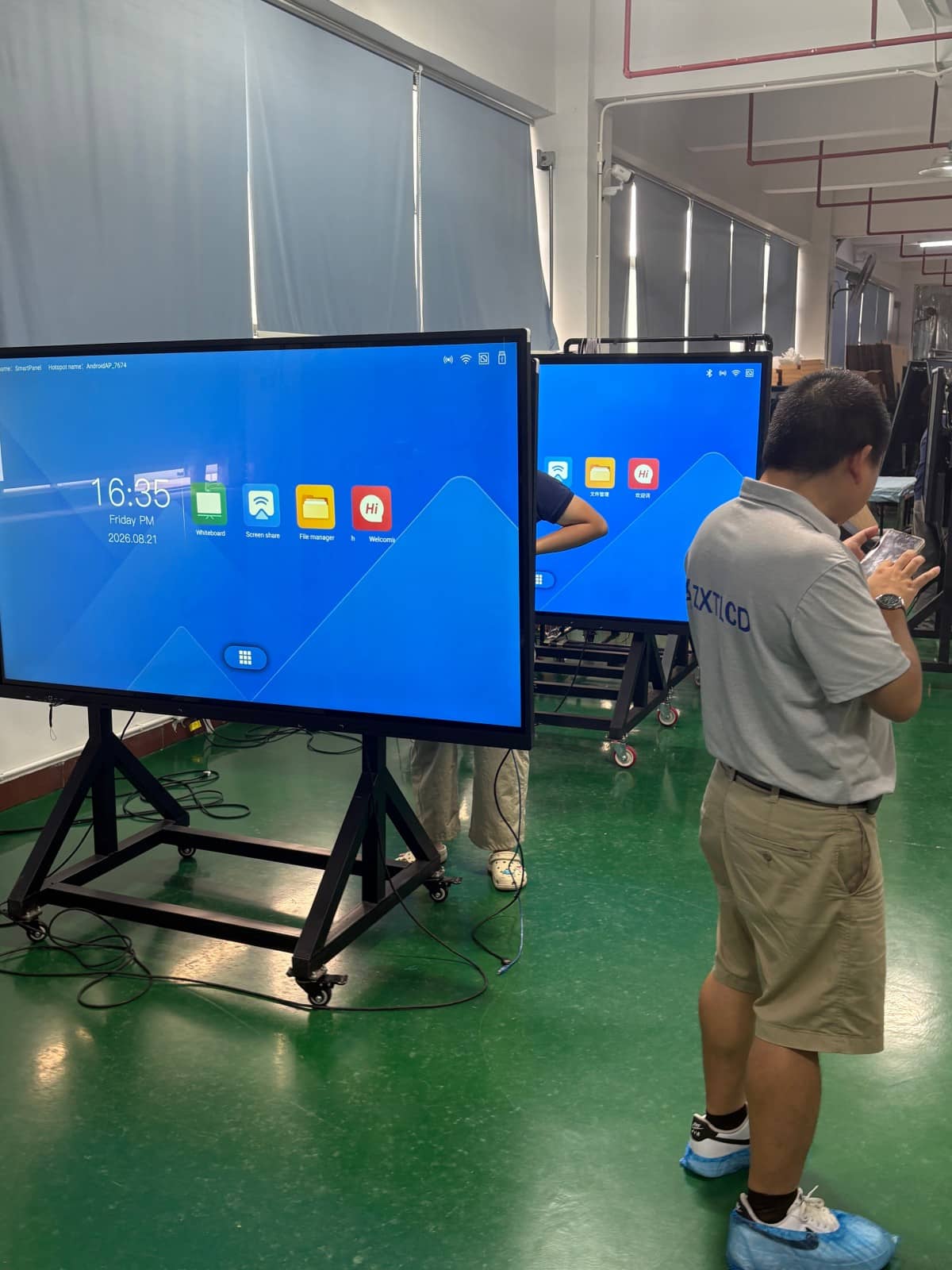
Intelligent Digital Handwriting and Annotation
The primary role of any whiteboard is unhindered handwriting. Whether utilizing physical dry-erase boards or digital touchscreens, writing must remain smooth, crisp, and responsive. The digital whiteboard of an all-in-one display elevates this experience: beyond freehand sketching and handwriting, it enables intelligent annotation directly over images, PDF documents, text files, and PowerPoint presentations, supporting diverse collaborative and instructional workflows.
High-Efficiency Wireless Screen Mirroring
Wireless screen mirroring allows laptops, smartphones, and tablets to cast audio, video, and documents to the conference whiteboard display over wireless networks in seconds. Attendees inspect complex data sets collaboratively on the primary screen. Supporting bi-directional touch control, presenters can annotate, edit, and manipulate content on the big screen with immediate synchronization back to their source devices, driving meeting productivity.
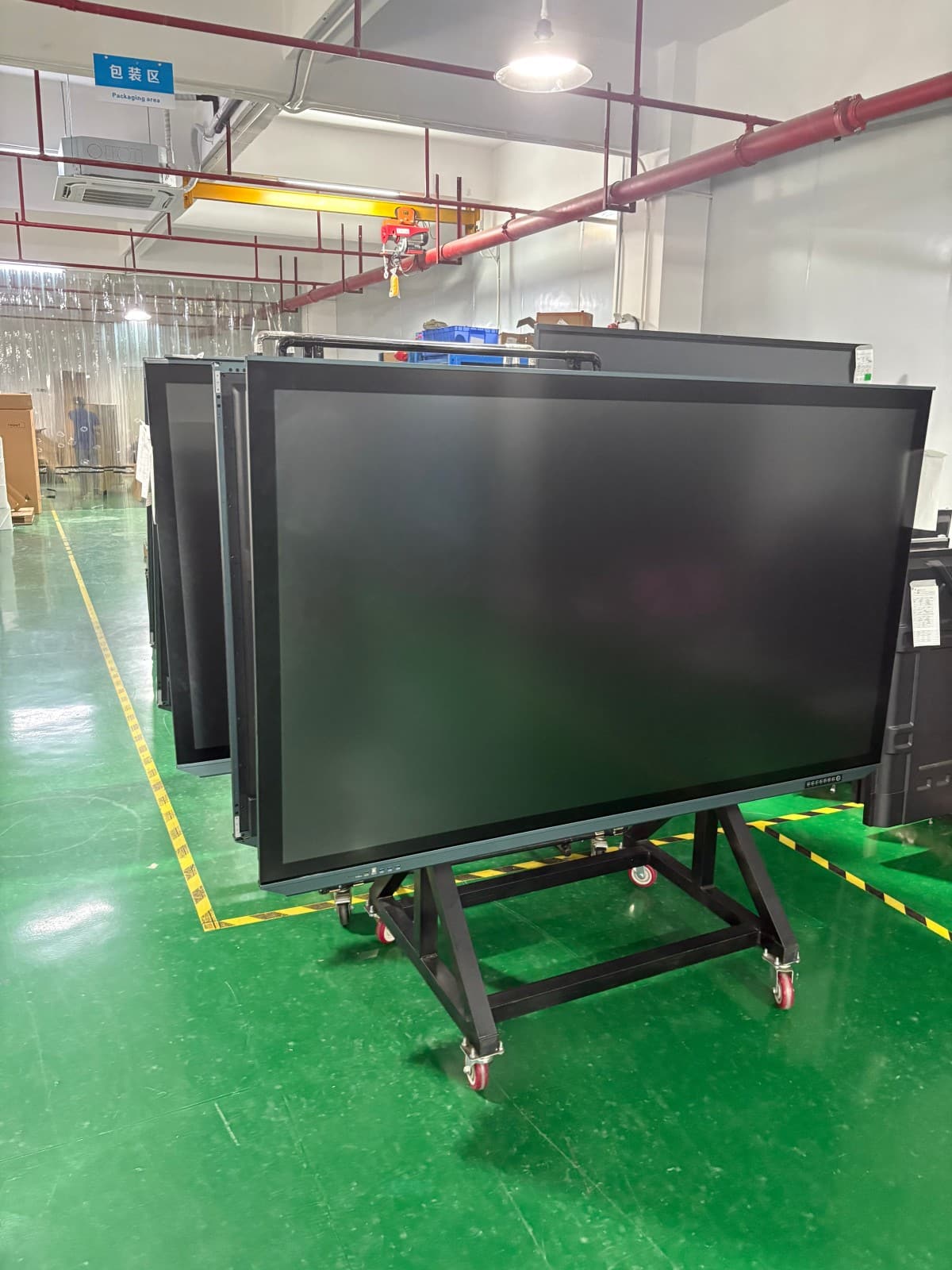
Dual-System Architecture (Android & Windows OPS)
Supporting dual operating systems elevates compatibility and operational convenience. While the digital whiteboard interface is designed for simplicity, its practical utility in daily operations is extraordinarily powerful. Intuitive controls and clear data visualization make it an indispensable workplace asset, streamlining workflows and strengthening corporate collaboration.
Explore Commercial Interactive Smart Boards & Conference Displays
If you are upgrading your conference room, training center, or collaborative workspace, explore our high-performance interactive flat panel models:
- Interactive Flat Panel with Camera for Focused Hybrid Collaboration
- 75 Inch Smart Board for Meeting Presentations and Decisions
Need a Customized Meeting Room Solution or Project Quote?
ZXTLCD delivers end-to-end interactive display engineering—from 55″ to 110″ 4K anti-glare touchscreens, integrated 4K ePTZ cameras, 8-array microphones, to dual Android/Windows OPS compute configurations.