

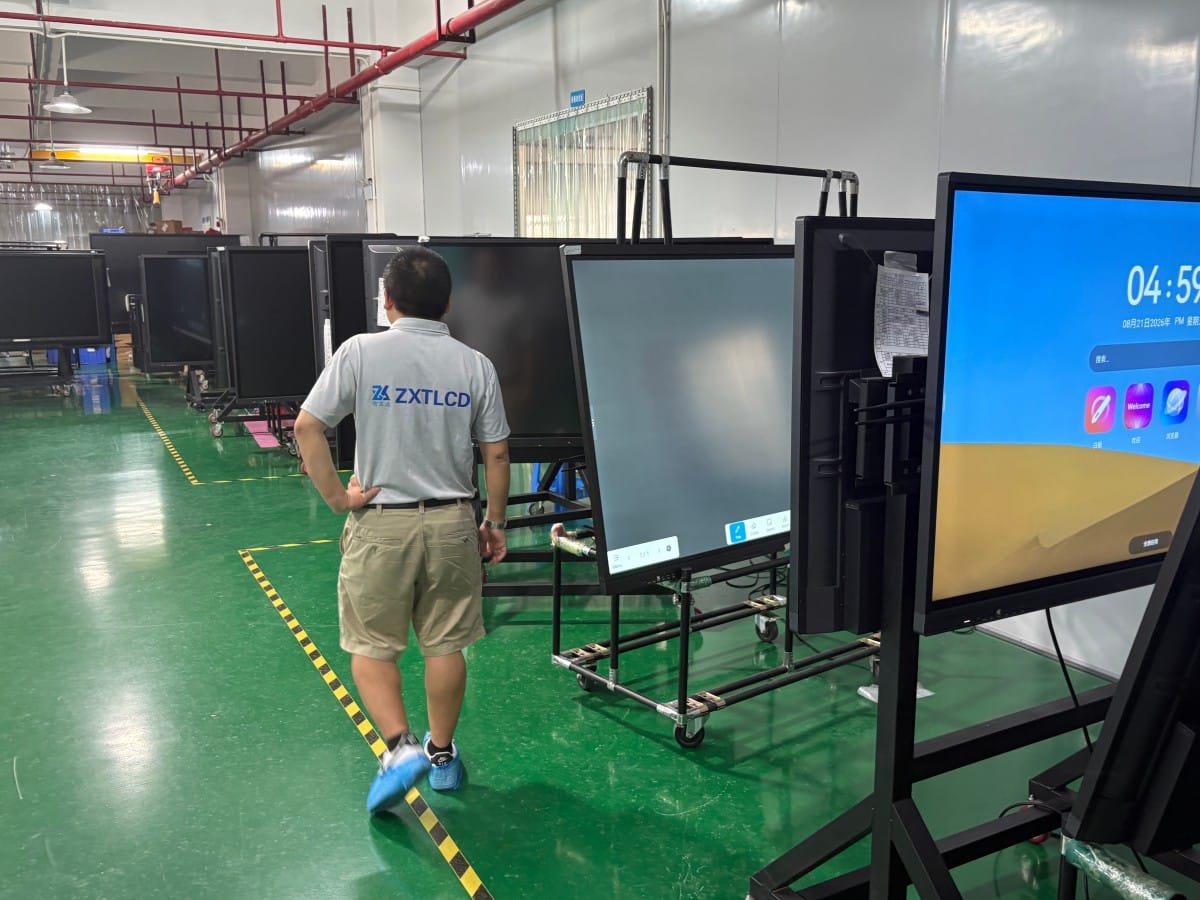

When purchasing commercial conference all-in-one displays, seven out of ten buyers ask a spontaneous question: Can this display be used as a regular television?
The direct answer is: Yes, it can display video programs and many organizations utilize it for dual purposes. However, it was fundamentally engineered as an enterprise collaboration terminal rather than a home consumer television. Understanding the technical and operational differences will help you decide whether dual-purpose deployment makes commercial sense for your space.
Visual Display: Sharp Resolution with Ultra-Wide Viewing Angles
Conference all-in-one displays feature commercial 4K UHD panels, providing ample resolution for video playback, streaming broadcasts, and multimedia presentations. Engineered for collaborative meetings where participants sit dispersed around large tables, commercial panels prioritize ultra-wide 178-degree viewing angles, maintaining stable color fidelity and contrast even when viewed from extreme side angles—a clear advantage in multi-viewer settings.
However, compared with high-end consumer televisions optimized exclusively for entertainment, conference displays utilize different color tuning: commercial panels prioritize natural document clarity, color accuracy, and anti-glare reflection diffusion over vivid saturation, dynamic frame interpolation (MEMC), and cinematic contrast. If you seek ultra-saturated, cinema-grade movie viewing, dedicated consumer OLED/Mini-LED TVs remain superior. Testing familiar video footage on-site is the best way to evaluate picture quality.
Applications & Ecosystem: Installable, but Not Consumer ‘Plug-and-Play’
Android-based conference displays can install mainstream streaming video apps and support wireless casting from mobile phones and laptops, functioning similarly to smart TVs in that regard.
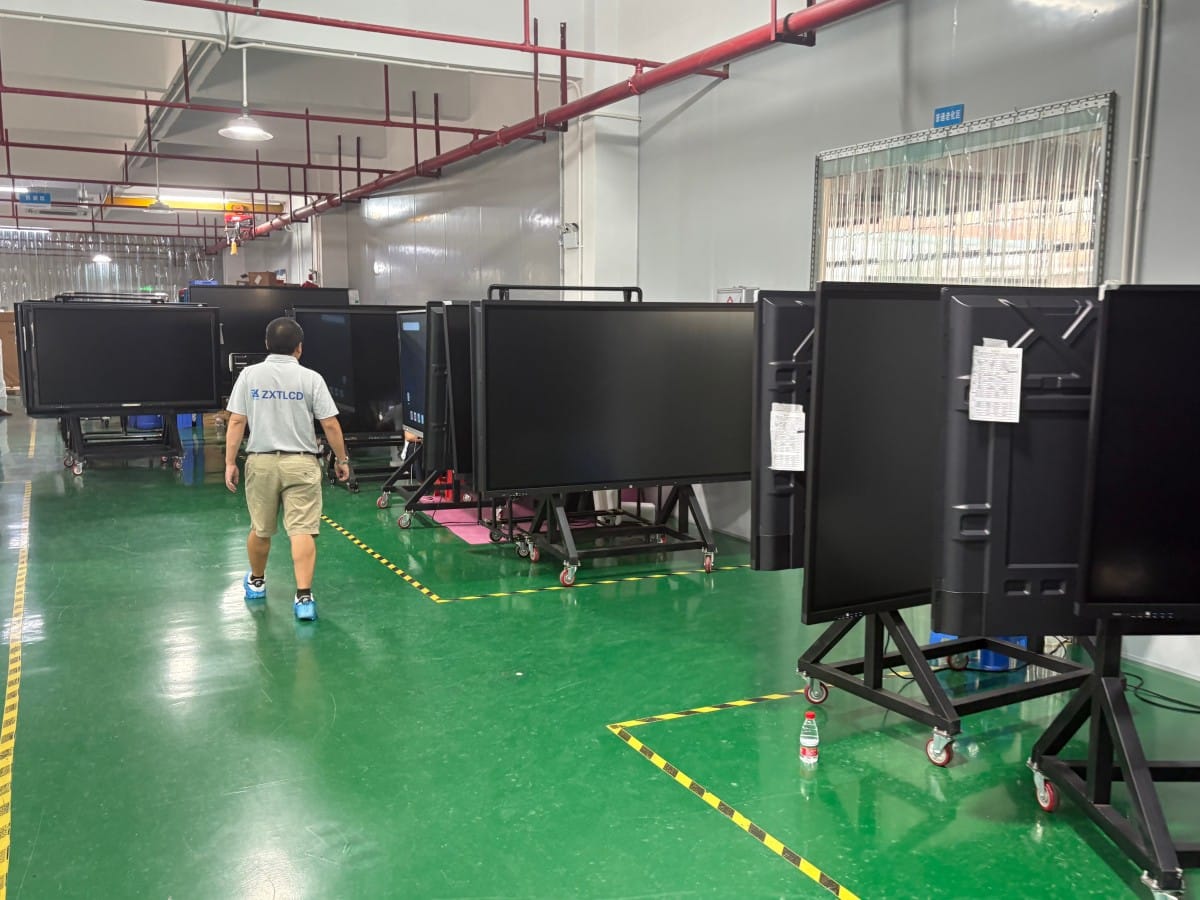
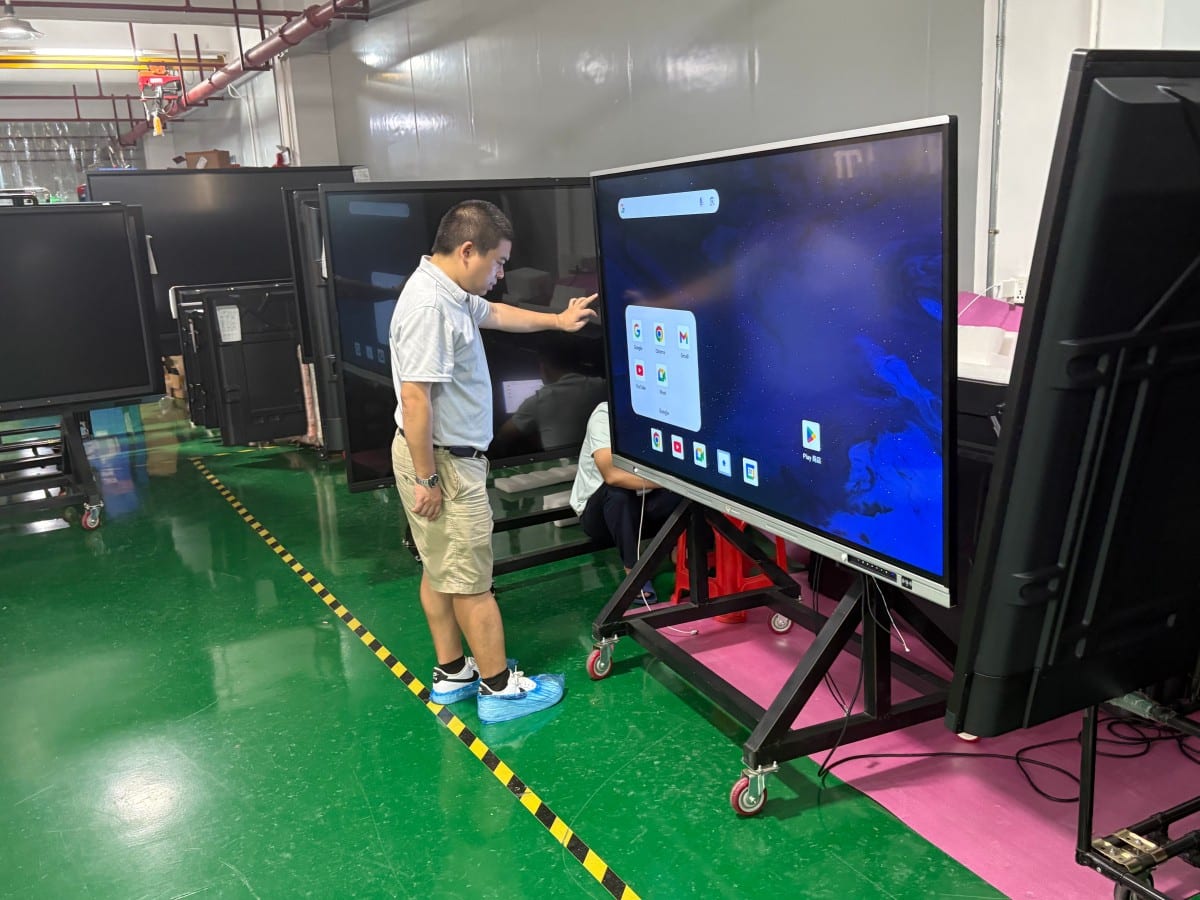
However, commercial operating systems are streamlined for office productivity: pre-installed consumer apps are minimal, and commercial app stores may restrict gaming or consumer entertainment downloads. Streaming video often requires downloading third-party APKs or connecting external HDMI media boxes. Furthermore, streaming platforms enforce distinct device licensing rules, occasionally restricting TV-tier resolutions on commercial devices, which should be verified in advance.
Where interactive displays excel is direct touch navigation: selecting video playlists, scrubbing playback timelines, and adjusting volume via touchscreen is far more intuitive than searching for misplaced remote controls in a meeting room.
Three Practical Operational Differences Governing Daily Comfort
1. Boot-Up Startup Time: Conference displays boot slightly slower than consumer TVs because they initialize enterprise operating systems, touchscreen driver controllers, and background network services, whereas consumer TVs wake instantly from standby.
2. Control Interface and Ergonomics: Interactive displays are optimized for touchscreen pens and direct finger touch, complemented by keyboards and business remotes. Their remotes are designed for meeting navigation rather than continuous channel-surfing from a distant living room couch. If you plan to sit ten feet away clicking through channels, a TV remote is far more ergonomic.
3. Acoustic Tuning: Internal speakers on conference displays are acoustically tuned for vocal speech clarity during meetings and video calls. While news broadcasts, webinars, and keynote presentations sound crisp and intelligible, movie audio tracks lack the deep low-frequency bass impact and spatial surround immersion of consumer home theater audio. Connecting external soundbars resolves this easily.
Additionally, commercial displays are built with heavy-gauge chassis metallurgy and industrial thermal dissipation engineered for continuous multi-hour commercial operation, differing from consumer duty cycles.
Scenarios Perfectly Suited for Dual-Purpose Deployment
Multi-Purpose Executive Boardrooms & Lounges: Where rooms serve as executive meeting spaces by day and host casual news viewing during lunch or post-meeting debriefs.
Executive Private Offices: Where leadership hosts business discussions, reviews corporate presentations, and tunes in to financial news broadcasts on a single clutter-free screen.
Corporate Showrooms & Retail Galleries: Welcoming VIP clients with interactive presentations by day, and looping brand commercials or video showcases after hours.
Academic Classrooms & Training Centers: Utilizing the screen as an interactive teaching blackboard during lectures and screening educational videos during breaks.
Scenarios Where Buying a Dedicated Television Is Strongly Recommended
Primary Residential Living Rooms: Dedicated consumer TVs excel in living rooms, prioritizing handheld remote channel-surfing, consumer streaming apps, low standby power, and cinematic color processing. Furthermore, commercial all-in-one displays carry higher price points due to touch overlays and enterprise hardware; buying one purely as a living room TV means paying for business features you will never use.
If a home setting requires hybrid remote work, digital whiteboarding, and video conferencing, an all-in-one display offers genuine utility—provided you accept that entertainment audio-visual tuning differs from consumer TVs.
Pre-Purchase Evaluation Checklist
Before finalizing a dual-purpose purchase, conduct these brief on-site checks: play familiar video footage to inspect color fidelity and motion smoothness; verify whether target streaming apps install and operate cleanly; navigate menus using the remote control to assess ergonomics; listen to music and movie audio playback; and evaluate sightline clarity from three to four meters away at side angles. A ten-minute physical trial prevents post-purchase regret.
Frequently Asked Questions (FAQ)
Can a conference all-in-one display tune into live broadcast TV channels? Yes, by connecting an external digital set-top box or cable receiver via HDMI, or by streaming live television channels through networked streaming applications.
Does watching video on an all-in-one display cause eye fatigue? Optical comfort depends on panel quality, ambient lighting, and viewing distance. Commercial panels feature anti-glare diffusion and low-blue-light certifications, providing comfortable viewing when calibrated to room lighting.
Is the built-in audio sufficient for entertainment? It is ample for news, lectures, and corporate presentations. For rich cinematic bass and home-theater movie acoustics, connecting an external soundbar is recommended.
Why do conference displays cost more than consumer TVs of the same size? All-in-one displays incorporate multi-point touch overlays, anti-glare safety glass, digital whiteboard software, wireless casting modules, OPS compute slots, and commercial-grade enclosures designed for continuous business duty.
Conclusion
A conference all-in-one display can certainly function as a television, but it is fundamentally ‘a collaborative commercial display that can play video,’ rather than ‘a living-room consumer TV.’ In conference rooms, executive suites, showrooms, and smart classrooms where collaboration hardware is already required, leveraging it for dual-purpose video viewing delivers excellent commercial ROI.
Explore Commercial Interactive Smart Boards & Conference Displays
If you are upgrading your conference room, training center, or collaborative workspace, explore our high-performance interactive flat panel models:
- 55 Inch Interactive Whiteboard for Compact Classrooms and Meeting Rooms
- 75 Inch Smart Board for Meeting Presentations and Decisions
Need a Customized Meeting Room Solution or Project Quote?
ZXTLCD delivers end-to-end interactive display engineering—from 55″ to 110″ 4K anti-glare touchscreens, integrated 4K ePTZ cameras, 8-array microphones, to dual Android/Windows OPS compute configurations.