

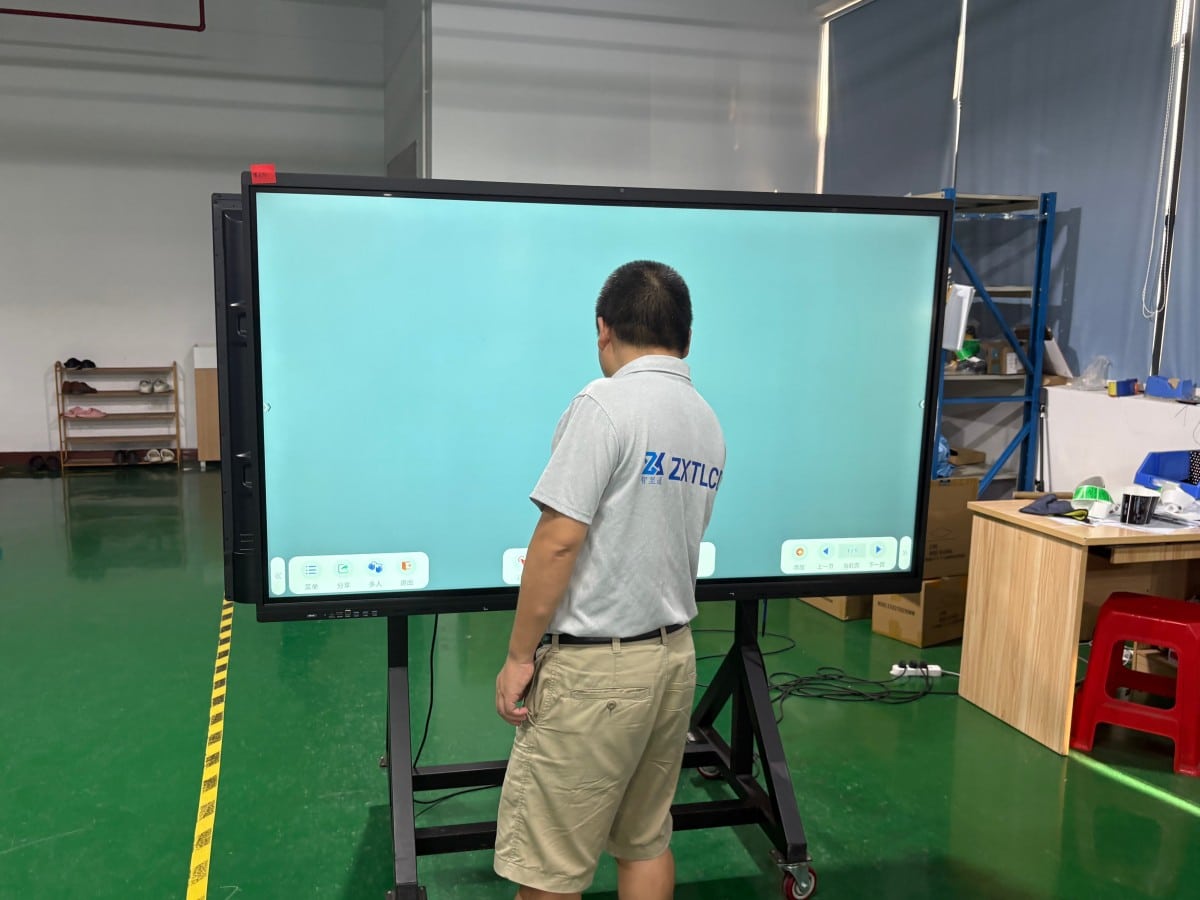

Picture a corporate scene familiar to almost every office worker:
Important clients have arrived and taken their seats, yet the presenter is crouching beneath the conference table hunting for video adapters. The overhead projector hums loudly, casting a washed-out, misaligned image against the wall. A tangled nest of power and HDMI cables clutters the floor. On the remote video call, off-site colleagues repeatedly complain, ‘We can’t hear you,’ while in-room speakers echo back, ‘Could you repeat that?’ By the time the presentation finally begins, half the scheduled meeting time has been consumed by hardware troubleshooting.
Conference all-in-one interactive displays were engineered specifically to eliminate these operational headaches. Below is a realistic look at which challenges they solve and where operational boundaries remain.
1. Hunting for Dongles and Cable Clutter: Eliminated by Wireless Screen Casting
A chronic frustration in traditional conference rooms is interface incompatibility: new laptops feature modern Type-C ports while the projector cable is legacy VGA or HDMI, and adapter dongles are missing. Handing off presentations between speakers requires physically unplugging and replugging cables.
Wireless screen mirroring streamlines this workflow: laptops, smartphones, and tablets on the local network cast audio and 4K video to the primary display in seconds. Multi-screen split-view casting allows up to four devices to present side-by-side for rapid comparative analysis.
To be completely transparent: wireless casting performance depends directly on enterprise network bandwidth and software drivers. Before rolling out hardware, test wireless casting across diverse corporate devices in your actual meeting rooms rather than relying on marketing claims.
2. Washed-Out, Glaring Projections: Resolved by Self-Emissive Commercial Panels
Projectors struggle with ambient light. Drawing window blinds plunges meeting rooms into darkness, making note-taking difficult and inducing drowsiness; leaving blinds open washes out presentations into illegible gray silhouettes.
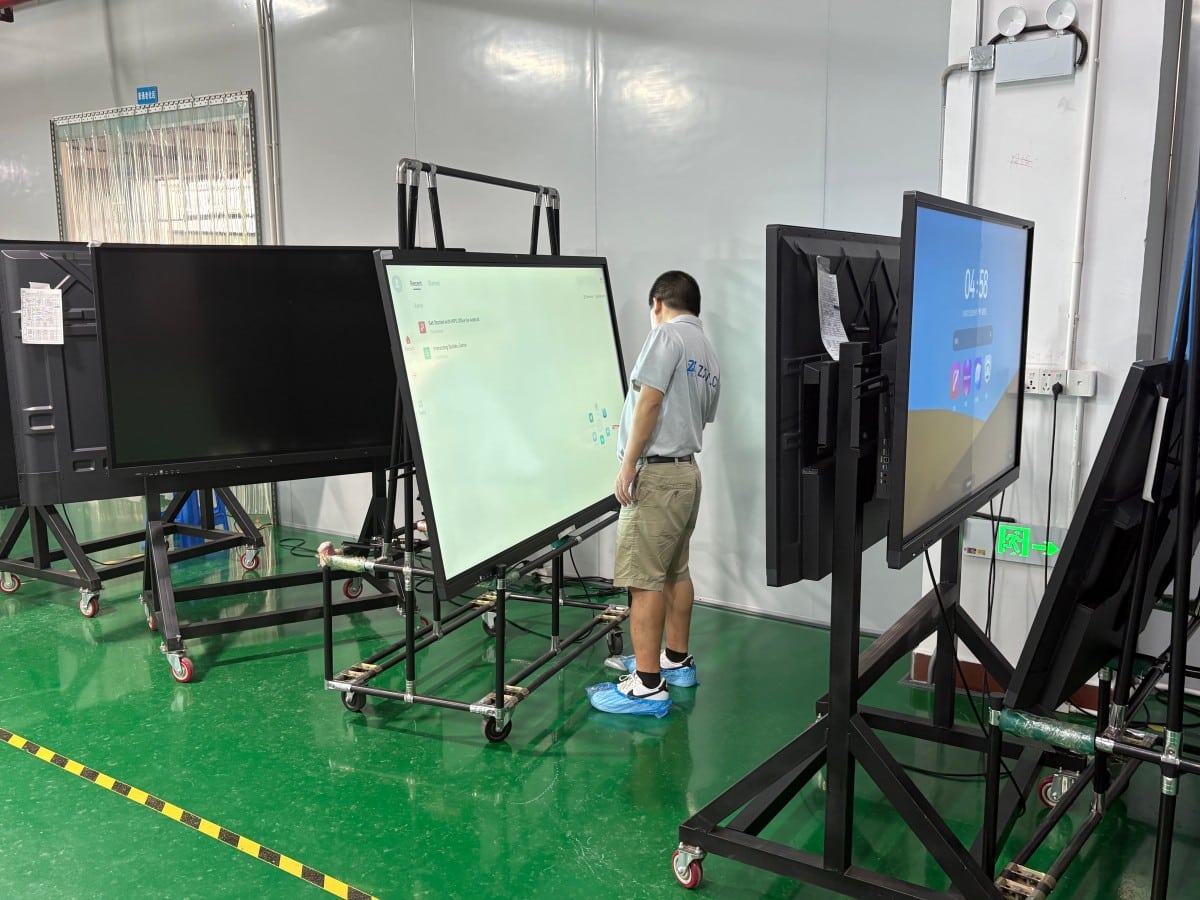
Interactive all-in-one displays feature high-brightness self-emissive LCD panels that preserve crisp contrast and vibrant color in daylight with room lights fully illuminated. Furthermore, front protective glass incorporates anti-glare (AG) optical treatments, diffusing specular reflections so attendees seated along side tables enjoy pristine visibility. Optical comfort should be inspected on-site under your room’s real-world lighting.
3. Erased Notes and Blurry Photos: Solved by Digital Whiteboard Archiving
Traditional dry-erase whiteboards present severe operational limitations: once the board is full, notes must be wiped away. Attendees snap smartphone photos that suffer from glare, skewed angles, and blurry handwriting.
Digital whiteboard software allows unlimited vector canvases to be saved instantly to cloud drives, exported as PDFs, or distributed immediately via a QR code scan to mobile phones. Future sessions can reopen saved whiteboard canvases to resume editing seamlessly. Handwriting responsiveness is critical; ensure you test stroke tracking and latency firsthand before purchasing.
4. Muffled Audio on Video Calls: Solved by Unified Peripherals and Sound Acoustic Planning
During remote hybrid meetings, off-site participants frequently struggle to hear in-room conversation due to inadequate microphone pickup range or poor placement.
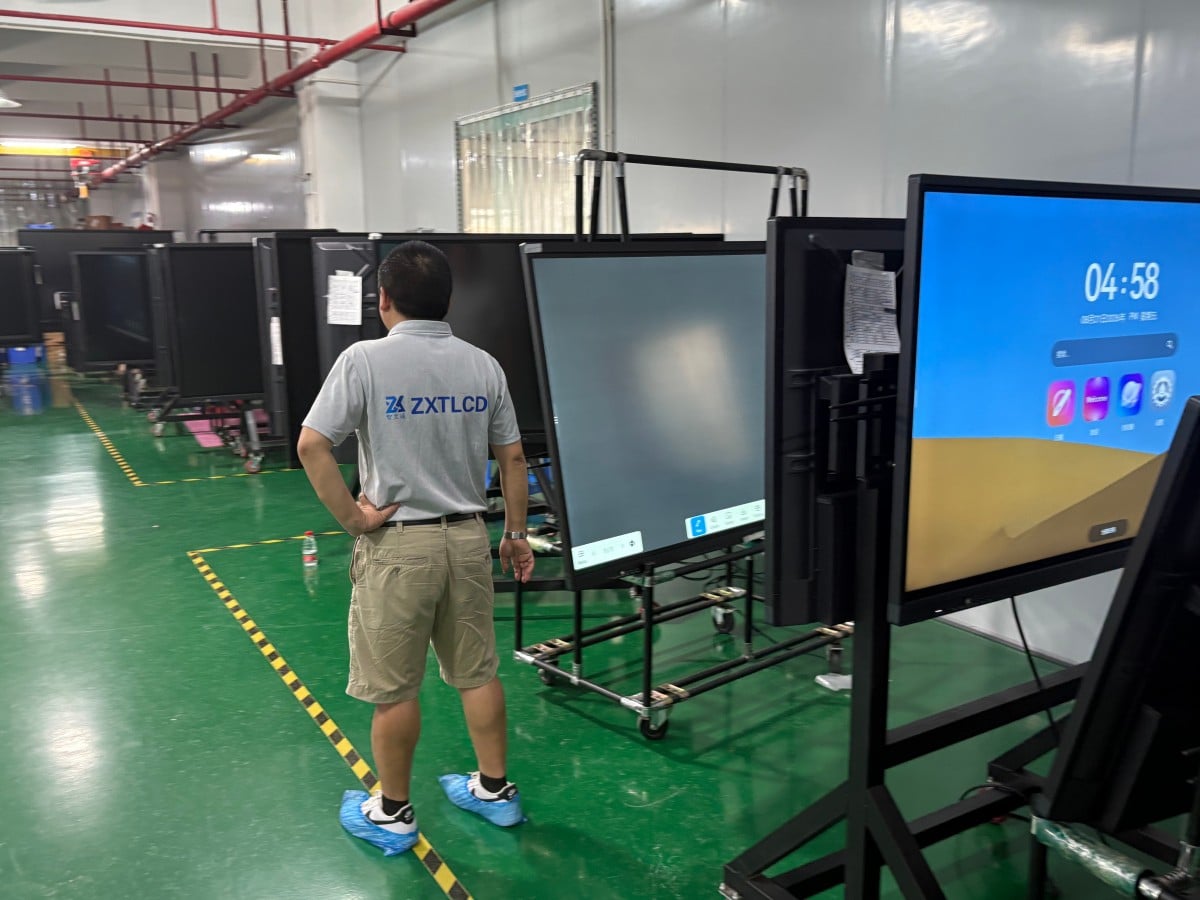
All-in-one displays integrate wide-angle cameras and beamforming microphone arrays, providing clear vocal pickup in small huddle rooms. In expansive boardrooms with dispersed seating, relying exclusively on onboard microphones results in hollow audio, requiring external tabletop expansion microphone pods. Acoustic planning is as vital as display hardware.
5. Too Many Disparate Devices: Simplified by Single-Chassis Integration
Traditional meeting rooms contain a fragmented collection of separate hardware: projector, ceiling bracket, motorized screen, whiteboard, desktop PC, webcam, and external speakers—each with independent remotes, power bricks, and failure points.
Consolidating these functions into a single all-in-one chassis eliminates cable clutter, presents a sleek corporate aesthetic, and centralizes IT maintenance. However, recognize operational boundaries: massive auditoriums exceeding 150 inches still require specialized high-lumen projection or fine-pitch LED video walls, and high-fidelity acoustic performance requires dedicated external sound reinforcement.
Pre-Procurement Checklist
Before upgrading your meeting rooms, evaluate: room square footage and seating layouts (governing diagonal size and microphone needs); primary collaboration format (formal slide presentations, active whiteboard brainstorming, or video calls); corporate laptop and OS ecosystem compatibility; wall structural load capacity (solid masonry vs. hollow drywall partitions); and budget allocations for hardware, installation, and after-sales SLAs.
Target Deployment Scenarios
Corporate Boardrooms & Executive Meeting Rooms: Where executive image, presentation agility, and collaboration efficiency are paramount. Smart Educational Classrooms & Training Centers: Supporting interactive instruction and digital courseware. Corporate Showrooms & Client Briefing Centers: Welcoming VIP clients with interactive product presentations.
Frequently Asked Questions (FAQ)
Is an interactive display genuinely superior to a traditional projector? For the vast majority of small-to-medium conference rooms, yes—delivering decisive advantages in daylight legibility, interactive handwriting, and setup simplicity. Projectors remain viable for massive auditoriums or tight budgets.
Does wireless screen mirroring experience lag or stutter? Transmission stability depends on corporate Wi-Fi bandwidth and system hardware. Testing casting stability under your local network environment is recommended.
If remote video call audio is muffled, is the display defective? Not necessarily. In medium-to-large boardrooms, distance attenuation requires pairing displays with external tabletop expansion microphone pods to ensure balanced voice pickup.
Can facility staff install interactive displays independently? Small-to-medium units on mobile carts can be assembled by staff, but large-format wall mounting involves heavy structural loads that certified professionals should handle.
Conclusion
The greatest value of a conference all-in-one display lies not merely in adding technological features, but in eliminating the tedious hardware friction that wastes the first ten minutes of meetings, allowing teams to focus on meaningful collaboration. Clarifying your room dimensions, collaboration habits, and mounting conditions ensures your investment delivers lasting productivity.
Explore Commercial Interactive Smart Boards & Conference Displays
If you are upgrading your conference room, training center, or collaborative workspace, explore our high-performance interactive flat panel models:
- Interactive Flat Panel with Camera for Focused Hybrid Collaboration
- 75 Inch Smart Board for Meeting Presentations and Decisions
Need a Customized Meeting Room Solution or Project Quote?
ZXTLCD delivers end-to-end interactive display engineering—from 55″ to 110″ 4K anti-glare touchscreens, integrated 4K ePTZ cameras, 8-array microphones, to dual Android/Windows OPS compute configurations.