

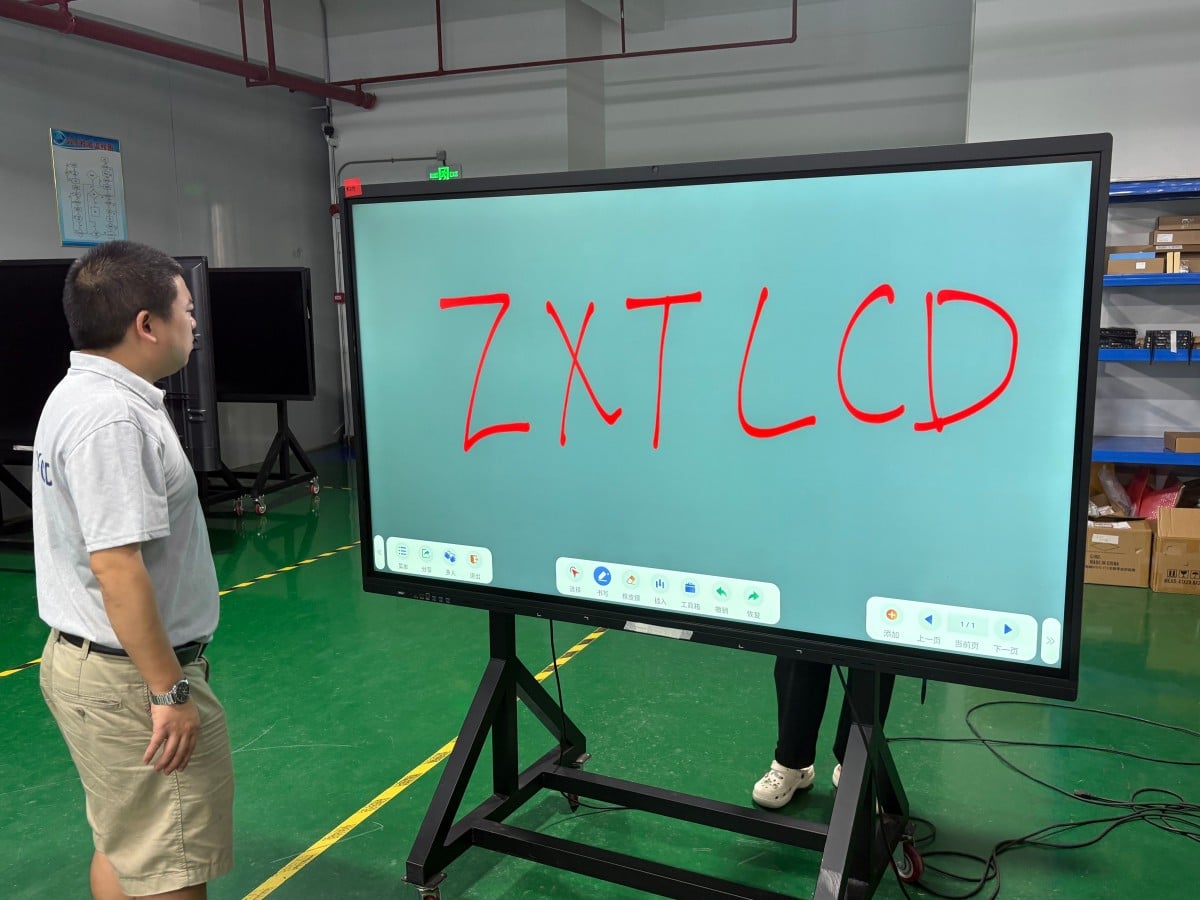

Corporate administrative and facility managers regularly encounter a recurring dilemma every couple of years: the conference room projector lamp has dimmed again, the projection screen has yellowed, and cable adapters suffer from loose contacts. Should the company invest in repairs and lamp replacements, or transition to a conference all-in-one interactive display?
Online articles often make sweeping claims like ‘Never buy projectors again.’ In reality, the decision is not absolute; it depends entirely on how your organization utilizes its meeting spaces. Below is a structured, item-by-item comparison of both solutions.
1. Visual Display: Sensitivity to Ambient Light vs. Self-Emissive Clarity
Projected images are acutely sensitive to ambient light. As daylight intensifies outside, projected visuals wash out into low-contrast gray, forcing attendees to draw window blinds and dim lights—making physical note-taking difficult. In modern offices with large exterior windows, this problem is particularly pronounced.
A conference all-in-one display is a self-emissive commercial panel, delivering crisp, vibrant legibility with room lights on and daylight streaming through unshaded windows. Optically treated anti-glare (AG) surfaces diffuse ambient reflections. In this regard, interactive displays hold a decisive advantage for daytime collaborative work.
Where projectors retain an advantage is massive diagonal size. In tiered lecture halls, grand auditoriums, and executive briefing centers, a single standard LCD panel has physical viewing limits, and high-lumen projection remains a functional choice.
2. Interactivity: Passive Projection vs. Hands-On Digital Collaboration
A standard projector simply magnifies and projects incoming video signals. Adding freehand annotation or digital whiteboard capabilities requires third-party interactive whiteboards, driving up complexity and cost.
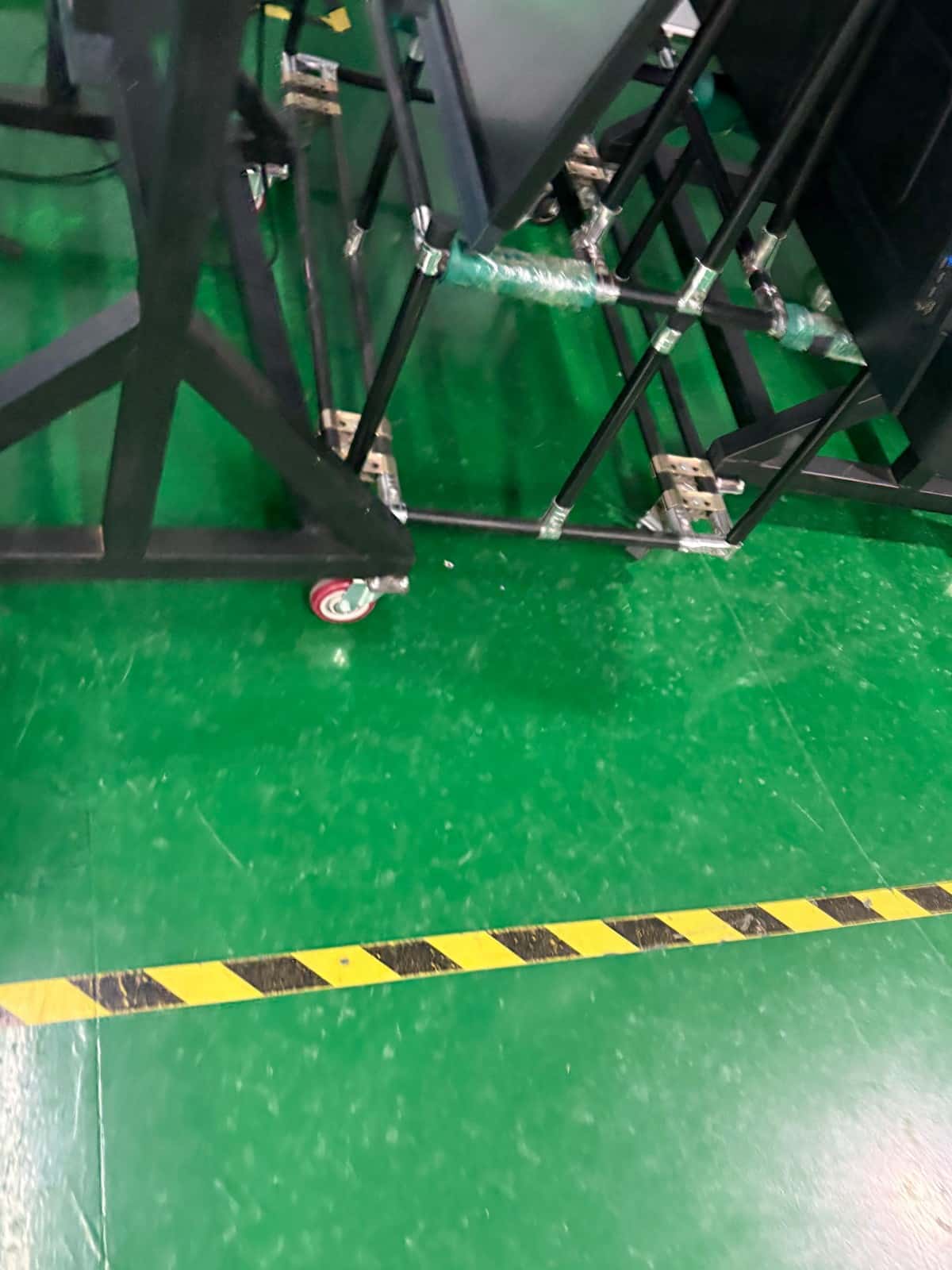
An interactive all-in-one display features multi-point touch overlays as standard. Presenters annotate directly over PowerPoint slides, spreadsheets, or architectural drawings, switching seamlessly to a blank digital whiteboard canvas to record ideas and save them digitally. Gathering team members around a collaborative screen fosters far deeper engagement than one-way lecturing.
However, handwriting responsiveness varies across hardware models; testing touch tracking and latency firsthand is essential. If meetings consist almost exclusively of one-way slide presentations without discussion, interactive capabilities may provide reduced utility.
3. Pre-Meeting Setup: Cable Frustrations vs. Wireless Agility
In traditional projector setups, the first ten minutes of a meeting are frequently squandered searching for adapter dongles, adjusting optical keystone, focusing lenses, and wrestling with tangled cords. Handoffs between speakers require physical cable unplugging.
All-in-one displays paired with wireless screen casting allow laptops, smartphones, and tablets to cast content wirelessly in seconds, facilitating smooth multi-user collaboration without cable swaps. However, wireless casting stability depends on network bandwidth and protocol compatibility, requiring on-site testing under your enterprise network environment.
4. Video Conferencing: Hardware Integration and Room Acoustics
Many buyers choose all-in-one displays for integrated cameras, beamforming microphones, and speakers that streamline hybrid remote meetings onto a single sleek screen.
Remember that video conferencing quality depends equally on display optics and room acoustics. In medium-to-large conference spaces with dispersed seating, relying exclusively on onboard microphones results in hollow, echo-laden audio. Integrating external tabletop expansion microphone pods or ceiling arrays should be planned regardless of whether a projector or interactive display is selected.
5. Ongoing Maintenance: Consumable Lamps and Filters vs. Panel Reliability
Projector maintenance involves recurring consumable expenses: lamps and light engines degrade over time, dust filters require periodic cleaning, and projection screens yellow and warp with age.
Interactive displays eliminate consumable lamps, requiring primarily periodic optical surface cleaning and operating system software updates. However, because panel or motherboard repairs can be costly if hardware fails, verifying warranty duration, component coverage, and vendor response SLAs is critical during procurement.
6. Total Cost of Ownership (TCO): Look Beyond Initial Hardware Invoices
In upfront equipment pricing, large-format interactive all-in-one displays carry higher price points than budget projectors. However, authentic financial analysis must calculate Total Cost of Ownership: the display itself, projection screens, whiteboards, video adapter dongles, structural installation, consumable lamp replacements, routine maintenance, and the cumulative staff labor lost to pre-meeting setup over a multi-year lifecycle.
For organizations conducting frequent daytime meetings that require active collaboration and clean aesthetics, an interactive display frequently delivers superior overall economics. Conversely, for seldom-used meeting rooms that only project static slides occasionally, keeping a projector remains practical.
A Practical Decision Framework
Choose an Interactive All-in-One Display: For small-to-medium conference rooms (5–25 people), spaces conducting frequent daytime meetings in ambient light, teams requiring collaborative handwriting and digital whiteboards, and organizations prioritizing sleek, cable-free corporate aesthetics.
Choose a Projection System: For expansive auditoriums or tiered lecture halls requiring massive 150+ inch visuals, or rarely used meeting rooms with tight capital budgets where basic slide viewing is the sole requirement.
When in doubt, deploy an interactive display in one or two primary meeting rooms as a pilot trial before executing fleetwide replacements. Conduct pre-installation site surveys to verify wall load-bearing capacity, electrical conduits, and ambient lighting.
Frequently Asked Questions (FAQ)
Do interactive all-in-one displays cause more eye fatigue than projectors? Optical comfort depends on panel quality, ambient lighting, and viewing distance. Commercial panels feature anti-glare diffusion and low-blue-light certifications, providing comfortable viewing when calibrated to room lighting.
Can an existing functional projector continue to be used? Yes. If existing projection equipment operates reliably and meeting workflows involve minimal interactive collaboration, there is no urgent need to replace it prematurely.
What screen size is optimal for an interactive display? Match screen diagonal to room dimensions and maximum seating distance, ensuring participants in the back row read spreadsheet data effortlessly (e.g., 65-inch for huddle rooms, 75–86-inch for medium spaces).
Does switching to an interactive display require room renovation? Minor adjustments may be required: reinforcing drywall partitions, installing in-wall cable conduits, or adding dedicated power outlets behind the mounting location.
Conclusion
The declaration that ‘Meeting rooms should abandon projectors’ holds true for many contemporary collaborative spaces, but is not a universal mandate. The pragmatic approach evaluates room ambient lighting, team collaboration habits, and Total Cost of Ownership to make an informed commercial choice.
Explore Commercial Interactive Smart Boards & Conference Displays
If you are upgrading your conference room, training center, or collaborative workspace, explore our high-performance interactive flat panel models:
- 65 Inch Interactive Flat Panel for Classroom & Team Participation
- 85 Inch Interactive Whiteboard for Large-Group Viewing
- Interactive Flat Panel with Camera for Focused Hybrid Collaboration
Need a Customized Meeting Room Solution or Project Quote?
ZXTLCD delivers end-to-end interactive display engineering—from 55″ to 110″ 4K anti-glare touchscreens, integrated 4K ePTZ cameras, 8-array microphones, to dual Android/Windows OPS compute configurations.