

描述
When Students Can Contribute, Lessons Become Easier to Remember
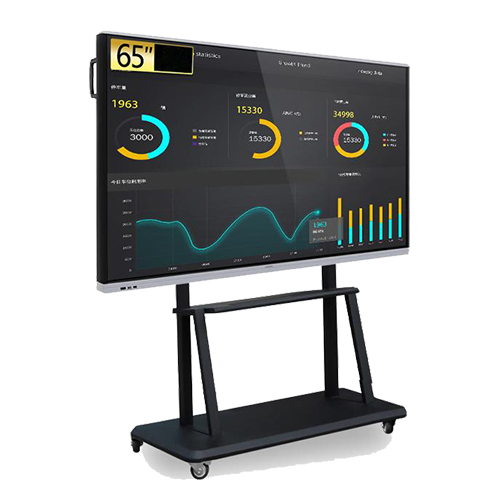
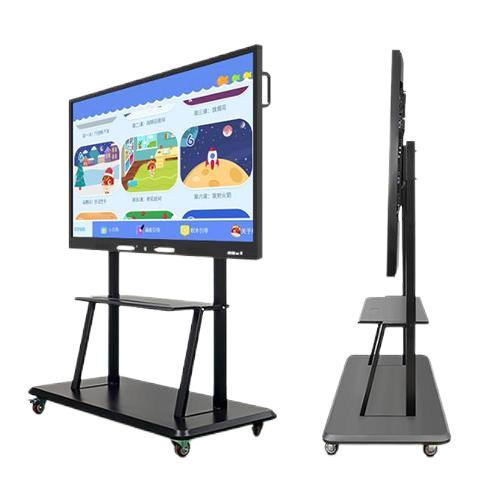
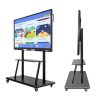
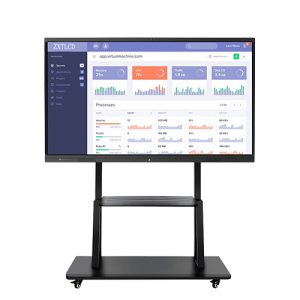
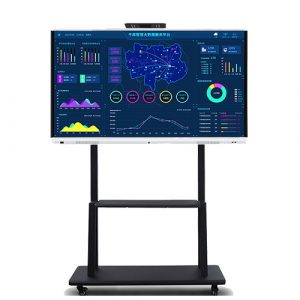
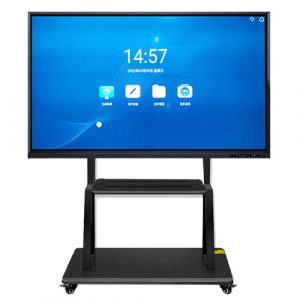
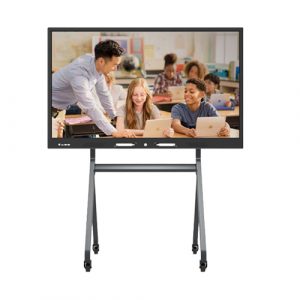
A smart classroom should do more than replace a projector. It should make ideas visible and give students a meaningful way to participate. The 65 inch interactive flat panel creates a shared digital surface where teachers can introduce a topic, demonstrate a process and invite learners to work directly with the material. This shift from one-way presentation to visible participation can make lessons more focused and easier to follow.
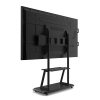
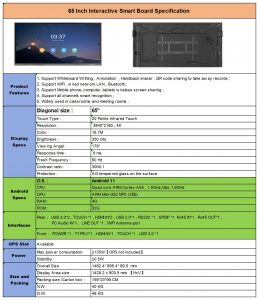
The 4K display supports detailed text, images, charts and video, while the 65-inch format provides a practical balance between viewing area and classroom space. It can serve standard teaching rooms where learners need a clear front-of-class reference but the installation does not require an auditorium-scale screen.
Build Understanding Step by Step
Complex subjects are often easier to understand when the reasoning remains visible. A teacher can develop a diagram, annotate a reading passage or work through a calculation without separating explanation from the source material. Touch input allows key points to be added at the moment they become relevant, helping students connect spoken instruction with the visual sequence on screen.
The 65 inch interactive flat panel can also support comparison-based teaching. Two approaches, designs or data sets can be displayed and discussed together. Instead of telling students where the difference lies, the teacher can highlight it directly. This is valuable in science demonstrations, language instruction, design reviews and vocational training where detail and sequence both matter.
Give Group Activities a Shared 65 Inch Interactive Flat Panel
During collaborative exercises, a common screen helps groups bring their findings back into the wider class. Students can present an answer, annotate a source or explain how they reached a conclusion. Multi-touch functionality supports shared interaction when paired with suitable software, allowing the screen to become a working surface rather than a presentation endpoint.
This approach also gives teachers a clearer view of student thinking. Misunderstandings can be identified during the activity rather than after an assignment is completed. The class sees not only the final answer but also the reasoning, corrections and alternatives that led to it.
Because contributions are visible to the whole room, the teacher can connect one group’s observation to another group’s question. Participation becomes part of the lesson structure, not a separate activity added after the main explanation.
Fit Technology into the Teaching Routine
Classroom equipment creates value when it is easy to incorporate into normal lessons. Content sharing helps teachers bring compatible laptop or device material onto the main screen, while digital whiteboard tools support writing and annotation. The objective is not to add complexity, but to reduce the number of separate tools used during instruction.
A school can establish a consistent workflow for presentations, whiteboard activities and multimedia lessons across multiple subjects. Training centers can use the same panel for instructor-led explanation, participant exercises and course demonstrations. The 65 inch interactive flat panel therefore adapts to different teaching styles instead of forcing every lesson into one format.
Plan a Classroom Deployment with Confidence
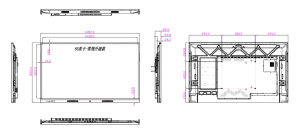
Education buyers need to consider room dimensions, mounting conditions, system preferences, software compatibility and ongoing support. ZXTLCD works with distributors, integrators and school project teams to confirm these points before production. Sample evaluation provides an opportunity to test the panel with real lesson material and local workflows.
For larger rollouts, configuration consistency supports easier teacher familiarization and more predictable classroom management. Branding and project requirements can be discussed in advance, while controlled production helps maintain continuity across batches. By combining an appropriate teaching size with multi-touch interaction and structured supply support, the 65 inch interactive flat panel becomes a practical component of long-term smart classroom planning.
评价
目前还没有评价