

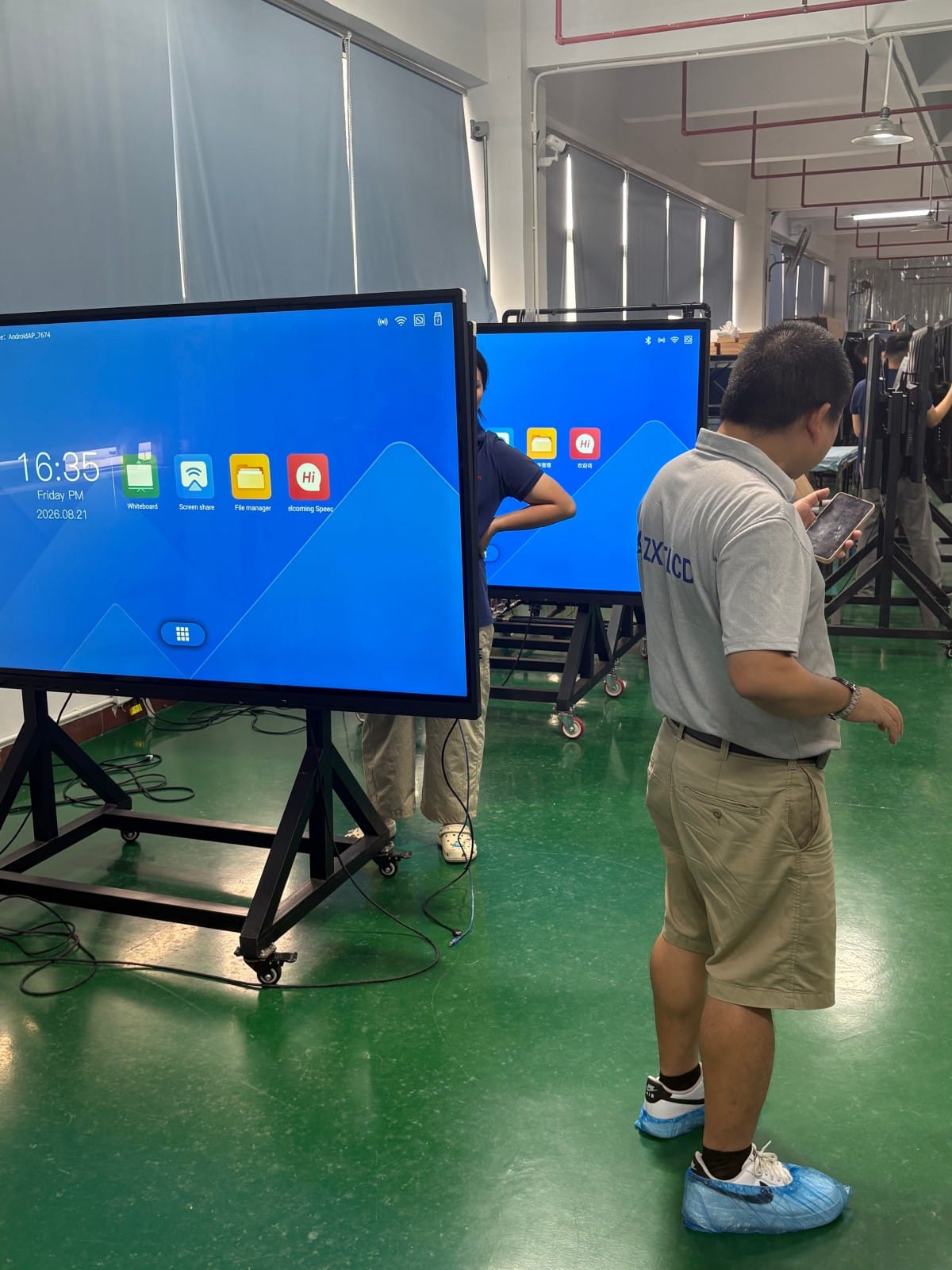

Upon receiving a newly purchased smart conference interactive flat panel, the immediate operational focus shifts to physical installation. While the wall-mounting workflow is structured and straightforward, common pitfalls frequently arise from inaccurate wall positioning, unlevel bracket anchoring, uncoordinated cabling, and attempting to lift heavy displays without adequate manpower.
Below is a practical, step-by-step installation guide. Prior to commencing, consult the specific product user manual and retrieve the included installation template sheet, as VESA hole patterns, mounting bracket tabs, and fastener specifications vary across hardware models.
Step 1: Wall Substrate Positioning and Bracket Anchoring
Begin by determining the precise wall position and mounting height. Align the included paper installation template flat against the wall, marking the drill hole coordinates accurately. Before drilling, use a spirit bubble level to verify that the template is level; drilling from a crooked template will cause the entire display to hang tilted.
Once drill marks are verified, drill pilot holes using appropriate masonry bits, insert heavy-duty expansion anchor sleeves, and bolt the horizontal wall bracket securely to the wall. Check bracket alignment with a spirit level both before tightening and after final torquing. Skipping level verification at this stage forces complete disassembly if the display hangs skewed.
Crucial Wall Substrate Prerequisite: Wall construction dictates anchoring methods. Solid concrete and reinforced brick masonry support heavy expansion anchors securely. Hollow drywall partitions cannot support heavy displays via standard anchors; installation requires fastening directly into vertical steel structural studs or installing load-bearing reinforcing plates inside the wall cavity. If wall substrate composition is uncertain, consult professional structural contractors before drilling.
Step 2: Pre-Planning and Routing Cabling Pathways
Once the wall bracket is anchored, complete all cabling runs prior to hoisting the display onto the wall.
Route dedicated AC power feeds to the outlet directly behind the mounting bracket. Avoid trailing power cords across walking floors, which creates an unsightly, hazardous trip hazard. Route power, HDMI, and USB cables through concealed in-wall PVC conduits or low-profile raceways.
Regarding network connectivity, interactive panels support Wi-Fi; however, for maximum video conferencing stability and high-bitrate wireless casting, pre-routing a dedicated Cat6 RJ45 Ethernet drop to the display location is strongly recommended. Coordinate video input cables (HDMI, Type-C) and webcam USB leads in advance, ensuring sufficient cable length to prevent strain on I/O ports.
Step 3: Hoisting and Securing the Display onto the Wall Bracket
With cabling pre-routed and bracket leveled, mount the display onto the wall.
Commercial interactive displays are heavy (often 40 to 80+ kg); never attempt to lift large screens alone. Coordinate a multi-person lift team: lift the display to bracket height, adjust angles, align the vertical mounting hooks on the rear chassis with the horizontal wall bracket rails, and gently lower the unit until the hooks engage fully into the locking tracks.
Verify that rear mounting hooks are engaged securely on both left and right sides by gently nudging the display. Fasten safety locking screws and anti-drop retaining latches according to manual instructions to prevent accidental dislodgement. Finally, connect power and network cables, power on the system, and execute initial startup tests.
Frequently Overlooked Installation Best Practices
Preserve Convective Airflow and Servicing Clearance: Maintain an adequate gap between the display chassis and the wall to facilitate thermal dissipation, ensure convenient access to rear I/O ports, and allow technicians to reach cabling without unmounting the unit.
Ergonomic Mounting Height for Seated Sightlines: Standard corporate practice positions the bottom bezel approximately 85 to 95 cm above finished floor level, aligning the screen center with seated eye level. Mounting too high induces neck strain over long meetings; mounting too low impedes standing touchscreen interaction. Have team members sit and stand in the room to evaluate sightlines before drilling.
Verify In-Wall Obstructions Prior to Drilling: Use an electronic wall scanner to ensure pilot holes do not strike concealed water pipes or electrical conduits. Wear safety goggles and operate power tools responsibly.
Follow Manufacturer Specifications Strictly: VESA hole patterns, screw thread depths, and load ratings differ by brand; always adhere to the official installation guide included with your hardware.
Frequently Asked Questions (FAQ)
Is wall mounting mandatory for interactive conference displays? No. In rooms with glass partitions or walls unsuitable for drilling, heavy-duty mobile rolling floor carts provide an excellent alternative, offering flexibility to move displays between meeting rooms.
Can a single person install an interactive conference flat panel? Small 55-inch models may be lifted with assistance, but 65-inch and larger screens (65–86+ inches) require at least two to three people to ensure physical safety and prevent panel damage.
What should be done if the display appears slightly tilted after mounting? The display must be lifted down to adjust the horizontal level of the wall bracket. This underscores the necessity of checking level alignment with a spirit level before hoisting the screen.
How should installations handle hollow drywall partitions? Hollow partitions require structural backing plates or fastening directly into vertical steel studs. Consult certified structural contractors to evaluate load safety.
Conclusion
Wall mounting a smart conference flat panel boils down to three core steps: precise bracket leveling, pre-routed concealed cabling, and coordinated multi-person mounting—anchored by servicing clearance, ergonomic sightlines, and structural safety. Executing each step methodically ensures your interactive display hangs securely, functions reliably, and serves your organization for years to come.
Explore Commercial Interactive Smart Boards & Conference Displays
If you are upgrading your conference room, training center, or collaborative workspace, explore our high-performance interactive flat panel models:
- 75 Inch Smart Board for Meeting Presentations and Decisions
- 86 Inch Interactive Display Built Around the Complete Meeting Flow
Need a Customized Meeting Room Solution or Project Quote?
ZXTLCD delivers end-to-end interactive display engineering—from 55″ to 110″ 4K anti-glare touchscreens, integrated 4K ePTZ cameras, 8-array microphones, to dual Android/Windows OPS compute configurations.